

 Laravel

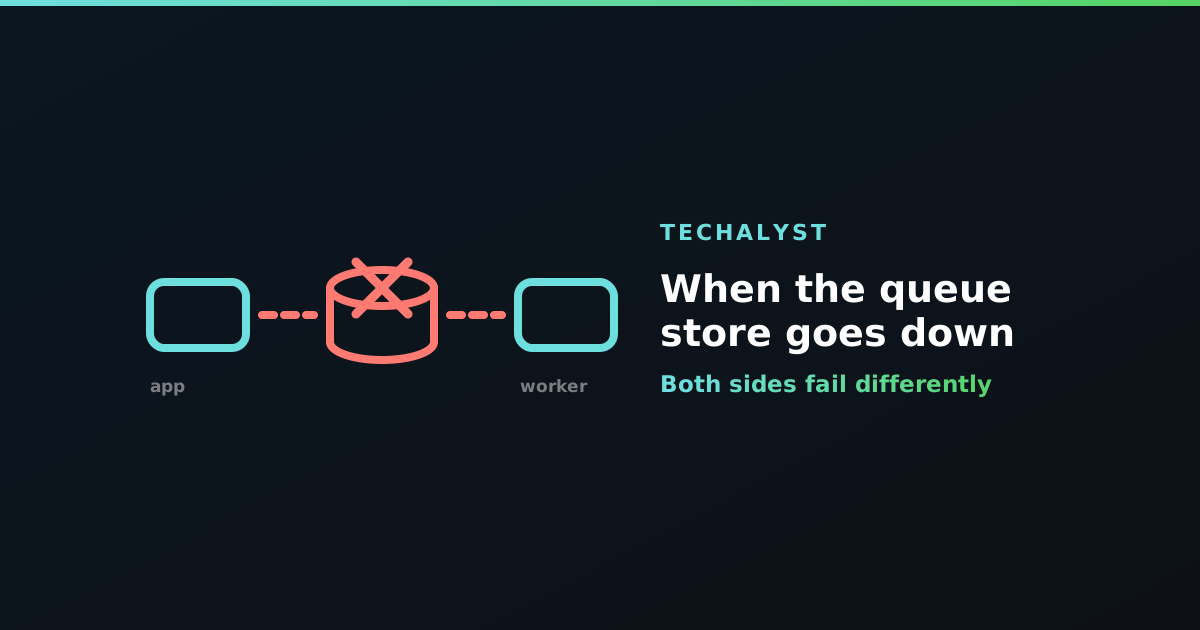
Most queue advice assumes the queue is there. It usually is. But Redis restarts, a managed database fails over, a security group changes, and for a few minutes the store behind your queue is unreachable.
Two very different things break at that moment, and it is worth knowing both before it happens at four in the afternoon.
Dispatching fails inside the request
dispatch() is a write to the queue store. If the store is down, that write throws, and the exception surfaces in whatever was dispatching:
Predis\Connection\ConnectionException: Connection refused [tcp://127.0.0.1:6379]
So a Redis outage does not just stop background work, it takes down every request that queues something. Checkout throws a 500 because it could not queue a confirmation email. The user-facing damage is often bigger than the delayed jobs.
Whether that is right depends entirely on the job. Losing an audit ping should not fail a purchase. Losing the job that actually fulfils the order should absolutely stop the request rather than pretending it succeeded.
For the first kind, catch it and carry on:
try {
    TrackActivity::dispatch($user, 'checkout.completed');
} catch (Throwable $e) {
    report($e);
}
Be deliberate about which jobs get that treatment. A blanket try/catch around every dispatch is how work disappears with nobody noticing.
Workers spin, then recover
On the other side, workers are in a loop asking for the next job. When the store is unreachable that call throws too, and the worker catches it, sleeps, and tries again. It does not die.
Two things follow. Your workers will recover on their own once the store returns, which is genuinely good. And your logs will fill with connection exceptions for the whole outage, which can be alarming if you are not expecting it and useless as an alerting signal if it is noisy.
This is a good argument for alerting on queue wait time rather than on error counts. Wait time tells you work is not getting done, whatever the cause.
Jobs in flight are the risky ones
A job that was reserved by a worker when the store went down is the awkward case. The worker cannot report success or failure, because reporting requires the store.
What happens next depends on the driver. With Redis or the database, the reservation expires after retry_after and the job becomes visible again, so it runs a second time. That is the correct behaviour for a system that cannot know whether the work completed, and it is the everyday reason jobs need to be safe to run twice.
The genuinely bad case is Redis configured to evict keys. Under memory pressure with a policy like allkeys-lru, queued jobs can simply be deleted: no failure, no retry, no record. Use noeviction on any Redis holding a queue.
Durability differs by driver
Worth knowing what you actually have:
| Driver | If the store dies |
|---|---|
| Redis, no persistence | queued jobs are gone on restart |
| Redis with AOF | replays to the last write, usually near-complete |
| Database | jobs survive, since they are rows |
| SQS | managed and replicated, effectively somebody else's problem |
Redis defaults are about speed, not durability. If losing a few minutes of queued work matters, either turn on persistence or use a driver that writes to disk by default. Persisting Redis data on disk covers the trade-offs, and the database driver is a reasonable choice more often than its reputation suggests.
Reduce the blast radius
Two cheap habits help. Keep the queue on its own Redis database or instance, so a cache flush or cache memory pressure cannot touch it. And do not put your cache, session store, queue and locks in one place unless you are happy for them to fail together, because at some point they will.
Wrapping up
An outage in the queue store breaks dispatch and processing in different ways: dispatching throws into the request, while workers spin harmlessly and recover. Decide per job whether a failed dispatch should break the request, alert on wait time rather than error volume, never let a queue Redis evict keys, and assume in-flight jobs will run again when the store comes back.


All comments ()
No comments yet
Be the first to leave a comment on this post.