

 Laravel

Updated June 2026. Tested on Laravel 13 and PHP 8.4 with MySQL 8. Part of the Techalyst queue series.
For years the advice was clear: never run the database queue driver in production, use Redis. That advice is out of date. Modern databases fixed the underlying problem, and the database driver is now a perfectly solid choice for many applications. In fact, fresh Laravel apps ship with database as the default queue connection.
Why it used to be avoided: deadlocks
The old problem was deadlocks between workers fighting over the same job.
- A worker locks a job to process it.
- A second worker finds that job locked and waits for the lock.
- The first worker finishes and asks for another lock to delete the job.
Now two transactions are waiting on each other's locks, and the database throws a deadlock. Under load, with many workers, this happened often enough that the database driver earned its bad reputation.
What fixed it: SKIP LOCKED
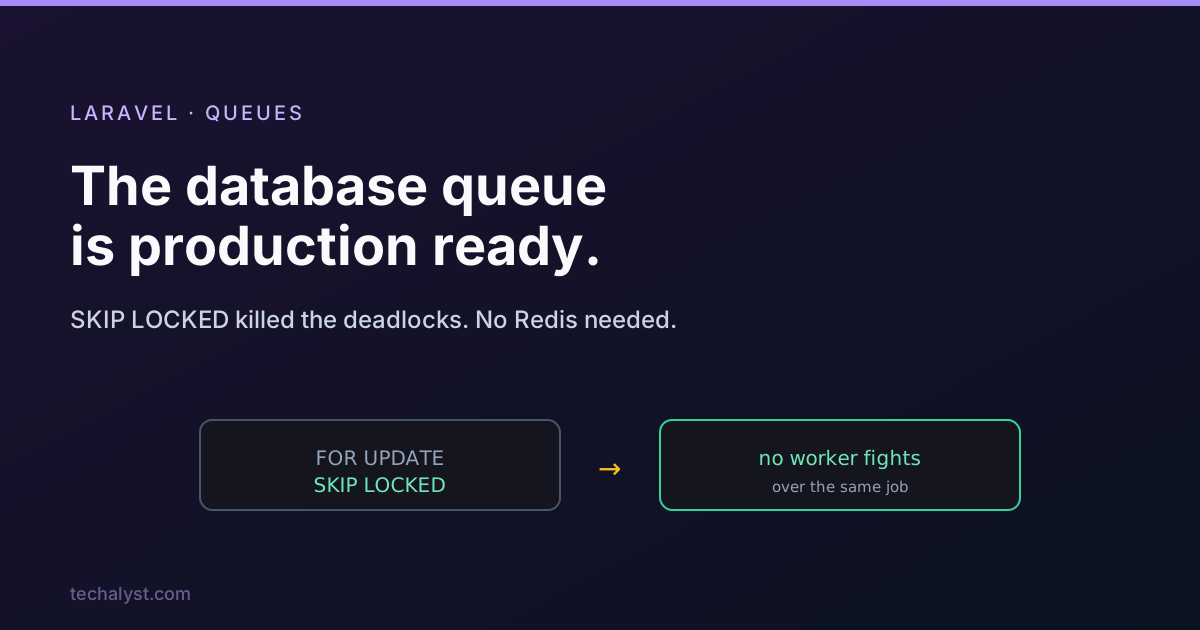
MySQL 8.0.1 and PostgreSQL 9.5 added the ability to skip locked rows when selecting (FOR UPDATE SKIP LOCKED). Instead of waiting for a locked job, a worker simply passes over it and grabs the next free one. With workers no longer queuing up behind the same row, the deadlock cause disappears. Laravel's database driver uses this, and it has been tested processing hundreds of thousands of jobs across dozens of workers with no deadlocks at all.
If you run MySQL 8.0.1+ or Postgres 9.5+, you do not need to do anything special. The driver already uses skip locked under the hood.
Pros and cons
The database driver is not just acceptable now, it has real advantages.
In its favour:
- One less moving part. No Redis to install, secure, monitor, or keep alive. Your jobs live in the database you already run.
- It travels with your backups. Configure database backups and your queued jobs are included, so a crash does not lose them.
- It opens the door to custom rules. Because jobs are just rows, you can build logic that is awkward in Redis, like funnelling jobs per tenant or enforcing an order across a group of jobs.
Against it:
- It is not the fastest driver. Redis still wins on raw throughput. For most applications the database driver is more than efficient enough, but a very high volume, latency sensitive pipeline may still prefer Redis or SQS.
The honest summary: reach for the database driver by default for its simplicity, and only move to Redis when you have measured that you actually need the extra throughput.
Setting it up
If your database is MySQL 8.0.1+ or Postgres 9.5+, setup is three steps.
# 1. create the jobs table migration
php artisan queue:table

# 2. run it
php artisan migrate
# 3. point the queue at the database
QUEUE_CONNECTION=database
That is it. You also want a failed_jobs table for jobs that exhaust their retries, which fresh Laravel installs already include, and you run the same queue:work and queue:restart commands as with any other driver.
Wrapping up
The "never use the database driver in production" rule belongs to the era before SKIP LOCKED. With MySQL 8 or modern Postgres, the deadlock that caused the warning is gone, and the database driver gives you a queue with no extra infrastructure, backups for free, and room for custom job rules. Start there, and graduate to Redis only when your numbers demand it.
More in the series: the queue configuration keys explained and switching queue drivers without downtime. Questions welcome below.


All comments ()
No comments yet
Be the first to leave a comment on this post.