

 Vue.js

Updated June 2026. Tested on Vue 3 with
<script setup>. Part of the Techalyst Vue 3 series.
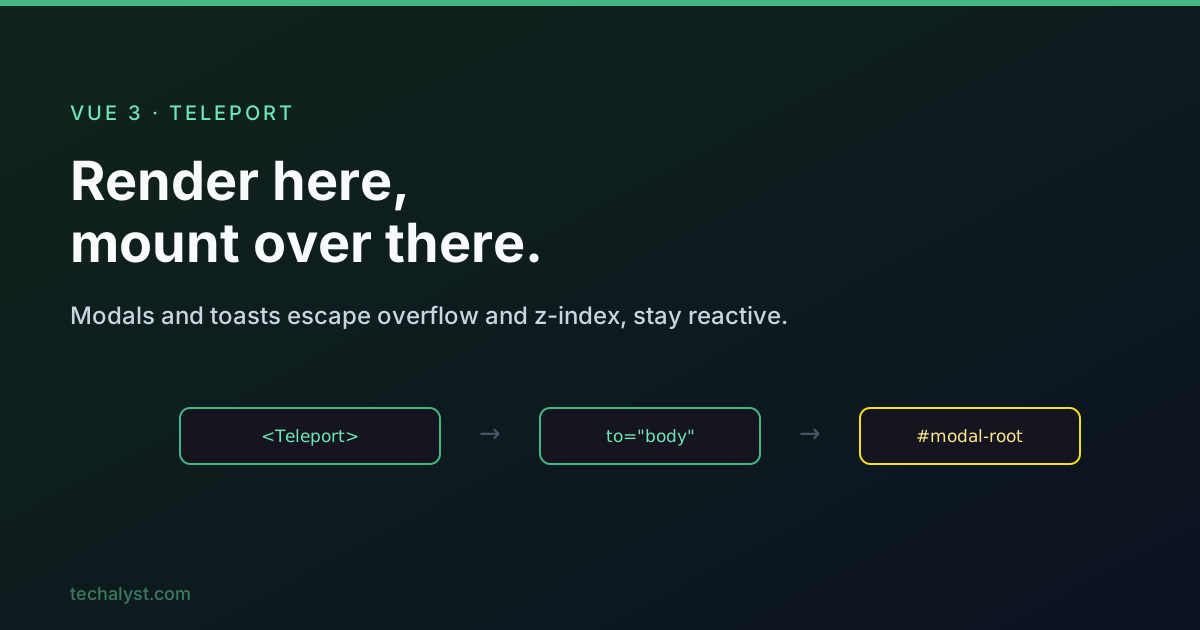
Some UI needs to live at the top of the DOM to behave: a modal that must not be clipped by a parent's overflow: hidden, a toast that should span the full viewport, a tooltip that has to escape a z-index stack. But the component that controls them usually sits deep in your tree. Teleport solves this by rendering content to a different DOM location while keeping it part of the component that declared it.
The problem it solves
A Vue app only controls the DOM inside its mounted root, typically <div id="app">. Worse, CSS like overflow: hidden, transform, and z-index on parent containers can clip or mis-stack a modal no matter how high you push its z-index. The clean fix is to render the modal as a direct child of <body>, away from those troublesome ancestors. Teleport lets you do exactly that without moving the component out of your logic.
Basic usage
Teleport is built in, no import needed. Give it a to prop with a CSS selector for the destination.
<!-- Modal.vue -->
<script setup>
import { ref } from 'vue'
const open = ref(false)
</script>

<template>
  <button @click="open = true">Open modal</button>

  <Teleport to="body">
    <div v-if="open" class="modal-backdrop">
      <div class="modal">
        <p>I render at the end of body, not here.</p>
        <button @click="open = false">Close</button>
      </div>
    </div>
  </Teleport>
</template>
The markup inside Teleport is physically moved to <body>, but it still belongs to this component. Reactivity, the open ref, the @click handlers, all of it works as if the content never left.
The target and its timing
The to prop takes any CSS selector, an id like to="#modal-root", a class, or a tag like to="body". If you target a dedicated mount node rather than body, that node must already exist in the DOM before the component mounts. Put it in your base HTML, outside #app:
<body>
  <div id="modal-root"></div> <!-- teleport target, rendered before Vue mounts -->
  <div id="app"></div>
</body>
This is the most common teleport mistake: targeting an element that does not exist yet (or one created dynamically after mount) makes Vue warn and the teleport fail. Targeting body sidesteps it, since body always exists. As a rule, point at something outside #app, never at an element inside your own Vue root.
Reactivity is fully preserved
Even though the DOM node sits elsewhere, the teleported content is still part of the originating component. Everything behaves normally:
refandreactivestatecomputedvalues- directives like
v-if,v-for,v-show - event listeners and
@handlers - props passed to a teleported child component
So you can extract the body of a teleport into its own component and teleport the tag:
<template>
  <Teleport to="#modal-root">
    <ModalDialog v-if="showModal" :title="title" @close="showModal = false" />
  </Teleport>
</template>
ModalDialog keeps its own props, state, and emits, it is simply rendered in a different spot.
The disabled prop
Teleport accepts a disabled prop that, when true, renders the content in place instead of moving it. This is genuinely useful for responsive behaviour: teleport a player or panel to body on desktop, but keep it inline on mobile.
<script setup>
import { ref } from 'vue'
const isMobile = ref(false) // toggle from a media query
</script>

<template>
  <Teleport to="body" :disabled="isMobile">
    <VideoPlayer />
  </Teleport>
</template>
Vue moves the same DOM nodes between the two locations without re-creating them, so state inside VideoPlayer survives the switch.
Good to know
A few smaller points round it out. The <Teleport> tag itself renders nothing at its original position, all its content goes to the target. If multiple teleports point at the same target, their content is appended in order. And keep lifecycle expectations straight: a child inside a teleport still mounts as part of the parent, so its onMounted runs in the normal order even though the DOM node lands elsewhere.
Wrapping up
Reach for Teleport whenever a modal, toast, or tooltip needs to escape a parent's overflow or stacking context. Target a node outside #app (often just body) and make sure it exists before the component mounts. The content stays fully reactive and part of your component, and the disabled prop lets you keep it inline when you want. It is a small component that removes a whole category of CSS headaches.
More in the series: dynamic components and keep-alive and slots in Vue 3. Questions welcome below.


All comments ()
No comments yet
Be the first to leave a comment on this post.