

 Vue.js

Updated June 2026. Tested on Vue 3 with
<script setup>. Part of the Techalyst Vue 3 series.
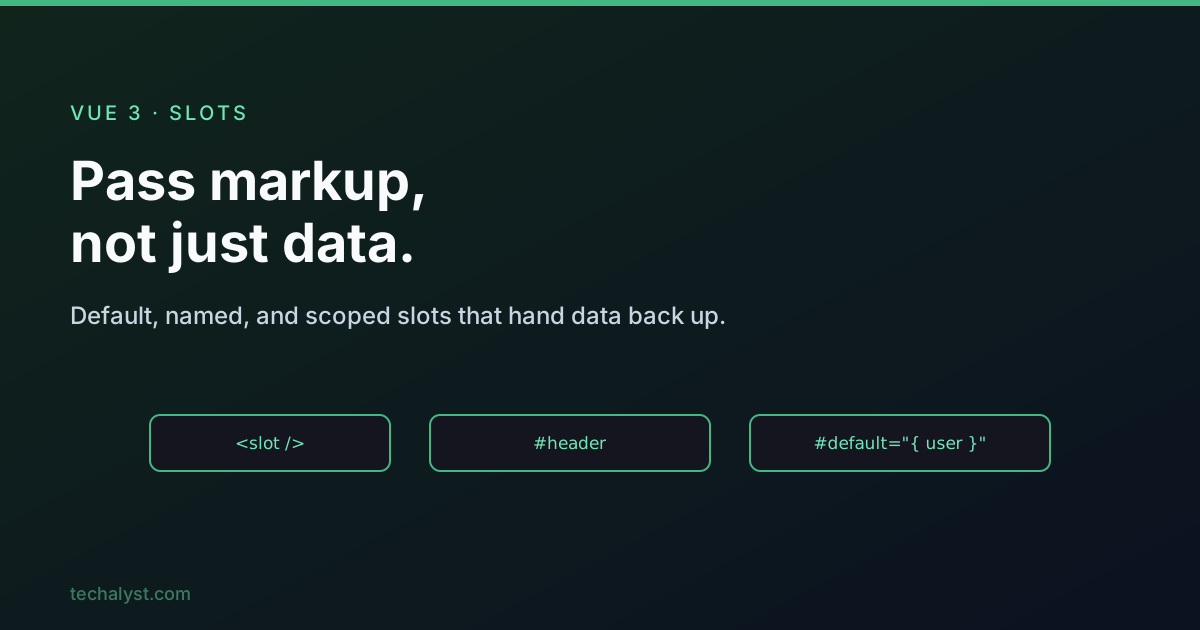
Props pass data to a child, but slots pass markup. They let a parent inject content into holes a child component leaves open, which is how you build flexible, reusable wrappers like cards, modals, and layouts. Here is the full picture, from the default slot to scoped slots.
The default slot
Normally, content you nest between a component's tags is discarded. Place a <slot /> in the child template and that content renders there instead.
<!-- Card.vue -->
<template>
  <div class="card">
    <slot />
  </div>
</template>
<!-- parent -->
<script setup>
import Card from './Card.vue'
import { ref } from 'vue'
const message = ref('Hello from the parent')
</script>

<template>
  <Card>
    <em>{{ message }}</em>
  </Card>
</template>
Two things worth internalising. The slotted content belongs to the parent's scope, so it can read parent state like message. But it is styled by the child, so the child's CSS applies to whatever lands in the slot.
Fallback content
Put markup between the <slot> tags and it renders only when the parent provides nothing.
<template>
  <button class="btn">
    <slot>Submit</slot> <!-- default label if the parent passes none -->
  </button>
</template>
Named slots
When a component has more than one hole, give each a name. The parent targets a name with v-slot:name, or its # shorthand, on a <template> tag.
<!-- Layout.vue -->
<template>
  <header><slot name="header" /></header>
  <main><slot /></main>          <!-- the unnamed default slot -->
  <footer><slot name="footer" /></footer>
</template>
<!-- parent -->
<template>
  <Layout>
    <template #header>
      <h1>Dashboard</h1>
    </template>

    <p>Main body content goes in the default slot.</p>

    <template #footer>
      <small>Copyright Techalyst</small>
    </template>
  </Layout>
</template>
One rule: once you start using explicit <template #default>, do not leave loose elements outside any template tag, they will not render and Vue warns.
Scoped slots: passing data back up
Here is where slots get powerful. A scoped slot lets the child expose data to the parent's slot template, so the parent decides how to render data the child owns. The child binds props on the <slot> tag.
<!-- UserList.vue -->
<script setup>
import { ref } from 'vue'
const users = ref([
  { id: 1, name: 'Aisha', role: 'admin' },
  { id: 2, name: 'Ravi', role: 'editor' },
])
</script>

<template>
  <ul>
    <li v-for="user in users" :key="user.id">
      <slot :user="user" /> <!-- expose each user to the parent -->
    </li>
  </ul>
</template>
The parent receives those props through the v-slot value, and the clean way is to destructure them right in the directive.
<template>
  <UserList>
    <template #default="{ user }">
      <strong>{{ user.name }}</strong> ({{ user.role }})
    </template>
  </UserList>
</template>
Now UserList owns the data and the loop, while the parent owns the presentation. The slot props are fully reactive, so when the child updates users, the parent's template re-renders. Note that each slot has its own prop scope, the default slot cannot see a named slot's props unless the child exposes them on both.
Checking whether a slot was passed
Sometimes you want to render a wrapper only if the parent actually supplied content. In <script setup>, the useSlots composable gives you that information.
<script setup>
import { useSlots } from 'vue'

const slots = useSlots()
const hasHeader = !!slots.header
</script>

<template>
  <div>
    <header v-if="hasHeader" class="card-header">
      <slot name="header" />
    </header>
    <slot />
  </div>
</template>
This is how component libraries avoid rendering empty header or footer bars when nothing was provided.
Wrapping up
A plain <slot /> accepts any markup the parent nests, rendered in the parent's scope but styled by the child. Name your slots when there is more than one hole, and reach for scoped slots when the child owns the data but the parent should decide how it looks. Use fallback content for sensible defaults, and useSlots to adapt the layout to what was actually passed. Slots are what turn a rigid component into a reusable one.
More in the series: props and emits and provide and inject. Questions welcome below.


All comments ()
No comments yet
Be the first to leave a comment on this post.