

 Vue.js

Updated June 2026. Tested on Vue 3 with
<script setup>. Part of the Techalyst Vue 3 series.
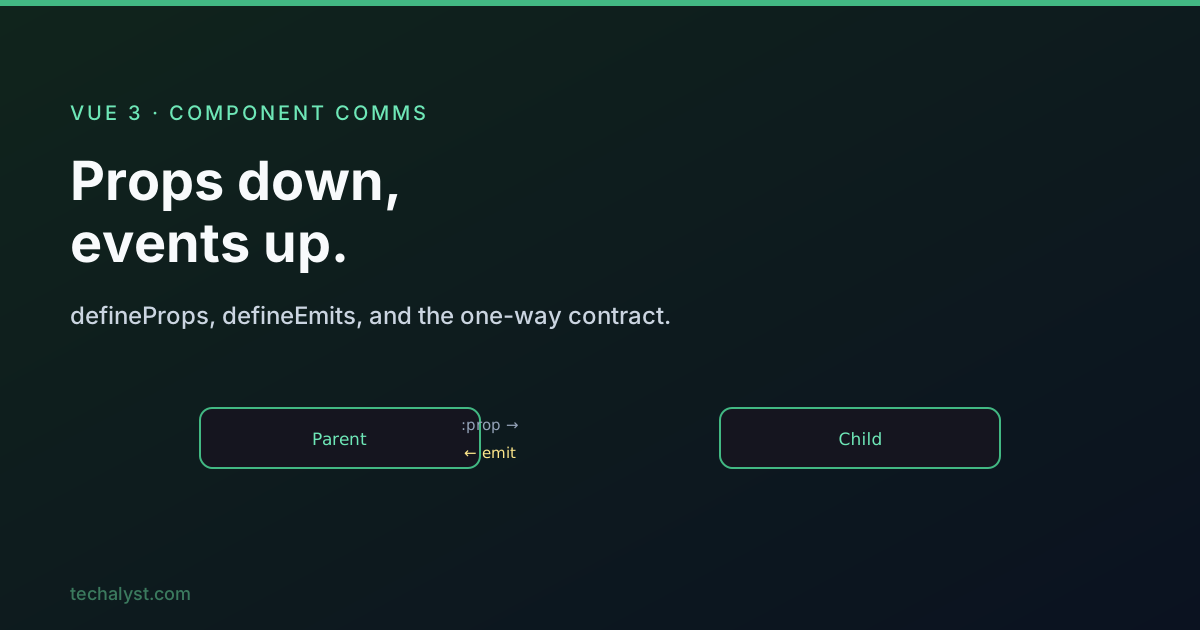
Components talk to each other in two directions: data flows down through props, and events flow up through emits. Get that one-way contract right and your component tree stays predictable. Here is how both halves work in modern Vue with <script setup>.
Declaring props
A prop is data a child receives from its parent. In <script setup> you declare props with the defineProps macro, which needs no import.
<script setup>
const props = defineProps(['mail'])
</script>

<template>
  <p>{{ mail }}</p>
</template>
The array form is the quick version. For anything real, use the object form so you get type checks, defaults, and validation per prop.
<script setup>
const props = defineProps({
  mail: {
    type: String,
    default: 'No message',
    required: false,
    validator: (value) => value.length > 0,
  },
  tags: {
    type: Array,
    default: () => ['vue'], // reference-type defaults MUST be a factory function
  },
})
</script>
The accepted types are String, Number, Boolean, Array, Object, Date, Function and Symbol. A note on defaults: array and object defaults must be returned from a factory function, never written inline, otherwise every instance would share one object. Also remember a failed type check or validator only produces a warning, the component still loads and uses the value.
A few naming rules: do not reuse native attribute names like class or id, and declare props in camelCase. Vue maps myProp to my-prop in templates automatically, so you never write the kebab form in JS.
Passing data down
Always bind non-string values with :, otherwise everything arrives as a string.
<ChildComponent mail />               <!-- empty string -->
<ChildComponent count="42" />         <!-- string "42" -->
<ChildComponent :count="42" />        <!-- number 42 -->
<ChildComponent :active="true" />     <!-- boolean -->
<ChildComponent :items="['a', 'b']" /><!-- array -->
When your prop names line up with an object's keys, spread the whole object with v-bind and no argument:
<ChildComponent v-bind="car" />
<!-- same as :brand="car.brand" :model="car.model" -->
Props are read-only
Props belong to the parent. The child can read them but must never reassign them, Vue warns if you try. If you need a local working copy, derive it.
<script setup>
import { ref } from 'vue'

const props = defineProps(['mail'])
const localMail = ref(props.mail) // safe local copy for primitives
</script>
There is a sharp trap here. Reassignment is blocked, but mutation of a reference-type prop is not. If the parent passes an array or object, the child shares the same memory, so props.items.push(...) silently changes the parent's data and reverses your one-way flow with no warning.
// props.items is an array passed from the parent
props.items = []        // blocked, warns
props.items.push('x')   // NOT blocked, mutates the parent
The rule of thumb: pass primitives where you can. If you must pass an object or array and want to change it locally, deep-copy it first.
Emitting events up
To send something back to the parent, declare events with defineEmits and call the returned function. Vue 3 requires every custom event to be declared.
<script setup>
const emit = defineEmits(['relay'])

function send() {
  emit('relay', 'Hello from child')
}
</script>

<template>
  <button @click="send">Send up</button>
</template>
The parent listens with @relay, and the payload arrives as $event (or as the first argument of a handler method). No .target.value here, that unwrapping is only for native DOM events.
<ChildComponent @relay="parentMessage = $event" />
That down-and-up pair, a prop in and an event out, is exactly the manual version of what v-model on a component automates with the modelValue / update:modelValue contract.
Fallthrough attributes
Attributes you put on a component tag that are not declared as props or emits (think class, title, id) become fallthrough attributes, gathered in $attrs. With a single root element they automatically land on that root.
<!-- parent -->
<ChildComponent class="card" title="Tooltip" />
If the child has a single root element, class="card" and title="Tooltip" apply to it with no work. Two problems to know about: a fragment template (multiple root elements) cannot decide where attributes go, so Vue drops them and warns, and sometimes you want manual control. For that, switch off auto-inheritance and place $attrs yourself.
<script setup>
defineOptions({ inheritAttrs: false })
</script>

<template>
  <div>
    <label>Name</label>
    <input v-bind="$attrs" />  <!-- attributes land on the input, not the wrapper -->
  </div>
</template>
Best practice: prefer a single root element so inheritance just works, and only reach for inheritAttrs: false when you genuinely need to redirect attributes.
Wrapping up
Props down, events up, and never break that direction. Use the object form of defineProps for type checks and validators, keep props read-only (and watch the reference-type mutation trap), and declare every event with defineEmits. Lean on fallthrough attributes with a single root element, and remember the manual prop-plus-event pattern is the foundation v-model is built on.
More in the series: slots in Vue 3 and provide and inject. Questions welcome below.


All comments ()
No comments yet
Be the first to leave a comment on this post.