

 Vue.js

Updated June 2026. Tested on Vue 3 with
<script setup>. Part of the Techalyst Vue 3 series.
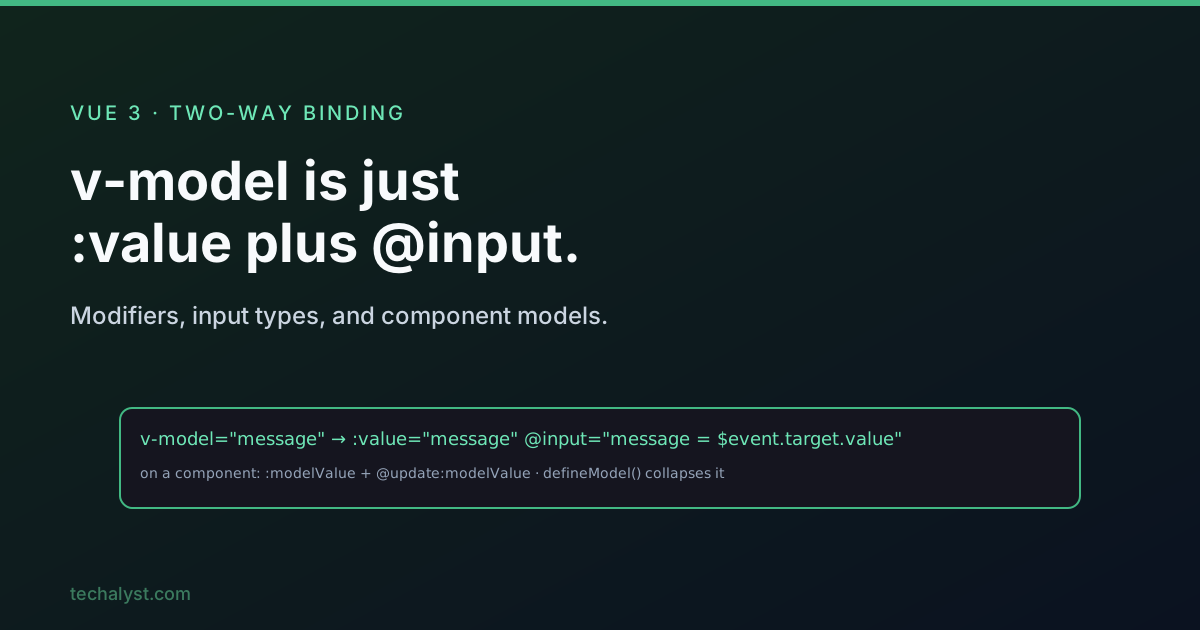
v-model gives you two-way binding between a form control and a piece of reactive state. It looks like magic, but it is plain syntax sugar over a :value binding plus an event listener. Once you see the expansion, every quirk (and there are a few across input types) makes sense.
What it expands to
On a native text input, this:
<input v-model="message" />
is exactly this:
<input
  :value="message"
  @input="message = $event.target.value"
/>
The :value half pushes state into the input, the @input half reads $event.target.value back out on every keystroke. One consequence catches people out: the value you collect is always a string, even when the user types digits.
<script setup>
import { ref } from 'vue'
const message = ref('')
</script>

<template>
  <input v-model="message" />
  <p>You typed: {{ message }}</p>
</template>
Modifiers
Three built-in modifiers tweak the binding, and they combine.
.numbercasts the value to a number (non-numeric input stays a string)..lazysyncs onchangeinstead ofinput, so the value updates on blur or Enter rather than every keystroke..trimstrips leading and trailing whitespace, while preserving spaces between words.
<input v-model.number="age" type="number" />
<input v-model.lazy="message" />
<input v-model.trim.lazy="email" />
Radios, checkboxes and selects behave differently
The expansion is not identical across control types, and the property type you bind matters.
Radio buttons bind to a string and share one v-model. Here v-model targets :checked, not :value, and it fully replaces the name attribute, Vue handles the exclusivity for you.
<script setup>
import { ref } from 'vue'
const picked = ref('Apple')
</script>

<template>
  <input type="radio" v-model="picked" value="Apple" /> Apple
  <input type="radio" v-model="picked" value="Orange" /> Orange
</template>
Checkboxes that share a v-model bind to an array. Vue pushes and splices values as boxes are toggled.
<script setup>
import { ref } from 'vue'
const list = ref(['Apple', 'Orange'])
</script>

<template>
  <input type="checkbox" v-model="list" value="Apple" /> Apple
  <input type="checkbox" v-model="list" value="Orange" /> Orange
  <input type="checkbox" v-model="list" value="Peach" /> Peach
</template>
Select lists are the one case that behaves just like a text input: single select binds a string to :value, and adding multiple switches it to an array.
| Control | v-bind target | State type |
|---|---|---|
| Text input | :value |
string |
| Radio | :checked |
string |
| Checkbox | :checked |
array |
| Select (single) | :value |
string |
| Select (multiple) | :value |
array |
v-model on a component
On a component tag the expansion uses different names: the prop is modelValue and the event is update:modelValue, and the value comes through as $event directly (not $event.target.value), because it is a custom event.
<MyInput v-model="message" />

<!-- expands to -->
<MyInput
  :modelValue="message"
  @update:modelValue="message = $event"
/>
You can wire that up manually with defineProps and defineEmits, but in modern Vue the clean way is the defineModel macro, which collapses the whole prop-plus-event contract into a single writable ref. We covered that in depth in the defineModel macro post:
<script setup>
const model = defineModel()
</script>

<template>
  <input v-model="model" />
</template>
That child is now fully two-way bound to the parent's state with no manual emit.
Named v-model arguments
A component can expose more than one model by giving v-model an argument. v-model:title binds a title prop and emits update:title.
<MyForm v-model:title="heading" v-model:body="content" />
With defineModel the child just names each one:
<script setup>
const title = defineModel('title')
const body = defineModel('body')
</script>
If you are still on the manual defineProps/defineEmits style, remember all three pieces must agree: the prop name, the emits declaration, and the string inside the $emit() call. Forgetting to update the emit string is the classic reason a renamed model silently stops working.
Wrapping up
v-model is :value plus an event handler, nothing more. Keep in mind that text inputs hand you strings (reach for .number when you need a number), that radios and checkboxes target :checked and want a string or an array respectively, and that on components the contract is modelValue / update:modelValue, which defineModel makes effortless.
More in the series: props and emits and handling events with v-on. Questions welcome below.


All comments ()
No comments yet
Be the first to leave a comment on this post.