

 Laravel

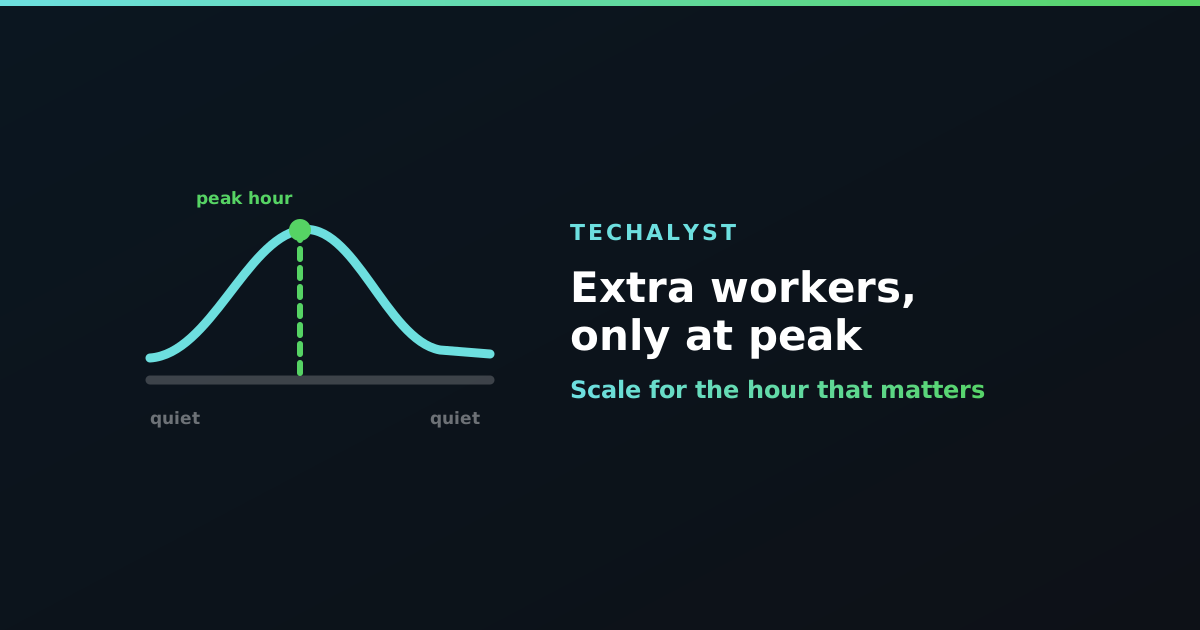
Look at a graph of your queue depth over a day and it is rarely flat. A nightly import lands at two in the morning, order traffic peaks late afternoon, and for most of the remaining hours the workers sit idle polling an empty queue.
Sizing permanently for the peak means paying for capacity you use for two hours. Sizing for the average means the peak backs up every single day. Neither is satisfying, and there are a few ways out.
Start extra workers on a schedule
If your busy window is predictable, the simplest approach is the best one. Add a second Supervisor program with the extra capacity, and start and stop it from cron:
0 16 * * *  supervisorctl start app-worker-peak:*
0 19 * * *  supervisorctl stop app-worker-peak:*
Your baseline workers run all day, and the peak group only exists between four and seven. No autoscaling logic to debug, and nothing to go wrong at three in the morning.
Let the work end the shift
For a burst you can predict the start of but not the end of, --stop-when-empty starts workers that exit once the queue is drained:
php artisan queue:work --queue=imports --stop-when-empty --max-time=3600
Start a handful of these when the nightly import kicks off and they clear the backlog and shut themselves down. Pair with --max-time so a worker never lives forever if new work keeps trickling in.
One caveat: --stop-when-empty means empty right now, not "the work is finished". A brief gap between batches will end the worker early. That is fine when you are topping up capacity, and not fine if those were your only workers, because your queue would then have nobody serving it.
Let the backlog decide
The more adaptive option is to check queue depth on a schedule and add capacity when it is genuinely behind:
$schedule->call(function () {
    if (Queue::size('default') > 5000) {
        Artisan::queue('queue:work', [
            '--queue' => 'default',
            '--stop-when-empty' => true,
            '--max-time' => 900,
        ]);
    }
})->everyFiveMinutes();
Queue::size() is the honest signal here. Two things to keep in mind: give the extra workers a bounded lifetime so they cannot accumulate, and set the threshold well above your normal working depth, or you will spawn helpers during ordinary operation.
Backlog depth alone can also mislead. Ten thousand jobs of five milliseconds each is not an emergency, while two hundred jobs of a minute each is. If your jobs vary a lot, wait time is the better metric than raw count.
Or let Horizon do it
If you already run Horizon, most of this is a config setting rather than a cron entry. The auto balance strategy moves processes between queues based on load, within limits you set:
'supervisor-1' => [
    'connection' => 'redis',
    'queue' => ['default', 'imports'],
    'balance' => 'auto',
    'minProcesses' => 2,
    'maxProcesses' => 20,
],
Horizon then runs closer to minProcesses when things are quiet and scales toward maxProcesses when queues grow, which handles a daily peak without you scheduling anything. How that balancing works is covered in how Laravel Horizon works.
Do not scale into a wall
Worth repeating before you add capacity on a timer: extra workers only help while workers are the bottleneck. If the peak is slow because the database is saturated or a third-party API is rate limiting you, twenty workers at five o'clock will make the afternoon worse rather than better.
Check what the jobs are waiting on first. When the constraint is downstream, the fix is a concurrency limit or a faster query, not more processes.
Wrapping up
Most queues need very different capacity at different times of day. If the window is predictable, start and stop a second worker group on a schedule. If it follows a job you trigger, use --stop-when-empty so the workers retire themselves. If it is unpredictable, watch Queue::size() and add bounded helpers, or let Horizon's auto balancing handle it. And check the bottleneck is actually your workers before scaling them.


All comments ()
No comments yet
Be the first to leave a comment on this post.