

 Laravel

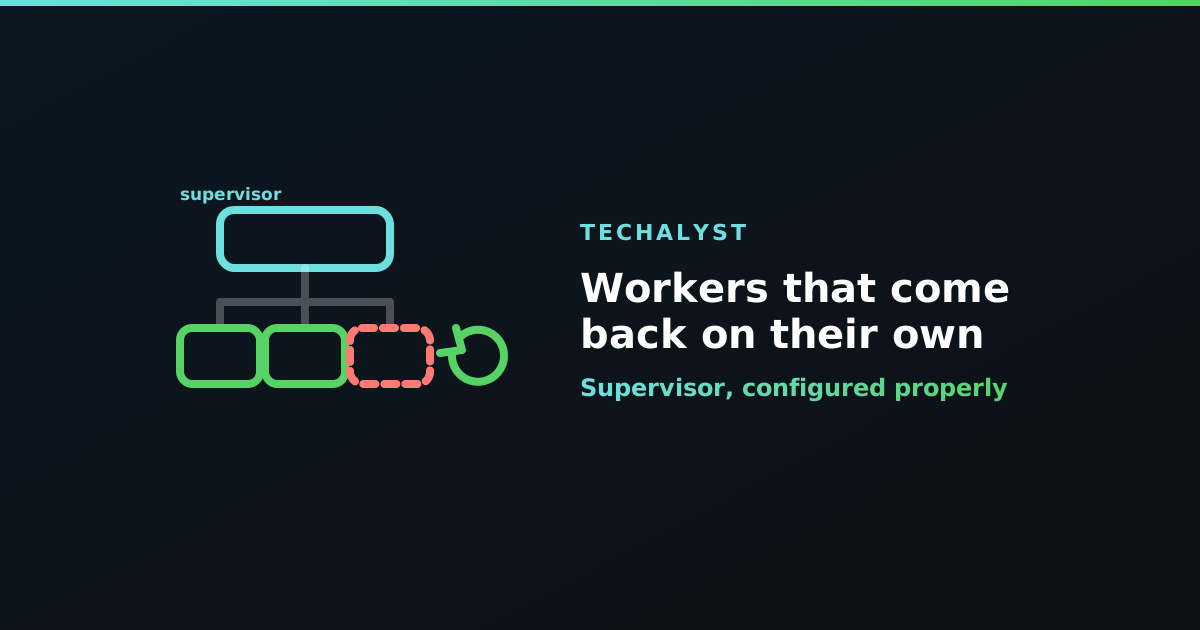
A worker exits at three in the morning. Maybe it hit its memory limit, maybe the process was killed, maybe a fatal error took it down. Nothing restarts it, so the queue quietly stops being processed and nobody finds out until the support tickets arrive at nine.
Running php artisan queue:work in a terminal, or in a screen session somebody started once, is not a deployment. You want something whose entire job is noticing that the process died and starting it again.
A working config
Supervisor is the usual answer on Linux. One program block per queue you want workers for:
[program:app-worker]
process_name=%(program_name)s_%(process_num)02d
command=php /var/www/app/artisan queue:work redis --queue=default,emails --sleep=3 --tries=3 --max-time=3600
directory=/var/www/app
user=www-data
numprocs=4
autostart=true
autorestart=true
stopwaitsecs=3600
stopasgroup=true
killasgroup=true
redirect_stderr=true
stdout_logfile=/var/www/app/storage/logs/worker.log
stdout_logfile_maxbytes=10MB
Then:
sudo supervisorctl reread
sudo supervisorctl update
sudo supervisorctl start app-worker:*
What the important settings do
numprocs is your worker count. Supervisor starts this many copies of the same command, which is why process_name needs %(process_num)02d to keep them distinct. Sizing this is its own question.
autorestart=true is the whole reason you are here. A worker that exits for any reason gets started again.
user matters more than it looks. Run workers as the same user as your web server, or you will end up with log files and cache entries owned by the wrong account and permission errors that only appear on one code path.
--max-time=3600 tells the worker to exit after an hour so Supervisor gives you a fresh process. That is the cheapest defence against memory creep.
The setting that ruins deploys
stopwaitsecs is the one to get right, and its default of 10 seconds is wrong for most applications.
When Supervisor stops a program it sends SIGTERM, waits stopwaitsecs, then sends SIGKILL. A Laravel worker handles SIGTERM gracefully: it finishes the job it is on and then exits. That is exactly what you want.
But if the current job takes longer than stopwaitsecs, Supervisor kills the process mid-job. The work is cut in half, and because the job was never acknowledged it gets retried later, repeating whatever it had already done. Every deploy quietly becomes a chance to corrupt in-flight work.
Set stopwaitsecs above your longest job, and keep it consistent with the worker's own --timeout. If your slowest job can run for ten minutes, ten seconds is not a grace period, it is a guillotine.
stopasgroup and killasgroup make sure signals reach child processes too, which matters if your jobs shell out to anything.
reread, update, restart
Three commands that look interchangeable and are not:
| Command | What it does |
|---|---|
reread |
reads config files, changes nothing yet |
update |
applies config changes, restarting affected programs |
restart |
restarts processes using the config already loaded |
After editing the .conf file you want reread then update. Running restart alone brings the workers back on the old configuration, which is how people conclude their config change "did not work".
Restarting on deploy
New code does not reach a running worker, because the application was booted once when the process started. Every deploy needs to cycle the workers:
php artisan queue:restart
That signals workers to exit gracefully once their current job finishes, and Supervisor starts them again with the new code. It is gentler than supervisorctl restart, which stops the processes directly.
If it seems to do nothing, the causes are worth knowing, and the wider deploy picture is in Laravel queues and deployments.
Wrapping up
Put workers under a process manager so a dead worker is a non-event rather than an outage. Use numprocs for the worker count, autorestart so they come back, --max-time so they are recycled regularly, and above all set stopwaitsecs longer than your slowest job so deploys stop cutting work in half. After a config edit, reread and update, not restart.


All comments ()
No comments yet
Be the first to leave a comment on this post.