

 React
React

Updated June 2026. Tested on React 19 and modern JavaScript. Part of the Techalyst React series.
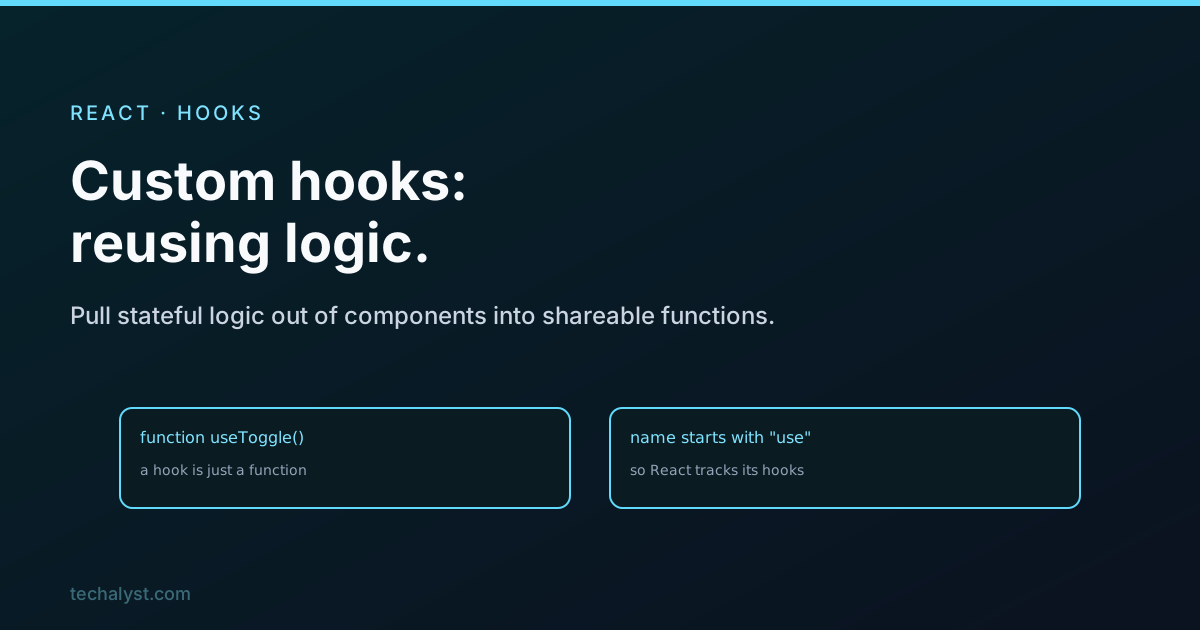
The moment two components need the same stateful logic, fetching data, tracking the window size, a toggle with helpers, you feel the urge to copy and paste. Don't. That logic belongs in a custom hook. A custom hook is not a special React feature, it is just a function that uses other hooks, and that one idea is the cleanest way to share behaviour in React.
A hook is just a function
Here is a toggle hook. It uses useState inside, and returns a value and a way to change it, exactly like a built-in hook would:
function useToggle(initial = false) {
  const [on, setOn] = useState(initial);
  const toggle = useCallback(() => setOn(o => !o), []);
  return [on, toggle];
}
Any component can now use it without knowing how it works:
const [isOpen, toggleOpen] = useToggle();
That is the entire concept. You took stateful logic out of a component and put it in a function other components can call.
A more useful one
Custom hooks earn their keep when there is an effect with setup and cleanup, because that is the part you really do not want to repeat:
function useWindowWidth() {
  const [width, setWidth] = useState(window.innerWidth);

  useEffect(() => {
    const onResize = () => setWidth(window.innerWidth);
    window.addEventListener('resize', onResize);
    return () => window.removeEventListener('resize', onResize);
  }, []);

  return width;
}
Every component that needs the window width now calls useWindowWidth() and gets a value that updates on resize, with the listener and its cleanup handled in one place.
The naming rule is not cosmetic
A custom hook must start with use. This is not a convention you can ignore. React and its lint tooling use that prefix to know the function is a hook, so they can enforce the rules of hooks inside it, like making sure hooks are not called conditionally. Name it getWindowWidth and the tooling treats it as an ordinary function and stops protecting you. Start every custom hook with use.
Each call is isolated
A point that confuses people: calling a custom hook does not share state between components. Two components that both call useToggle get two completely separate pieces of state. A custom hook is a recipe for stateful logic, run fresh in each component, not a shared store.
When you actually want shared state, that is a different tool, Context or a state library. A custom hook reuses the logic, not the data.
What to return
Return whatever is most natural to read at the call site. For a hook with two related values, an array like useState lets the caller name them: const [on, toggle] = useToggle(). For several values, an object is clearer: const { data, error, loading } = useFetch(url). Keep the returned surface small, just what callers need.
Wrapping up
A custom hook is a function that uses other hooks to package stateful logic you want to reuse. Build them for anything two components share, an effect with cleanup, a fetch, a toggle, and they keep the logic in one tested place instead of copied around. Always start the name with use so the tooling treats it as a hook, remember that each call gets its own isolated state, and return a small array or object that reads well. This is React's answer to sharing behaviour, and once you start writing them you will reach for them constantly. The patterns that keep them clean are in custom hook patterns.


All comments ()
No comments yet
Be the first to leave a comment on this post.