

 React
React

Updated June 2026. Tested on React 19 and modern JavaScript. Part of the Techalyst React series.
There are two rules of hooks, and on first read they feel like arbitrary restrictions. Do not call hooks in conditions. Do not call them in loops. Most guides state them and move on, which is why people keep tripping over them. The rules make complete sense once you know the single fact behind them: React identifies your hooks by the order they are called, nothing else.
The two rules
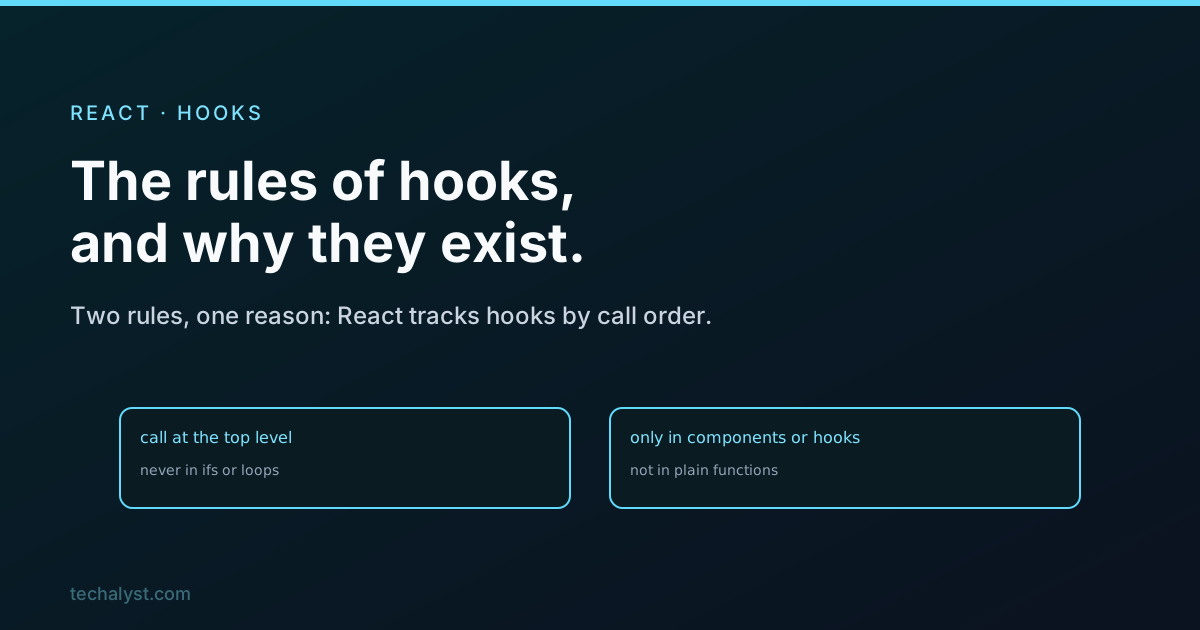
Only call hooks at the top level of your component or custom hook. Not inside an if, not inside a loop, not inside a nested function. They must run in the same order on every render.
Only call hooks from React function components or other custom hooks. Not from regular JavaScript functions, not from class components, not from event handlers.
The reason, which is the whole point
React does not know your hooks by name. When a component renders, React walks your hooks in call order and matches each one to a slot it keeps internally: the first useState is slot one, the second is slot two, and so on. On the next render, it expects the exact same hooks in the exact same order, so it can hand each slot back to the right useState.
That is why a conditional hook breaks everything:
function Profile({ isLoggedIn }) {
  if (isLoggedIn) {
    const [name, setName] = useState(''); // sometimes called, sometimes not
  }
  const [count, setCount] = useState(0);
  // ...
}
When isLoggedIn flips, the number and order of hooks changes between renders. React's slots no longer line up, so count might get handed the state meant for name. This is the source of the dreaded "rendered fewer hooks than expected" crash. The rule is not bureaucracy, it is the only way the order-based matching can work.
How to do it correctly
The fix is always the same: call the hook unconditionally, and put the condition inside or after it.
function Profile({ isLoggedIn }) {
  const [name, setName] = useState('');
  const [count, setCount] = useState(0);

  if (isLoggedIn) {
    // use name here
  }
  // ...
}
The hooks always run, in the same order, every render. The conditional logic lives in normal code below them. If a whole branch genuinely needs different hooks, that is a sign to split it into two components and render one or the other, rather than branching your hooks.
Let the linter enforce it
You do not have to police this by hand. React's official ESLint plugin has a rules-of-hooks rule that flags a hook called conditionally, and an exhaustive-deps rule that catches missing dependency-array entries. Keep both on. They turn a confusing runtime crash into an obvious red squiggle while you type, which is exactly where you want to catch it.
Wrapping up
The two rules of hooks, call them at the top level and only from components or custom hooks, both come from one fact: React matches hooks to their state by call order, so that order must be identical on every render. Break it with a conditional hook and React's slots desync, which is what the "fewer hooks than expected" error is telling you. Call hooks unconditionally and move the conditions into ordinary code, split components when a branch needs different hooks, and leave the ESLint rules on so the tooling catches slips for you.


All comments ()
No comments yet
Be the first to leave a comment on this post.