

 React
React

Updated June 2026. Tested on React 19 and modern JavaScript. Part of the Techalyst React series.
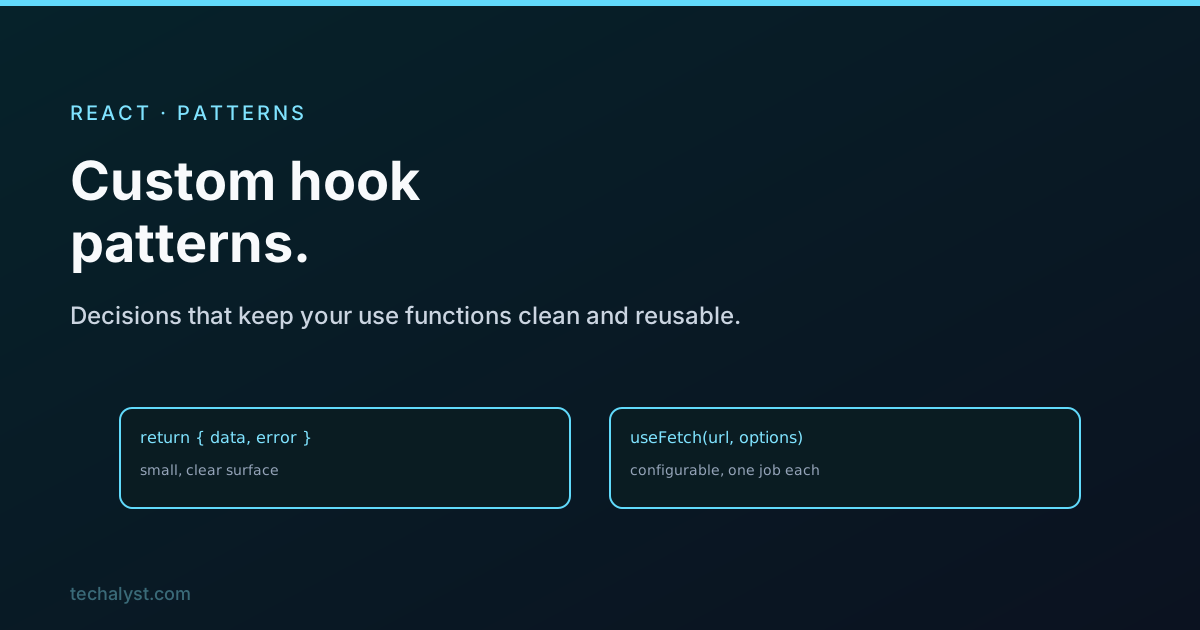
Writing a custom hook is easy. Writing one that stays clean as the app grows takes a few good habits. Rather than a list of tips, it helps to walk through the decisions you make every time you write one: what it gives back, how it is configured, where the logic lives, and how it behaves as its inputs change. Each decision has a pattern that pays off.
What it returns
Return the smallest surface that reads well at the call site. For one or two related values, an array lets the caller name them, the way useState does:
const [isOpen, toggle] = useToggle();
For several values, an object is clearer because the names are fixed and order does not matter:
const { data, error, loading } = useFetch('/api/users');
Do not return internal scratch state or helpers nobody outside the hook needs. The return value is the hook's public contract, keep it tight.
How it is configured
One or two arguments are fine positionally. Past that, take a single options object with defaults, so the call site stays readable and you can add an option later without breaking callers:
function useFetch(url, { enabled = true, headers = {} } = {}) {
  // ...
}

useFetch('/api/users');
useFetch('/api/users', { enabled: false });
The = {} at the end matters, without it, calling with no options throws when you destructure.
Keep the real logic out of React
A hook that mixes the actual computation with state and effects is hard to test. Pull the pure work into a plain function, then let the hook wire it to React:
// Pure, no React, trivial to test
function cartTotals(items) {
  const subtotal = items.reduce((sum, i) => sum + i.price * i.qty, 0);
  return { subtotal, tax: subtotal * 0.15 };
}

// Thin hook over it
function useCartTotals(items) {
  return useMemo(() => cartTotals(items), [items]);
}
Now the arithmetic can be unit tested on its own, and the hook just makes it reactive.
One job per hook
A hook should do one thing. When a use function starts juggling unrelated responsibilities, split it, the same way you would split a component. Nothing stops one hook from calling another, so you compose:
function useCheckout(cartItems) {
  const totals = useCartTotals(cartItems);
  const { submit, submitting } = useOrderSubmission();
  return { ...totals, submit, submitting };
}
useCheckout does not reimplement totals or submission, it composes the hooks that already handle them. Small hooks built into bigger ones stay readable as the feature grows.
Handle inputs that change
This is the React-specific one. If a hook takes an argument that can change, like a URL, it must react to that change through the dependency array, so it does the right thing when the input updates:
function useFetch(url) {
  const [data, setData] = useState(null);

  useEffect(() => {
    let active = true;
    fetch(url).then(r => r.json()).then(d => { if (active) setData(d); });
    return () => { active = false; };
  }, [url]); // refetch when url changes

  return data;
}
Listing url is what makes the hook refetch when the caller passes a new one. Leave it out and the hook is stuck on the first value, the classic stale-input bug.
Return stable callbacks
If your hook returns functions, wrap them in useCallback so their identity is stable between renders. Otherwise a consumer that lists your function in an effect, or passes it to a memoised child, churns on every render:
const reset = useCallback(() => setState(initial), [initial]);
return { state, reset };
This connects to memoisation: a hook that hands out fresh functions every render quietly defeats the memoisation its consumers rely on.
Wrapping up
Good custom hooks come down to a handful of decisions. Return a small array or object that reads well, switch to an options object past a couple of arguments, keep the real logic in a pure function the hook wraps, and give each hook one job so you can compose them. React adds two of its own: react to changing inputs through the dependency array, and return stable callbacks with useCallback so you do not undermine your consumers. Get those right and your hooks stay a pleasure to reuse.


All comments ()
No comments yet
Be the first to leave a comment on this post.