

 Laravel

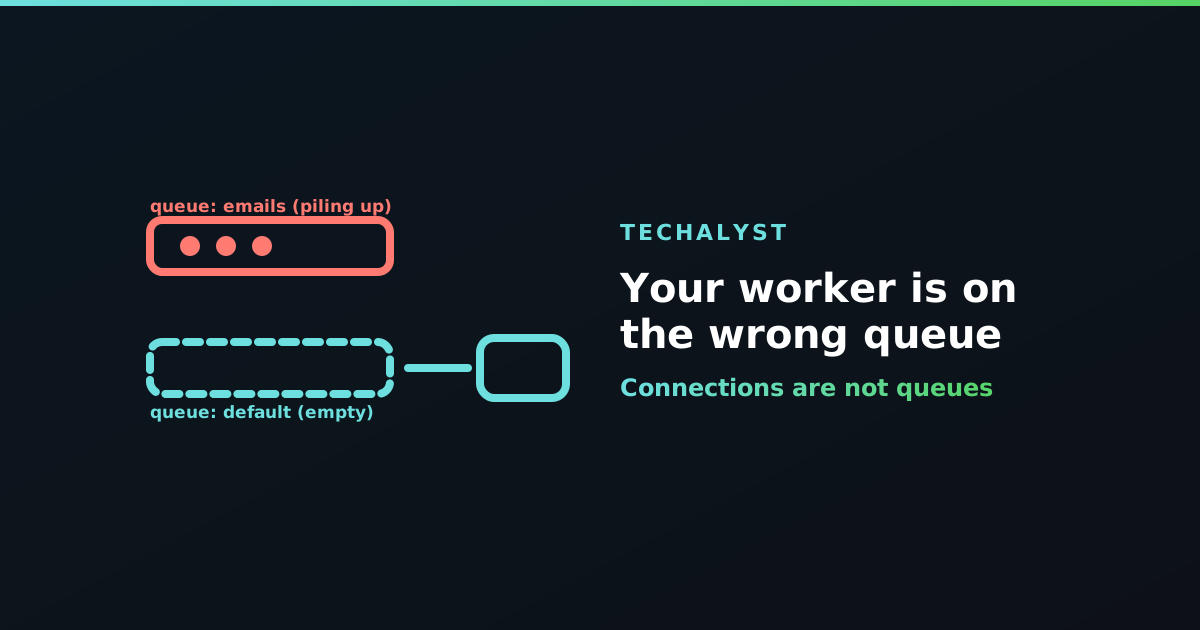
Rows are accumulating in the jobs table. A worker is definitely running, because you can see the process. Nothing is being processed, and there is nothing in the log to explain it.
Nine times out of ten the worker is perfectly healthy and simply looking somewhere else.
Connections and queues are different things
These two words get used interchangeably in conversation and mean very different things in Laravel.
A connection is the backing store: Redis, a database table, SQS. Connections are defined in config/queue.php, and the default comes from QUEUE_CONNECTION in your .env.
A queue is a named lane inside one connection. A single Redis connection can hold default, emails, imports and anything else you invent, all separate.
So "the queue" can mean either, and mixing them up is what produces an idle worker beside a growing backlog.
The three ways this goes wrong
Dispatching to a named queue, working the default one. The most common by far:
SendCampaign::dispatch($campaign)->onQueue('emails');
php artisan queue:work # only consumes "default"
A worker with no --queue handles the connection's default queue and nothing else. Your jobs are on emails, and nobody is listening.
php artisan queue:work --queue=emails,default
Working the wrong connection. The first argument to queue:work is a connection, not a queue:
php artisan queue:work redis --queue=emails
If your app dispatches on database and this worker is on redis, both are running correctly and never meet. This one is easy to create when copying a command between projects.
A job class with its own opinion. A job can pin itself, which overrides whatever the caller expected:
class SendCampaign implements ShouldQueue
{
    public $queue = 'emails';
    public $connection = 'redis';
}
Perfectly valid, and invisible from the dispatch site. Worth checking before assuming the worker is at fault.
How to check in thirty seconds
Look at where the jobs actually went. On the database driver the answer is one query:
select queue, count(*) from jobs group by queue;
On Redis:
redis-cli keys 'queues:*'
Then compare that with what the worker was started with:
ps aux | grep 'queue:work'
The two lists should overlap. When they do not, you have found it.
Order matters when you list several
--queue takes a comma-separated list, and it is a priority order, not a set. The worker tries the first queue, and only looks at the second when the first is empty:
php artisan queue:work --queue=high,default,low
That is useful for keeping urgent work ahead of bulk work, and it has a failure mode: if high never empties, low is never served at all. There is more on that trade-off in Laravel queue configuration keys explained, and on splitting work across tenants in balancing queue job processing.
If you use Horizon, the file is the truth
Horizon does not take --queue from the command line. Its supervisors define the connection and queue list in config/horizon.php, per environment:
'supervisor-1' => [
    'connection' => 'redis',
    'queue' => ['default', 'emails'],
],
Add a new queue name in your code and forget this file, and the symptom is exactly the same: jobs queued, nothing consuming them. Check the environment block you are actually running, because local and production are separate and it is easy to edit the wrong one.
Wrapping up
An idle worker next to a growing backlog is nearly always a naming mismatch rather than a fault. Confirm which queue the jobs landed on, confirm which connection and queues the worker was started with, remember that --queue is a priority list, and if you run Horizon check config/horizon.php instead of the command line.


All comments ()
No comments yet
Be the first to leave a comment on this post.