

 Vue.js

Updated June 2026. Tested on Vue 3 with Vue Router 4 and
<script setup>. Part of the Techalyst Vue 3 series.
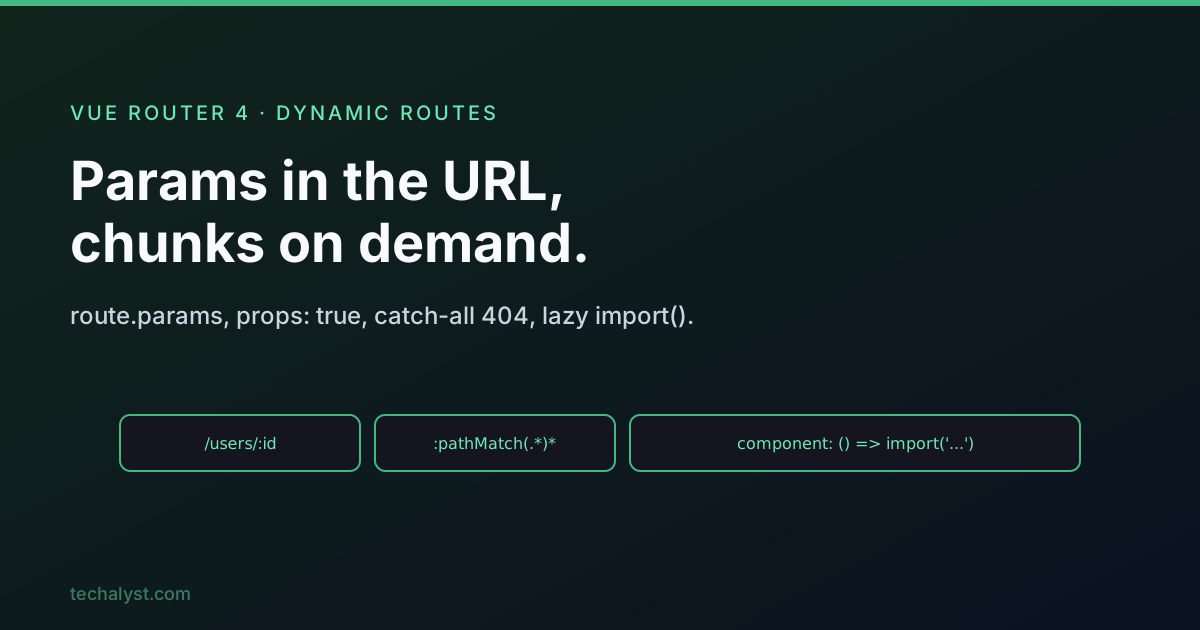
Most real apps have routes like /users/42 or /products/widget where part of the URL is data. Vue Router calls these dynamic routes, and they come with one behaviour that trips people up. This post covers dynamic params, passing them as props, query strings, a catch-all 404, and how to keep your bundle small with lazy loading.
Dynamic segments
Prefix a path segment with : to make it a parameter. Its value lands in route.params.
const routes = [
  { path: '/users/:id', name: 'user', component: User },
]
<script setup>
import { useRoute } from 'vue-router'

const route = useRoute()
// route.params.id for /users/42 is '42'
</script>

<template>
  <RouterLink :to="{ name: 'user', params: { id: 42 } }">View user 42</RouterLink>
  <p>User: {{ route.params.id }}</p>
</template>
Param values are always strings, and they are reactive, so {{ route.params.id }} updates when the URL changes.
The reuse gotcha: watch param changes
Here is the catch. When you navigate from /users/1 to /users/2, Vue Router reuses the same component instance instead of recreating it (this is efficient). That means lifecycle hooks like onMounted do not run again, so a fetch you put in onMounted never refires for the new id. The fix is to watch the param.
<script setup>
import { watch } from 'vue'
import { useRoute } from 'vue-router'

const route = useRoute()

watch(
  () => route.params.id,
  (id) => { fetchUser(id) },
  { immediate: true }, // also runs on first load
)
</script>
immediate: true covers the initial render so you do not need a separate onMounted call. This watch-the-param pattern is the standard way to load data for dynamic routes.
Passing params as props
Reading route.params.id everywhere couples your component to the router. Set props: true on the route and Vue Router feeds the params in as component props, so the component becomes reusable and router-agnostic.
{ path: '/users/:id', name: 'user', component: User, props: true }
<!-- User.vue -->
<script setup>
const props = defineProps(['id']) // comes straight from the route param
</script>
For more control, props can be a function that maps the route to props, for example sourcing a value from the query instead, or transforming it.
{ path: '/users/:id', component: User, props: (route) => ({ id: Number(route.params.id) }) }
Query strings
Query parameters (?sort=name&page=2) live in route.query and need no route definition. They are ideal for optional, filter-style data.
<template>
  <RouterLink :to="{ name: 'users', query: { sort: 'name', page: 2 } }">
    Sorted
  </RouterLink>
</template>
// route.query is { sort: 'name', page: '2' }
Like params, query values are reactive, so you can watch route.query to refetch when a filter changes.
A catch-all 404 route
To handle unknown URLs, add a final route with a catch-all param. It must come last so it only matches when nothing else does.
const routes = [
  // ...your real routes
  { path: '/:pathMatch(.*)*', name: 'not-found', component: NotFound },
]
The (.*)* pattern captures any unmatched path, and route.params.pathMatch holds the segments, handy for showing what the user was looking for. You can also use a custom regex in a param, like :id(\\d+), to only match numeric ids and let everything else fall through to the 404.
Lazy loading routes
By default every route component ships in your main bundle, so the browser downloads code for pages the user may never visit. Lazy loading splits each route into its own chunk that loads on demand. Instead of importing the component at the top, pass a function that returns a dynamic import().
const routes = [
  { path: '/', name: 'home', component: Home }, // eager: needed immediately
  {
    path: '/dashboard',
    name: 'dashboard',
    component: () => import('../views/Dashboard.vue'), // lazy: own chunk
  },
  {
    path: '/reports',
    name: 'reports',
    component: () => import('../views/Reports.vue'),
  },
]
Now the dashboard and reports code is only fetched the first time someone visits those routes, then cached. Keep the landing page eager (it is always needed) and lazy-load the heavier, less-visited pages. Vite handles the code splitting automatically, each import() becomes a separate JavaScript file in the build. This is the single biggest easy win for initial load time in a large SPA.
Wrapping up
Dynamic segments put data in route.params, but remember the component is reused across param changes, so watch the param (with immediate: true) to load data rather than relying on onMounted. Pass params in with props: true to decouple components from the router, use route.query for optional filters, and add a catch-all :pathMatch(.*)* route last for 404s. Finally, lazy-load route components with dynamic import() to keep your initial bundle lean.
More in the series: routing a Vue SPA and navigation guards. Questions welcome below.


All comments ()
No comments yet
Be the first to leave a comment on this post.