

 Vue.js

Updated June 2026. Tested on Vite 5 with Vue 3. Part of the Techalyst Vue 3 series.
Vite is the build tool nearly every modern Vue project runs on. It compiles your single-file components, serves them with near-instant hot reloading in development, and bundles an optimised build for production. You rarely configure it, but understanding how it works explains why it feels so fast and saves you from a handful of deploy-day surprises.
Scaffolding a project
The official starter sets up Vue, Vite, and the right plugins in one command.
npm create vite@latest my-app -- --template vue
cd my-app
npm install
npm run dev
That gives you a working dev server, usually at localhost:5173, with hot module replacement already wired up. Always glance at package.json to confirm the Vite and Vue versions before you start.
Why the dev server is instant
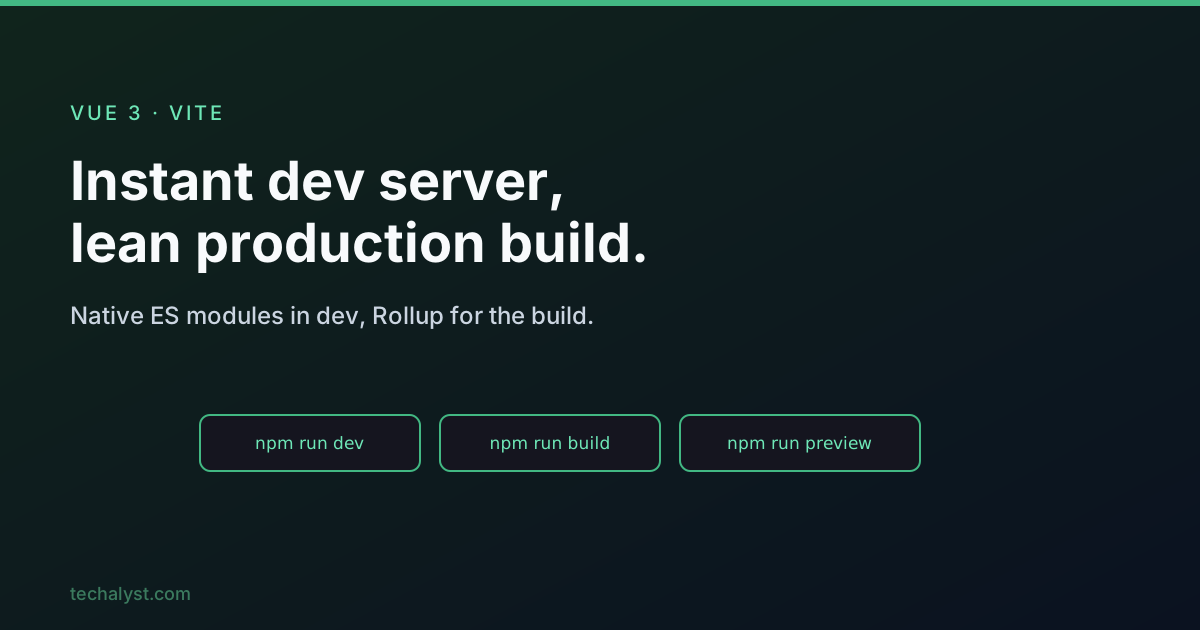
This is Vite's headline trick. Traditional bundlers rebuild your whole app into one bundle before they can serve anything, which gets slow as the project grows. Vite skips that in development: it serves your source files directly over native ES modules, letting the browser request each module as it is needed, and transforms only what the browser cannot run natively (your .vue files, TypeScript, Sass). There is no upfront bundle, so the server starts immediately no matter how large the app, and edits hot-reload in milliseconds.
The three scripts
Every Vite project has the same three npm scripts.
{
  "scripts": {
    "dev": "vite",
    "build": "vite build",
    "preview": "vite preview"
  }
}
devruns the unbundled dev server with HMR. This is where you spend your day.buildproduces the production bundle indist/, minified and tree-shaken via Rollup. Here bundling is worth it, fewer, larger files mean fewer HTTP requests for visitors.previewserves thedist/folder locally so you can sanity-check the real build. Always runbuildfirst.
A useful habit: test preview before deploying, since the bundled build can occasionally behave differently from the dev server, particularly around assets.
index.html is the entry
Unlike older tools that hide it away, Vite treats index.html as the entry point and keeps it in the project root. It points at your app's main script as a module.
<body>
  <div id="app"></div>
  <script type="module" src="/src/main.js"></script>
</body>
Two rules matter. The script tag must be type="module" (Vite relies on native ES modules), and links to scripts and styles should use an absolute path (/src/main.js) or a relative one starting with ./. A bare filename works on the dev server but fails at build time, a classic gotcha.
The public folder and assets
You have two ways to include static files.
Files you reference from code (an image in a component, a stylesheet) can sit anywhere in src/. Vite processes them, adds a content hash to the filename for cache-busting, and emits them to dist/assets/.
<script setup>
import logo from './assets/logo.png' // becomes a hashed URL string
</script>

<template>
  <img :src="logo" alt="Logo" />
</template>
Files that must keep their exact name and never be processed (a robots.txt, a favicon.ico, a web manifest) go in the public/ folder. Vite copies them to dist/ verbatim. A small but real trap: a file linked only from an <a href> is not a build dependency and will not be emitted, so static files like that belong in public/ or they will 404 in production.
Deploying under a subdirectory
By default Vite assumes your app lives at the server root and writes asset URLs starting with /. If you deploy under a subpath (GitHub Pages, or a /app/ mount), set base so those URLs resolve.
// vite.config.js
import { defineConfig } from 'vite'
import vue from '@vitejs/plugin-vue'

export default defineConfig({
  plugins: [vue()],
  base: '/app/', // assets resolve under /app/ instead of /
})
Use base: '/' for a root deploy, base: '/repo-name/' for a subdirectory, or base: './' when the location is flexible. The value must end with a trailing slash. This one option fixes the most common "works locally, broken in production" problem, where every asset 404s because the paths assume the wrong root.
Where it fits with Vue
For a Vue Router SPA, Vite also handles code splitting automatically: each () => import('./views/Page.vue') in your routes becomes its own chunk that loads on demand. And the @vitejs/plugin-vue plugin (already installed by the starter) is what compiles your .vue files. You get all of this with essentially zero configuration, which is the whole point.
Wrapping up
Vite gives Vue an instant dev server by serving native ES modules instead of bundling, and a lean Rollup-powered production build. Remember the three scripts (dev, build, preview), keep index.html in the root with a type="module" script, put unprocessed static files in public/, and set base correctly when you deploy anywhere other than the server root. It is fast, conventional, and mostly stays out of your way.
More in the series: single file components and script setup and routing a Vue SPA. Questions welcome below.


All comments ()
No comments yet
Be the first to leave a comment on this post.