

 Vue.js

Updated June 2026. Tested on Vue 3 with
<script setup>. Part of the Techalyst Vue 3 series.
Reactivity is what makes Vue feel magical: change a value, the DOM updates. But the magic only works if you make the value reactive in the right way, and a few traps catch newcomers. Here is the whole reactivity toolkit, with when to reach for each piece.
ref for primitives, reactive for objects
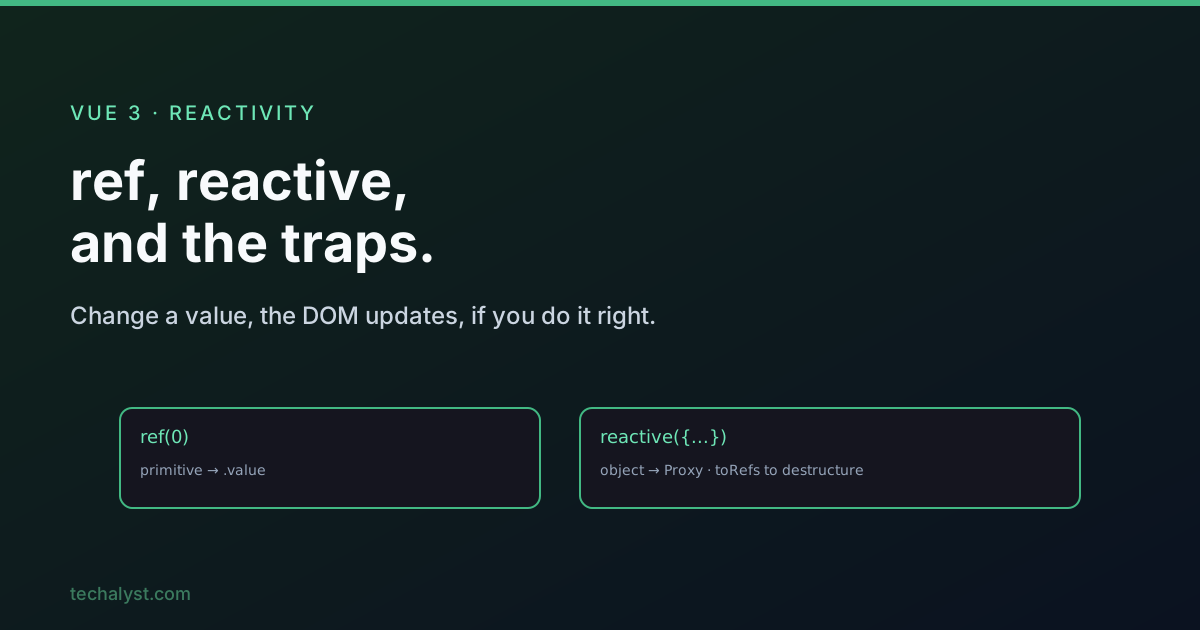
Use ref() for a single primitive value (a string, number, boolean). It wraps the value in a Ref object with a .value property, and that wrapper is what Vue tracks.
import { ref } from 'vue'

const count = ref(0)

count.value++        // in plain JS, read and write through .value
In a template, refs are unwrapped for you, so you write count, not count.value.
<template>
  <p>{{ count }}</p>
</template>
Use reactive() for an object or array. It returns a Proxy whose handler intercepts reads and writes, which is what enables tracking. Never pass a primitive to reactive().
import { reactive } from 'vue'

const car = reactive({ brand: 'Toyota', model: 'Corolla' })

car.brand = 'Honda'  // reactive, the template updates
| Value type | Use |
|---|---|
| string, number, boolean | ref(value) |
| object, array | reactive(obj) |
The destructuring trap
This one bites everyone once. Reactivity lives in the proxy, not in the values you pull out of it. Destructure a reactive object and you get plain, disconnected values.
const car = reactive({ brand: 'Toyota', model: 'Corolla' })

// breaks reactivity: brand and model are now plain strings
const { brand, model } = car
The fix is toRefs(), which converts every property into its own Ref first, so destructuring keeps each one reactive and linked back to the source.
import { reactive, toRefs } from 'vue'

const car = reactive({ brand: 'Toyota', model: 'Corolla' })

const { brand, model } = toRefs(car) // each is now a linked Ref

brand.value          // 'Toyota', still reactive
If you only need one property out, toRef() extracts a single linked Ref.
const brand = toRef(car, 'brand')
brand.value = 'Honda'
car.brand            // 'Honda', the source updated too
Both toRef and toRefs require an actual reactive() proxy, not a plain object.
Protecting and unwrapping
A handful of helpers cover the rest of the real-world cases.
readonly() returns a proxy you can read but not write, with Vue warning on any write attempt in dev. Wrap a reactive object in it to expose a value that others can read but only you can change.
const base = reactive({ count: 0 })
const locked = readonly(base)

base.count++         // ok, locked reflects it reactively
locked.count = 5     // blocked, Vue warns
markRaw() permanently opts an object out of reactivity, so reactive() and readonly() will never proxy it. Handy for third-party class instances or big static objects you do not want Vue to deep-track.
toRaw() unwraps a proxy back to the original plain object, useful when handing reactive state to a library that does not expect a Proxy.
const proxy = reactive({ count: 0 })
const plain = toRaw(proxy)   // the original object, no proxy
Shallow variants for performance
By default reactive() and readonly() go deep, recursively proxying nested objects. When a structure is large and you do not need deep tracking, the shallow variants proxy only the root level.
import { shallowReactive } from 'vue'

const state = shallowReactive({ count: 0, nested: { value: 'hello' } })

isReactive(state)        // true,  root is reactive
isReactive(state.nested) // false, nested is plain
shallowRef() is the most useful of these. A normal ref() on an object proxies it so property changes are tracked; shallowRef() stores the object as-is and only triggers an update when you replace the whole .value.
import { shallowRef } from 'vue'

const car = shallowRef({ brand: 'Toyota', model: 'Corolla' })

car.value.brand = 'Honda'                       // no update, not tracked
car.value = { brand: 'Honda', model: 'Civic' }  // update, whole object swapped
Reach for shallowRef when you only care about object swaps, not inner mutations.
customRef: your own track and trigger
computed() is reactive but always derived from another reactive value. When you need a Ref with custom get/set logic around an independent value, and manual control over reactivity, use customRef(). You get two functions: track() tells Vue to record a read as a dependency, and trigger() tells Vue the value changed.
import { customRef } from 'vue'

function carAge(year) {
  return customRef((track, trigger) => ({
    get() {
      track()                            // must come first
      return new Date().getFullYear() - year
    },
    set(newYear) {
      year = newYear
      trigger()                          // must come last
    },
  }))
}

const age = carAge(2010)
age.value            // current year minus 2010
The order is the rule: track() is the first line of get(), trigger() is the last line of set(). Get it backwards and reactivity breaks.
The classic use is a debounced ref, where trigger() only fires after a delay, which gets its own post in this series: debounce and throttle in Vue 3 with customRef.
Wrapping up
Use ref() for primitives and reactive() for objects, and remember that destructuring a reactive object breaks it unless you go through toRefs(). Reach for readonly to expose without exposing writes, markRaw/toRaw to step outside reactivity, the shallow variants (especially shallowRef) for large structures, and customRef when you need full control over track and trigger. Get these straight and Vue's reactivity stops being magic and starts being predictable.
More in the series: computed properties and watchers. Questions welcome below.


All comments ()
No comments yet
Be the first to leave a comment on this post.