

 Vue.js

Updated June 2026. Tested on Vue 3 with
<script setup>. Part of the Techalyst Vue 3 series.
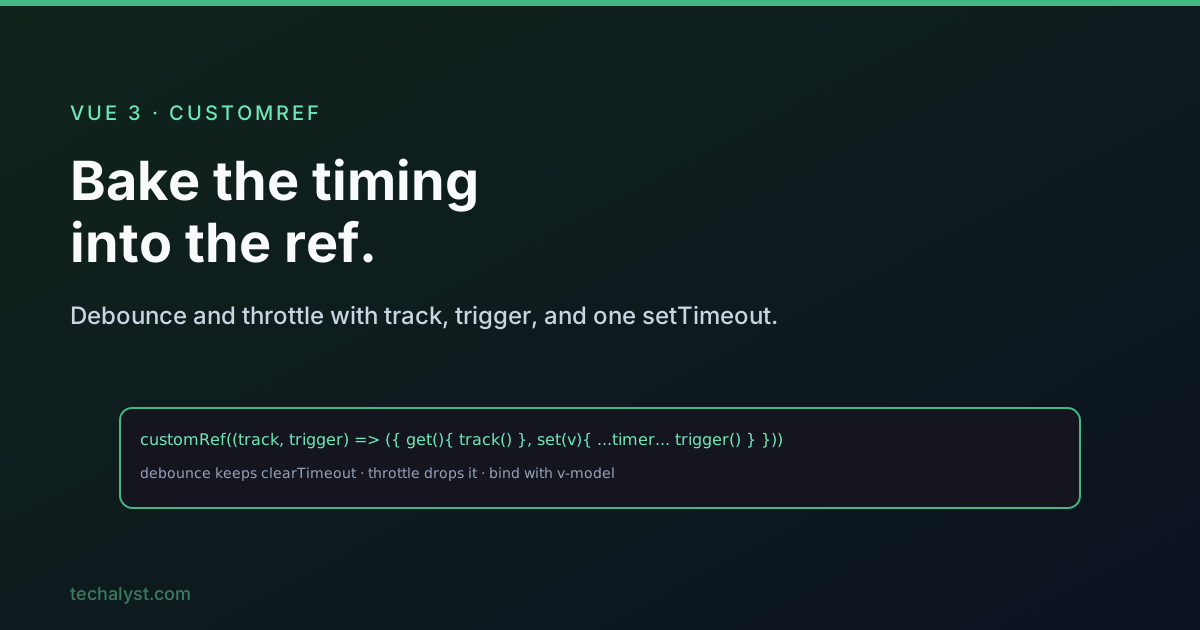
Debounce and throttle both limit how often something runs in response to rapid events. The neat trick in Vue 3 is that you can bake the timing straight into a ref with customRef, so any component binding it gets debounced behaviour for free, with no per-component plumbing. Let us build it from the ground up.
Debounce, in one sentence
A debounced function waits until the activity stops before running, then runs once. Type ten characters quickly and the handler fires a single time, after you pause. It is the right tool for search-as-you-type, form auto-save, and resize handlers.
The closure foundation
The classic implementation leans on a closure: an outer function that runs once and holds a shared timer id, returning an inner function bound to the event.
function debounce(fn, delay) {
  let timer = null            // shared across every call of the inner fn

  return function (...args) {
    clearTimeout(timer)       // cancel the previous pending run
    timer = setTimeout(() => fn(...args), delay)
  }
}
Every call clears the previous timer and sets a new one, so only the final call in a burst ever fires. The single shared timer is the whole mechanism, and clearTimeout must come before setTimeout.
Why not just debounce a method?
You might try to drop that pattern into a component function, but it breaks: a method runs fresh on every call, so let timer = null resets each time and nothing is ever cancelled. You would have to lift the timer into component state to share it. That works, but it scatters timing logic across every component that needs it. A cleaner home is the ref itself.
customRef: timing inside the ref
customRef lets you define a ref with your own getter and setter. Crucially, the factory function runs once, so a timer declared inside it is genuinely shared across every read and write, exactly like the outer function in the closure version.
import { customRef } from 'vue'

export function debouncedRef(value, delay = 400) {
  let timer = null

  return customRef((track, trigger) => ({
    get() {
      track()             // register this ref as a reactive dependency
      return value
    },
    set(newValue) {
      clearTimeout(timer)
      timer = setTimeout(() => {
        value = newValue
        trigger()         // tell Vue the value changed, re-render
      }, delay)
    },
  }))
}
Two required calls make it reactive: track() in the getter registers anyone reading the ref, and trigger() in the setter notifies them once the debounced value actually updates. The setter stores the new value only after the delay, so reads stay on the old value until the user pauses.
Using it in a search input
Now any component can bind it like a normal ref and get debounced updates for free.
<script setup>
import { watch } from 'vue'
import { debouncedRef } from './debouncedRef'

const search = debouncedRef('', 400)

watch(search, (term) => {
  // fires only after the user stops typing for 400ms
  fetchResults(term)
})
</script>

<template>
  <input v-model="search" placeholder="Search..." />
</template>
The v-model writes to the ref on every keystroke, but the setter swallows the rapid writes and only commits the final value after 400ms of silence, so watch (and your API call) runs once. Pair this with a cancellable request from the watchers post and you have a tidy, race-free search box.
Turning debounce into throttle
Throttle is the sibling: instead of waiting for silence, it allows an update at a fixed interval while the activity continues. The conversion is almost comically small, drop the clearTimeout.
import { customRef } from 'vue'

export function throttledRef(value, delay = 1000) {
  let waiting = false

  return customRef((track, trigger) => ({
    get() {
      track()
      return value
    },
    set(newValue) {
      if (waiting) return         // ignore writes during the cooldown
      waiting = true
      setTimeout(() => {
        value = newValue
        trigger()
        waiting = false           // open the gate again
      }, delay)
    },
  }))
}
Without cancellation, the first write in each window starts a timer that always completes, and a waiting flag ignores the rest until the interval elapses. The result is at most one update per interval no matter how fast the writes arrive, which is what you want for scroll position or rapid click counters.
| Debounce | Throttle | |
|---|---|---|
Uses clearTimeout |
Yes, cancels the previous timer | No |
| Fires while active | Never | Once per interval |
| Fires after stopping | Once | Pending timer, if any |
| Best for | Search input, auto-save, resize | Scroll, click rate-limiting |
Wrapping up
Debounce waits for quiet, throttle paces a steady drip, and both are closures at heart. By moving the timer into a customRef factory (which runs once) you get a shared timer with no component-level state, and track/trigger keep the ref reactive. Bind it with v-model and your component never has to know the timing exists. Swap clearTimeout in or out to switch between the two behaviours.
More in the series: watchers in Vue 3 and Vue 3 reactivity with ref and reactive. Questions welcome below.


All comments ()
No comments yet
Be the first to leave a comment on this post.