

 Laravel

Updated June 2026. Tested on Laravel 13 and PHP 8.4. Part of the Techalyst queue series.
Each queue driver has its strengths, and one day you may want to move from one to another, say from the database driver to redis as you grow. The naive way takes your app down. There is a graceful way that does not. Both are worth knowing.
The stop-the-world way
The approach you see most often in forum threads is to halt everything while you switch.
- Put the app in maintenance mode so it returns 503 and nobody can enqueue new jobs.
- Disable the scheduler (the cron entry) if any scheduled commands enqueue jobs.
- Run your workers with
--forceso they keep draining the queue even though the app is in maintenance mode. - Wait for the old queue to empty, deploy the new driver, and bring the app back up.
php artisan down
php artisan queue:work database --force   # keep draining during maintenance
It works, but your application is offline for the whole time it takes to drain the queue. For a backed-up queue that can be a long, visible outage.
The graceful way
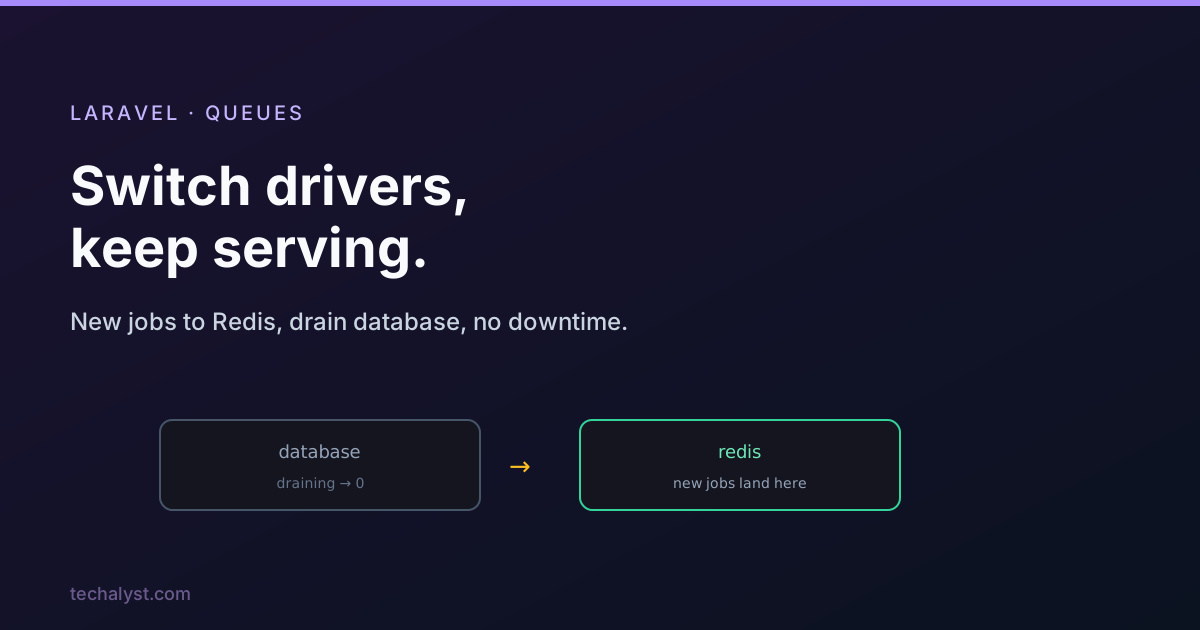
You can switch drivers with no downtime at all by running both side by side for a short while and letting the old one drain naturally.
Step 1: add the new connection. Define the new driver as a separate connection in config/queue.php, alongside the old one.
Step 2: send new jobs to the new connection. Update your dispatching code to point at the new connection. Everything dispatched from now on lands on the new driver.
NewJob::dispatch()->onConnection('redis');
Step 3: start workers on the new connection so those new jobs get processed promptly and users feel no delay.
php artisan queue:work redis --queue=invoices --timeout=30
Step 4: let the old queue drain, then retire its workers. The old workers keep chewing through the jobs already stored on the old connection. You can watch how many are left with Queue::size.
Queue::connection('database')->size('invoices');
When the old connection's queues report zero, stop the old workers. The migration is complete, no job was lost, and the app never went down. You can then move those freed worker slots over to the new connection.
Why this works
The key insight is that a job belongs to a specific connection, and a worker only processes the connection you point it at. So old and new can coexist: new work flows to the new driver while old work finishes on the old one. Queue::size gives you the signal for when it is safe to let go of the old driver. No maintenance window, no lost jobs, no stopping the world.
Wrapping up
To switch queue drivers, you can stop the world (maintenance mode plus --force workers, with downtime), or you can do it gracefully: add the new connection, dispatch new jobs to it with onConnection, run workers on it, and drain the old connection while watching Queue::size, then retire the old workers. The graceful path keeps your app online the whole time, which is almost always worth the small extra effort.
More in the series: the production-ready database queue driver and Laravel queues and deployments. Questions welcome below.


All comments ()
No comments yet
Be the first to leave a comment on this post.