

 Laravel

Updated June 2026. Tested on Laravel 13 and PHP 8.4. Part of the Techalyst queue series.
If your workers share a server with your web app, or run on a small box, they can quietly eat the resources your site needs. The goal is to let workers do their job without starving PHP-FPM, Nginx, or each other. There are three resources to ration: worker memory, queue memory, and CPU.
Worker memory
A long running worker slowly accumulates memory PHP cannot reclaim. The cure is regular recycling, not leak hunting.
php artisan queue:work --max-jobs=1000 --max-time=3600
The worker exits after 1000 jobs or 3600 seconds, between jobs so nothing is interrupted, and your process manager starts a fresh one. For a job you know is a memory hog, force a restart right after it.
public function handle(): void
{
    // heavy work

    app('queue.worker')->shouldQuit = 1; // restart after this job
}
There is a dedicated post on worker memory leaks if you want more.
Queue memory (Redis)
If you store jobs in Redis, remember Redis is an in-memory store: every pending job's payload sits in RAM until it is processed and deleted. The longer jobs linger, the more memory the queue itself consumes. Two habits keep it small.
- Drain fast. Run enough workers to process jobs in parallel so the backlog, and its memory, stays low.
- Keep payloads tiny. Pass only the minimum a job needs into its constructor. Do not pass large objects or data structures; pass an id and reload, which is exactly what
SerializesModelsdoes for you.
CPU
Here is the part people get wrong. If your server has 2 CPU cores, that does not mean you can only run 2 workers. The operating system rapidly switches between processes, sharing the cores, so you can run more workers than cores. What matters is priority: when workers and your web server compete for CPU, you usually want the web server to win.
You lower a worker's priority with nice. A higher nice value means lower priority, so the OS gives more CPU to important processes like PHP-FPM and Nginx.
nice -n 10 php artisan queue:work
Nice values run from 0 to 19; 10 is a sensible "be polite" setting for background workers. In Horizon you do the same with the nice config option on a supervisor.
You can also make workers rest, idling briefly between jobs and when the queue is empty, which frees CPU for everything else.
php artisan queue:work --rest=0.5 --sleep=5
Here the worker waits half a second between jobs and sleeps 5 seconds when it finds the queue empty. A resting worker is idle, so the OS hands that CPU bandwidth to other processes.
Wrapping up
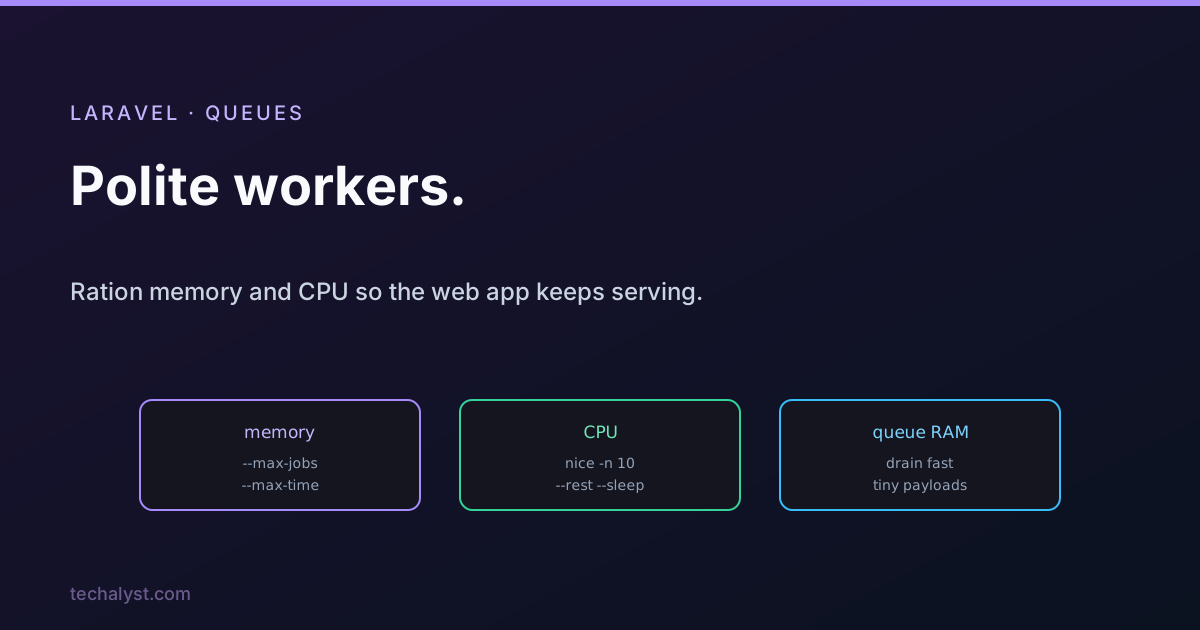
Rationing workers comes down to three things. Cap worker memory with --max-jobs and --max-time (or shouldQuit for heavy jobs). Keep the Redis queue's own memory down by draining fast and passing tiny payloads. And tame CPU by lowering worker priority with nice and letting workers --rest and --sleep, so your web traffic always gets served first. Workers should be good neighbours, not greedy ones.
More in the series: why worker memory keeps climbing and how Laravel Horizon works. Questions welcome below.


All comments ()
No comments yet
Be the first to leave a comment on this post.