

 Laravel

Updated June 2026. Concepts tested against current Vapor. AWS prices change and vary by region, so the figures here are illustrative; check current AWS pricing before deciding. Part of the Techalyst Vapor series.
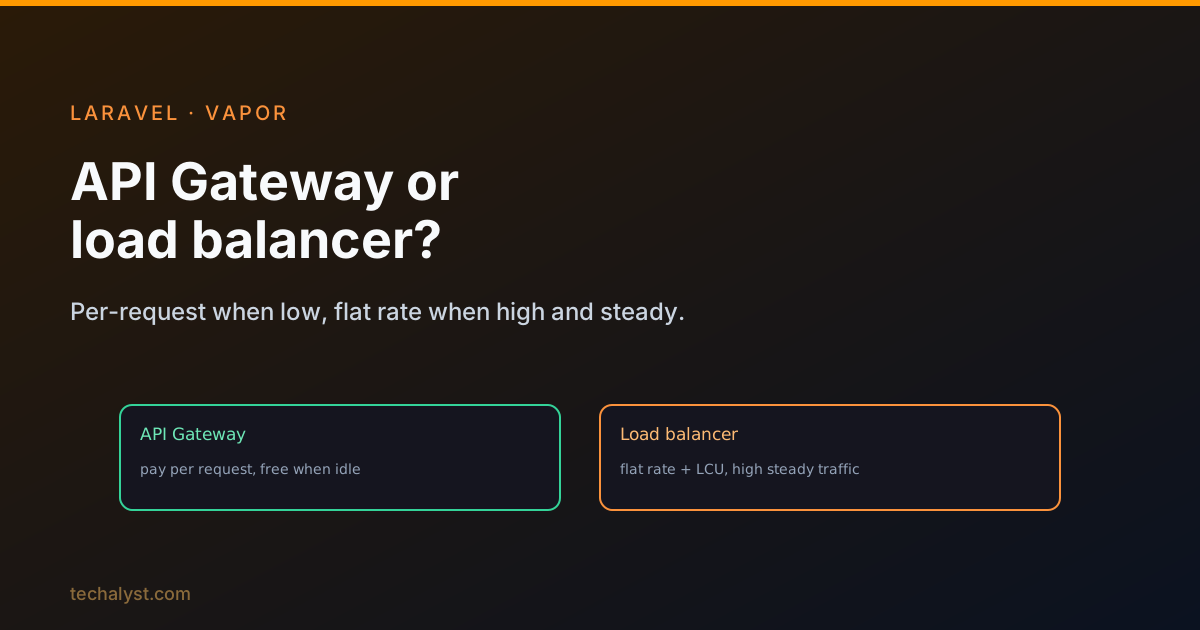
Something has to receive a web request from the internet and hand it to your HTTP lambda. Vapor gives you two choices for that front door, and which one is cheaper flips entirely on how much traffic you get.
The default: API Gateway
Out of the box, Vapor fronts your HTTP lambda with AWS API Gateway, a service that manages internet traffic into your AWS resources. Its key trait is pay-as-you-go: you pay per request, and if the app gets no traffic, you pay nothing at all. The AWS free tier even includes the first chunk of requests each month.
For a low-to-moderate traffic app, this is ideal: your front-door cost scales straight down to zero when nobody is using the app, and you never pay for idle capacity.
When pay-per-request stops making sense
The flip side of paying per request is that, at high constant volume, those per-request charges add up. Once an app is reliably serving many millions of requests a month, a per-request model becomes more expensive than simply renting fixed capacity.
That is when Vapor lets you provision an Application Load Balancer instead. With a load balancer you pay AWS a flat hourly rate (very roughly in the region of ~$17/month) plus capacity charges (Load Balancer Capacity Units) for the traffic it actually handles, and you can receive any number of requests under that model. A nice bonus: one load balancer can front multiple Vapor projects, and you still pay just the single flat rate plus capacity charges across all of them.
The decision
It comes down to traffic volume:
- Low or spiky traffic → API Gateway. You pay only for requests, down to zero when idle, with no fixed monthly cost.
- High, steady traffic (broadly, apps consistently over a few million requests a month) → a load balancer. The flat rate plus capacity charges beats paying per request once volume is high and constant.
A sensible approach is to start on API Gateway and watch your real usage. Once you have a clear picture of your request volume and can see that you are consistently in load-balancer territory, switch. Provisioning before you know your numbers risks paying a flat rate you do not yet need; measuring first lets the data make the call.
Wrapping up
Vapor defaults your HTTP lambda to API Gateway, billed per request and free when idle, which suits most apps. For high, constant traffic, a load balancer's flat hourly rate plus capacity charges works out cheaper, and it can serve several Vapor projects at once. Start on API Gateway, measure your actual request volume, and move to a load balancer only once your numbers clearly justify it.
That rounds out the Vapor series. Start at What Is AWS Lambda, and How Laravel Vapor Uses It, or revisit cost and performance optimisation. Questions welcome below.


All comments ()
No comments yet
Be the first to leave a comment on this post.