

 Laravel

Updated June 2026. Concepts tested against current Vapor and AWS Lambda. AWS prices change and vary by region, so treat the figures here as illustrative and check the current AWS pricing page before budgeting. Part of the Techalyst Vapor series.
On Vapor, the building block is AWS Lambda, and that is where your compute bill comes from. Lambda pricing trips people up because it depends on two things at once, so let us make it concrete, then look at how to keep it down.
How Lambda bills you
You are charged for two things: GB-seconds of compute, and the number of invocations.
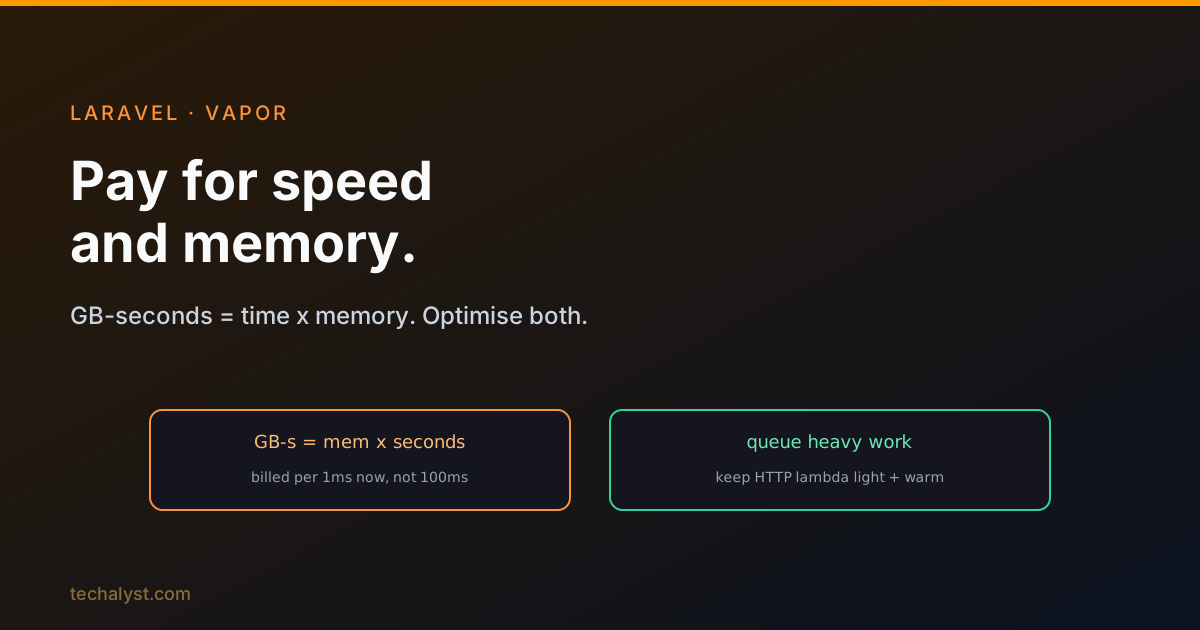
GB-seconds is execution time multiplied by allocated memory. Suppose your app runs on a lambda with 512MB of memory, gets 2 million requests a month, and averages 500ms per request:
GB-seconds = 0.5 GB x 2,000,000 x 0.5 s = 500,000 GB-s
AWS includes a free tier each month (around 400,000 GB-s and 1 million requests at the time of writing), so you pay for the overage. With the headline rates, that example lands at only a couple of dollars a month. Cheap.
But watch what happens if each request takes 1 second instead of 500ms: the GB-seconds double, and so does that part of the bill. Execution time is the lever. (One important update over older write-ups: Lambda now bills duration in 1ms increments, not rounded up to the nearest 100ms as it once did, so shaving real milliseconds genuinely helps.) Memory matters just as much, because it multiplies every second you run.
The takeaway: your bill is dominated by how fast your code runs and how much memory you allocate. Optimising those two is optimising your costs.
Keep the HTTP lambda light
Vapor runs your whole app as one lambda, which creates a sizing problem: you must configure the lambda for its hungriest path. If one endpoint runs a trivial query and another does heavy reporting, you would be forced to give the lambda 3GB all the time just for the reporting, and pay that premium on every cheap request too.
Laravel's answer is built in: push heavy work to the queue. If your slow reporting runs as a background job instead of inside the request, your HTTP lambda stays light and cheap, and only the CLI lambda needs the muscle.
Watch the CLI lambda, and split heavy jobs
The CLI lambda is where you have to think. If one job needs 128MB and another needs 3GB, running the CLI lambda at 3GB all the time wastes money on the small jobs. Better to split the heavy work into smaller jobs: dispatch a chain of lighter jobs, and Vapor invokes the lambda once per job, each cheap.
This works until a point. Eventually, many invocations of a small lambda can cost more than one invocation of a big one. When you notice that crossover, consider:
- Moving the heavy part to its own Vapor project (a microservice). Vapor allows unlimited projects at no extra base cost, so splitting when it makes sense is free.
- A dedicated environment configured with high resources, with all heavy work pushed to a specific queue, while your default environment stays modest.
Other cost levers
Set timeouts on external calls. You pay for execution time even while your function just waits on a Guzzle request. You cannot avoid making a needed call, but set a sensible timeout so a hanging request does not run up the bill or time out the function.
Handle queue failures properly. Without a sensible retry limit, a failing job retries forever, and on Vapor that means paying for every retry. Set tries/retryUntil and proper failure handling so jobs do not loop indefinitely.
Cap concurrency. Vapor lets you set the maximum concurrent invocations of your HTTP function. This throttles how many run at once, which both controls cost and reduces the blast radius of a traffic spike or a denial-of-service attempt.
Cold starts, and keeping containers warm
When Vapor first invokes your lambda, AWS spins up a fresh container, downloads your code, and initialises the runtime layers. That setup is a cold start, and depending on project size it can take a few seconds before your code even runs, unacceptable for HTTP.
Vapor handles this by keeping a fixed number of containers warm. Warming is effectively free, because you only pay when your code runs: you pay for the one-time container setup plus a few milliseconds of Vapor's work, and after that the container is ready. To keep it alive, Vapor pings the container every five minutes, which only costs those few milliseconds since the container is already warm.
For the CLI lambda, Vapor keeps one container always warm because it runs schedule:run every minute, so that container is free to pick up queued jobs or manual commands between schedules. When demand spikes beyond that one container, AWS starts more (you pay their initialisation), and shuts them down again when demand falls.
Wrapping up
On Vapor you pay for GB-seconds and invocations, so execution time and allocated memory drive your bill, and Lambda's modern 1ms billing rewards real speedups. Keep the HTTP lambda light by queueing heavy work, split or isolate hungry jobs rather than oversizing the CLI lambda, set external-call timeouts, cap retries and concurrency, and lean on Vapor's warm containers to dodge cold starts. Optimise your code and your memory settings, and the costs follow.
More in the series: should you use Vapor and API Gateway vs load balancer. Questions welcome below.


All comments ()
No comments yet
Be the first to leave a comment on this post.