

 DigitalOcean

Updated June 2026. Written for Laravel 13 on PHP 8.4 and Ubuntu 24.04. This is a full rewrite of an older Nginx guide. We use Caddy now because it handles HTTPS for you, which removes a whole step of certificate work.
This is the guide I wish I had the first time I put a Laravel app on a real server. It walks you from an empty DigitalOcean droplet to a Laravel app running on your own domain, over HTTPS, on a server that is locked down properly.
A few years ago this kind of guide meant Nginx, a long Let's Encrypt dance, cron entries, and a lot of copy and paste. Most of that is simpler today. Caddy gives you HTTPS automatically. systemd runs your queue and scheduler cleanly. So the guide is shorter than it used to be, and the result is sturdier.
What we are building
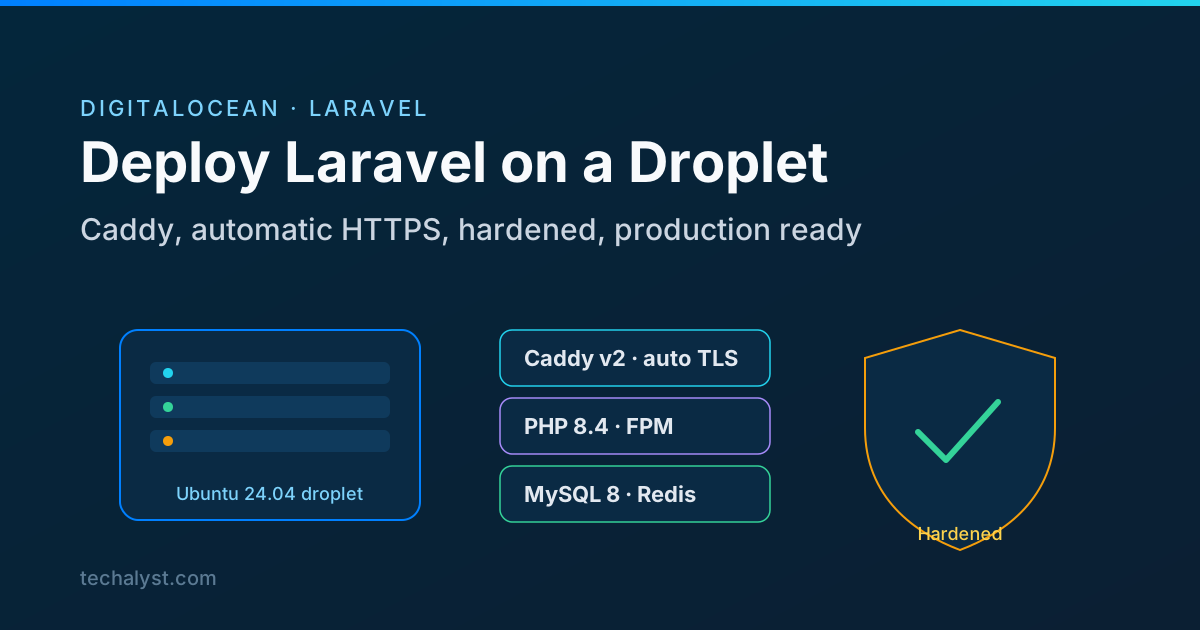
By the end of the series you will have a single droplet running:
- Ubuntu 24.04 with a non-root
deployuser, key based SSH, and root login turned off. - A firewall and basic intrusion protection, so the box is not wide open on day one.
- Caddy v2 as the web server, with HTTPS issued and renewed automatically.
- PHP 8.4 FPM, tuned for production rather than left on the defaults.
- MySQL 8 for the database and Redis for cache, sessions and queues.
- The Laravel app deployed under
/var/www/your-app.com, with the queue and scheduler running as systemd services.
This is the same shape we run Techalyst on, so it is a setup that holds up in real use, not just a hello world.
Who this is for
You should be comfortable on the command line and have a domain you can point at the server. You do not need to be a sysadmin. Every command is here, and I explain why each one matters, so you are not just pasting blindly.
The plan
The series is split into four steps, listed in the index above. Read them in order the first time, because each one builds on the last. Once you have done it once, you can come back to any single step as a reference.
- Create the droplet. Pick the right size and image, add your SSH key, and get your first login working.
- Initial configuration and hardening. Make a
deployuser, lock down SSH, turn on the firewall, and add automatic security updates. This is the step most tutorials skip, and it is the one that keeps you out of trouble. - Install the stack. Caddy, PHP 8.4 FPM with production settings, MySQL 8 and Redis. This is where the automatic HTTPS comes in.
- Deploy your Laravel app. Pull the code, set up the
.env, run migrations, fix storage permissions, write the Caddy site block, and run the queue and scheduler under systemd.
A quick note on cost. A small droplet is enough to start, and you can resize it later without rebuilding. I will point out where memory matters so you can make a sensible choice.
Start with step one in the index above. Take it slowly the first time, and by the end you will have a Laravel site live on your own server that you actually understand.


All comments ()
No comments yet
Be the first to leave a comment on this post.