

 React
React

Updated June 2026. Tested on React 19 and modern JavaScript. Part of the Techalyst React series.
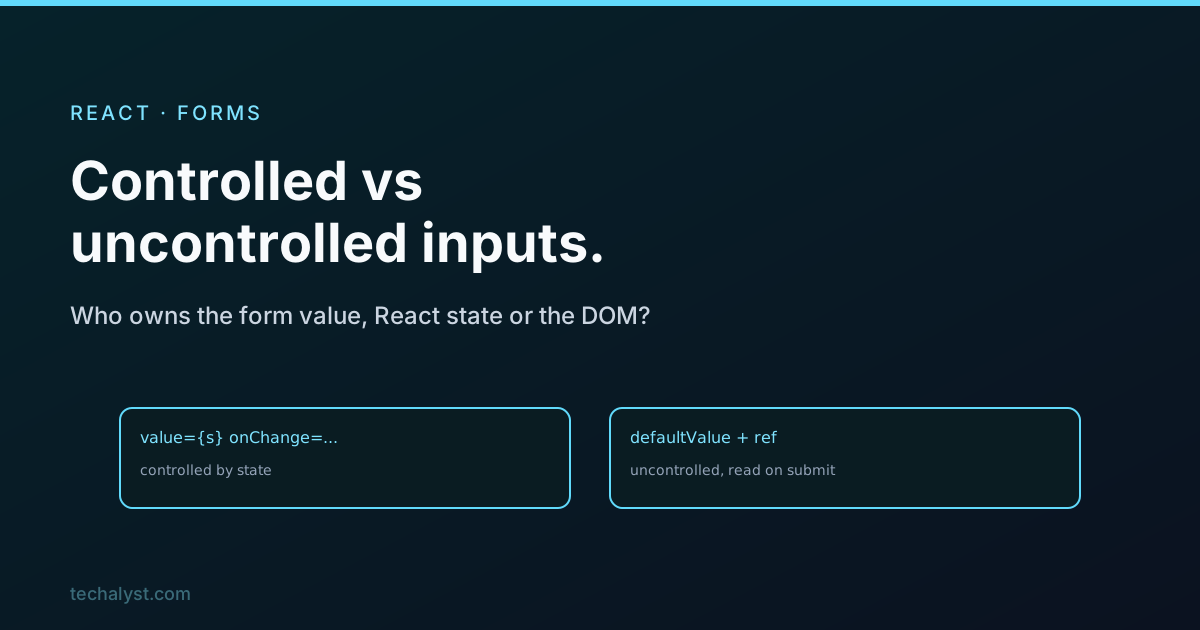
Every form in React comes down to one question, and once you can answer it the rest falls into place: who owns the value in this input, React state or the DOM? If React owns it, the input is controlled. If the DOM owns it and you only read it when you need it, the input is uncontrolled. Both are valid, they just suit different situations.
Controlled inputs
A controlled input takes its value from state and reports changes back through onChange. React is the single source of truth, the input only shows what state says:
function EmailField() {
  const [email, setEmail] = useState('');

  return (
    <input
      value={email}
      onChange={e => setEmail(e.target.value)}
    />
  );
}
The value lives in state, so it is always available. That is what makes controlled inputs powerful: you can validate as the user types, disable the submit button until the form is valid, format input on the fly, or mirror the value somewhere else on screen. Anything that has to react to what is being typed wants a controlled input.
Uncontrolled inputs
An uncontrolled input lets the DOM keep the value, and you grab it with a ref only when you need it, usually on submit. You set the starting value with defaultValue rather than value:
function EmailForm() {
  const inputRef = useRef(null);

  function handleSubmit(e) {
    e.preventDefault();
    console.log(inputRef.current.value); // read it now
  }

  return (
    <form onSubmit={handleSubmit}>
      <input defaultValue="" ref={inputRef} />
    </form>
  );
}
There is no state and no re-render on every keystroke, so it is less code and a touch lighter. It suits simple forms where you only care about the final values, and integrating with non-React code that expects to own the input.
Which to use
Reach for controlled by default. Most forms benefit from live validation and dynamic UI, and controlled inputs make those trivial, which is why they are the common React choice. Use uncontrolled when the form is simple and you only need the values on submit, or when you are wrapping something that manages its own input.
One case is not a choice: a file input is always uncontrolled. Its value cannot be set programmatically for security reasons, so you read the selected file from a ref.
A note on form actions
React 19 added form actions, where you pass a function to a <form action={...}> and handle submission there, often with useActionState for pending and error state. It is a cleaner way to handle the submit step and pairs nicely with uncontrolled inputs, since the action receives the form data directly. The controlled-versus-uncontrolled decision for individual fields still applies underneath it.
Wrapping up
A React form is controlled or uncontrolled depending on who owns each input's value. Controlled inputs drive value from state and update through onChange, which makes live validation and dynamic UI easy, and they are the right default. Uncontrolled inputs leave the value in the DOM and read it from a ref on submit, which is lighter for simple forms, and they are mandatory for file inputs. Answer the ownership question first and every form gets simpler to reason about.


All comments ()
No comments yet
Be the first to leave a comment on this post.