

 React
React

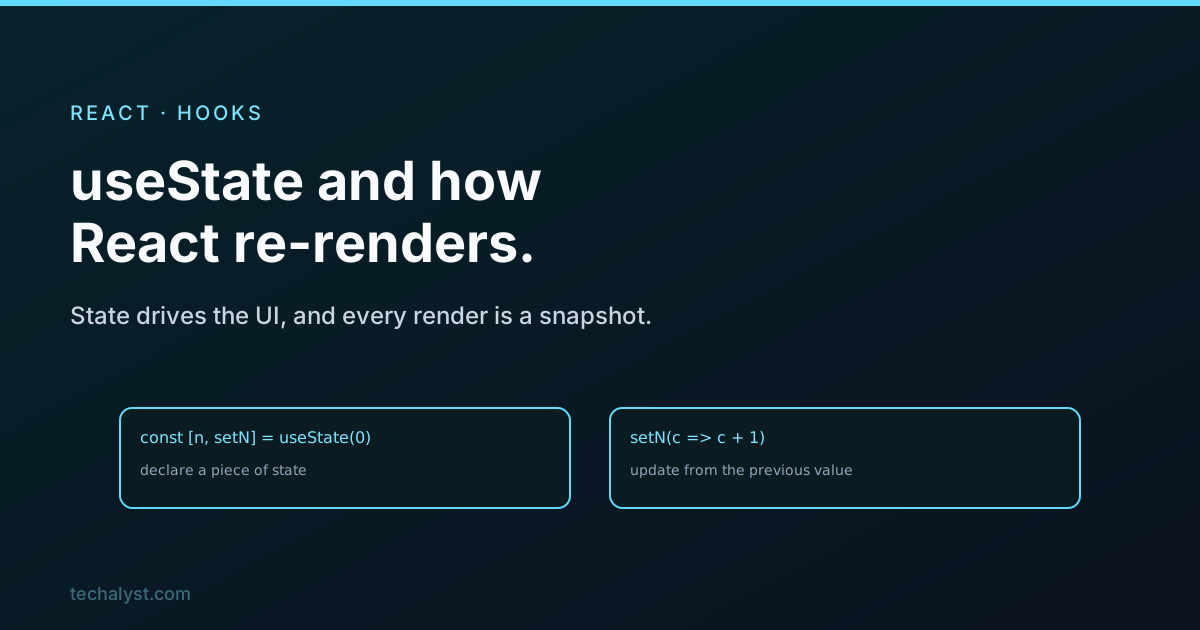
Updated June 2026. Tested on React 19 and modern JavaScript. Part of the Techalyst React series.
useState is the first hook everyone learns, and on the surface it is simple: a value and a function to change it. What takes longer to click is what actually happens when you call that setter, because React's whole rendering model hangs off it. Get this clear and a lot of confusing bugs, stale values, updates that seem to lag, stop being confusing.
The basics
You declare a piece of state and get back the current value and a setter:
const [count, setCount] = useState(0);

return <button onClick={() => setCount(count + 1)}>Count: {count}</button>;
Calling setCount does two things: it stores the new value, and it tells React to re-render this component. On the next render, useState hands back the updated value. That re-render is the entire point. State is how a component remembers something, and changing it is how the UI updates.
State is a snapshot
Here is the idea that unlocks the rest. The count in your render is not a live variable, it is a snapshot of the value for that particular render. It does not change while the render is running. So this does not do what it looks like:
function handleClick() {
  setCount(count + 1);
  setCount(count + 1);
  setCount(count + 1);
}
You might expect plus three. You get plus one. All three calls read the same snapshot of count, say 0, so all three set it to 1. The variable did not update between the lines, because it cannot.
The updater function
When your new value depends on the old one, pass a function instead of a value. React calls it with the latest state, so updates stack correctly:
function handleClick() {
  setCount(c => c + 1);
  setCount(c => c + 1);
  setCount(c => c + 1);
}
Now you get plus three, because each updater receives the result of the one before it. The rule of thumb: if the next state is based on the current state, use the function form.
Updates are batched
React batches state updates that happen in the same event. If you call several setters in one click handler, React does not re-render after each one, it collects them and re-renders once with all the changes applied. That is why a handler that updates three pieces of state still only triggers a single render. It keeps things fast and is usually exactly what you want.
Never mutate state
State must be replaced, not edited in place. Pushing to an array or assigning to an object property does not work, because React compares by reference and a mutated object is still the same reference, so it may not re-render, and even when it does you are fighting the model:
// Wrong: mutating
todos.push(newTodo);
setTodos(todos);

// Right: a new array
setTodos([...todos, newTodo]);
This matters enough that it has its own post, immutable state updates in React. For now, always hand the setter a brand new value.
Lazy initial state
If your initial value is expensive to compute, pass a function so it only runs on the first render instead of every one:
const [data, setData] = useState(() => buildExpensiveThing());
React calls that function once, on mount, and ignores it afterward.
When a component re-renders
To round it out: a component re-renders when its own state changes, or when its parent re-renders and passes it down. That second part is why large apps sometimes re-render more than they need to, which is where memoisation comes in, covered in memoisation in React.
Wrapping up
useState gives you a value and a setter, and calling the setter schedules a re-render where the value is fresh. Treat the state in each render as a fixed snapshot, use the updater function when the next value depends on the last, and lean on batching to keep multiple updates to one render. Never mutate state, replace it, and use a lazy initialiser for costly defaults. Those few habits are the difference between fighting React and working with it.


All comments ()
No comments yet
Be the first to leave a comment on this post.