

 Laravel

Updated June 2026. Tested on Laravel 13 and PHP 8.4. Scheduling lives in
routes/console.phpvia theSchedulefacade since Laravel 11. Part of the Techalyst scheduling series, which starts with Task Scheduling in Laravel.
You schedule a task with a tidy one liner, but it helps to know what Laravel actually does when that task is due. When the scheduler decides a task should run, it builds the real command and hands it to the operating system through Symfony's Process component. A few choices you make change how that plays out.
Foreground or background
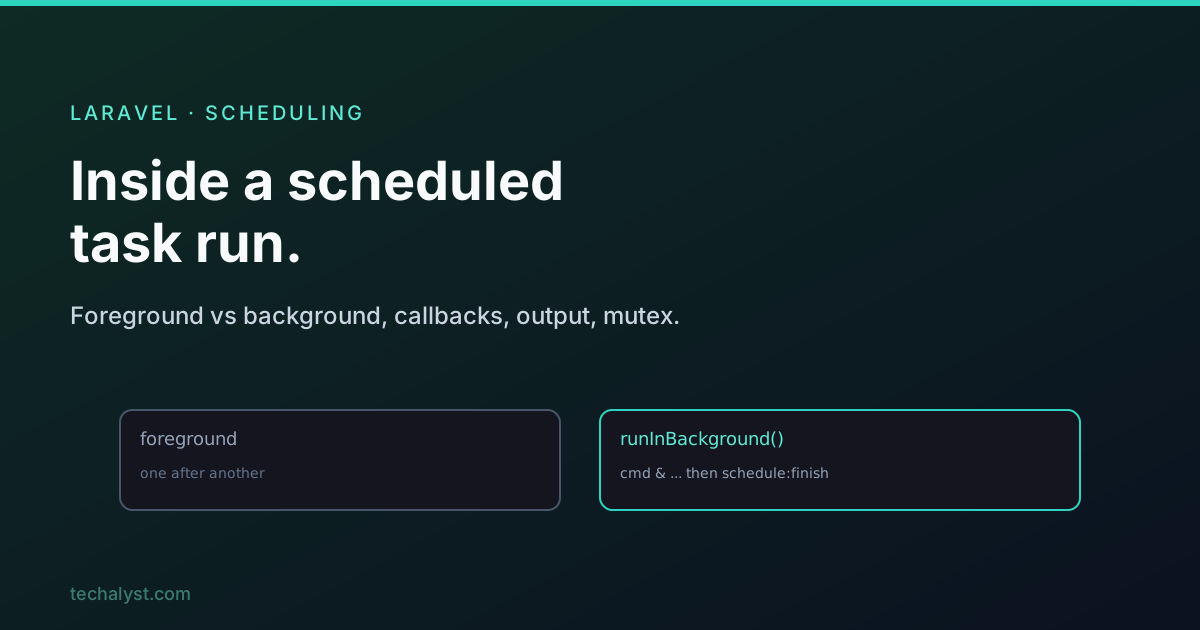
By default every scheduled task runs in the foreground, one after another. If three tasks are due at the same minute, Laravel runs the first, waits for it to finish, then runs the next.
php artisan update:coupons
# wait for it to finish...
php artisan send:mail
That is fine until you have several heavy tasks due together, because they queue up behind each other. Tell a task to run in the background and the OS starts it and moves on without waiting, using a trailing ampersand.
php artisan update:coupons &
php artisan send:mail &
In Laravel you ask for this with runInBackground().
use Illuminate\Support\Facades\Schedule;

Schedule::command('update:coupons')->hourly()->runInBackground();
Use it when independent tasks share a slot and you do not want them serialised. Leave it off when a task is quick or must run in order.
Before and after callbacks
You can hook into a task's lifecycle to run code just before it starts and just after it finishes.
Schedule::command('mail:send')
    ->daily()
    ->before(fn () => Log::info('mail:send starting'))
    ->after(fn () => Log::info('mail:send done'));
Here is a subtle point about background tasks. For a foreground task, Laravel runs the before-callbacks, runs the command, then runs the after-callbacks, simple. For a background task, Laravel cannot just call the after-callbacks inline, because it did not wait for the command to finish. So it chains a second command that runs once the first completes.
(php artisan update:coupons ; php artisan schedule:finish <mutex>) &
That schedule:finish command runs after your task, looks the task up by its mutex, and fires the after-callbacks at the right moment. So after-callbacks work for background tasks too, Laravel just wires them up differently.
The task mutex
Every scheduled task gets a mutex, a unique id Laravel derives from the task's cron expression and command string (for callback tasks it uses the description instead). It is used as the task's identity and, as we will see in the overlap post, to stop a task running twice at once. One practical consequence: if you schedule a closure and want a stable mutex, give it a description.
Schedule::call(fn () => DB::table('recent_users')->delete())
    ->daily()
    ->description('Clear recent users');
Capturing output
By default a scheduled task's output goes to /dev/null and disappears. To keep it, send it to a file.
Schedule::command('mail:send')->daily()->sendOutputTo('/home/scheduler.log');
sendOutputTo overwrites the file each run. To keep history, append instead.
Schedule::command('mail:send')->daily()->appendOutputTo('/home/scheduler.log');
These map to ordinary shell redirection: > overwrites, >> appends, and the 2>&1 Laravel adds means error output goes to the same place, so both errors and normal output land in your file. You can also email the output, which is handy for tasks you want eyes on.
Schedule::command('report:generate')->daily()->emailOutputTo('[email protected]');
Schedule::command('report:generate')->daily()->emailOutputOnFailure('[email protected]');
Running as a specific user
If a task must run as a particular system user, say forge, set it and Laravel runs the command under sudo -u forge.
Schedule::command('mail:send')->daily()->user('forge');
Wrapping up
When a scheduled task is due, Laravel builds the command and runs it through the OS, in the foreground by default or in the background with runInBackground() so independent tasks do not queue up. Before and after callbacks hook the lifecycle (with schedule:finish making after-callbacks work for background tasks), every task carries a mutex for identity, and you can capture output to a file with sendOutputTo/appendOutputTo or email it. Knowing these makes the scheduler feel a lot less like a black box.
More in the series: preventing scheduled tasks from overlapping and the properties of a scheduled task. Questions welcome below.


All comments ()
No comments yet
Be the first to leave a comment on this post.