

 Laravel

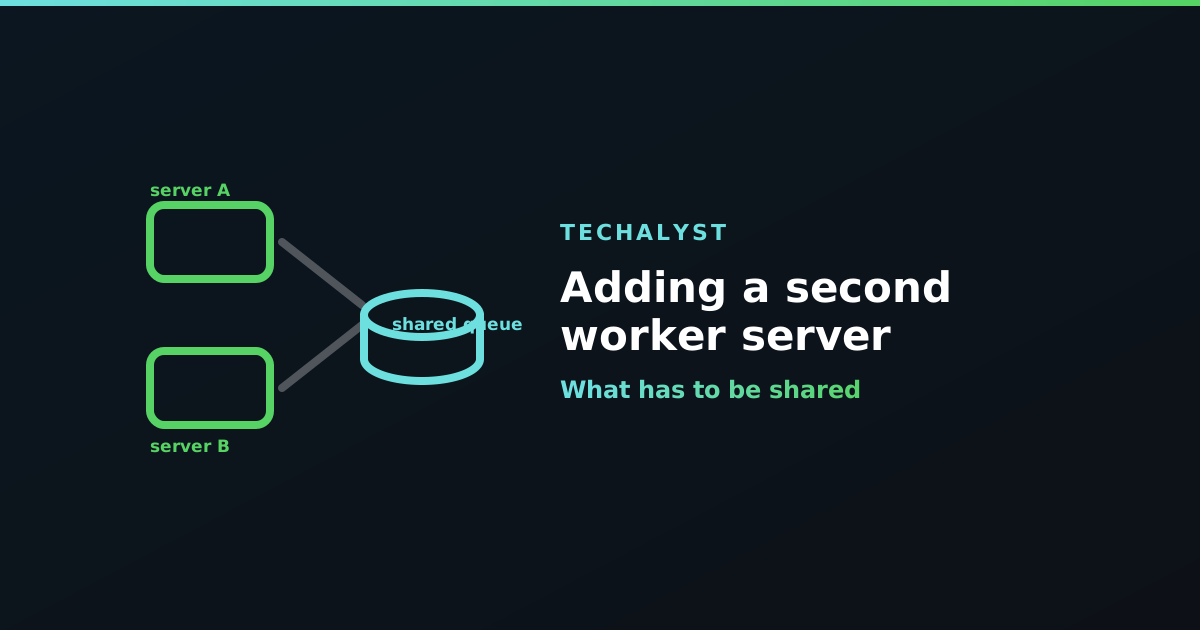
One server has been running the app and its workers happily. Traffic grew, the queue backs up every afternoon, and the obvious move is a second machine dedicated to processing jobs.
Mechanically this is easy: install the code, point it at the same queue, start workers. The interesting part is everything that was implicitly shared when it was all one box and now is not.
The queue itself has to be reachable
Both machines must talk to the same queue store. Redis or a managed database is fine. What does not work is a Redis bound to 127.0.0.1 on the first server, because the second one cannot see it.
That also rules out the database driver pointed at a local database, and it is the first thing to check when the new server's workers sit idle while the old one is busy.
Four things that quietly stop being shared
Cache, and therefore queue:restart. This is the one that catches everyone. queue:restart does not signal processes directly. It writes a timestamp to the cache, and workers check that value between jobs and exit if it is newer than their start time.
If each server has its own file-based cache, the restart command run on server A writes to server A's cache, and server B's workers never see it. They keep running the old code indefinitely, and you get a genuinely baffling bug where half your jobs behave like the previous release. The causes of workers not restarting covers this in more detail.
Use a shared cache store, Redis being the usual choice.
Locks. ShouldBeUnique and Cache::lock() are built on the cache. With per-server caches, each server takes its own lock and both think they hold it, so your uniqueness guarantee silently stops guaranteeing anything. The same shared store fixes this, and it is a good reason to have database-level guards underneath rather than trusting locks alone.
File storage. A job that reads a file the web server saved locally will not find it on another machine. Anything a job touches belongs on shared storage, which is the main argument for storing uploads on S3 before queueing the path.
The scheduler. Run schedule:run from cron on both servers and every scheduled task fires twice. Either run the cron entry on exactly one machine, or mark tasks so only one server takes them:
$schedule->command('reports:build')->daily()->onOneServer();
onOneServer() needs a shared cache too, since that is how the servers agree on who won.
Splitting work between the servers
Once both are running you can give them different jobs, which is often the real win. Put the slow bulk work on the new machine and leave latency-sensitive work on the original:
# original box
php artisan queue:work --queue=default,notifications

# new box
php artisan queue:work --queue=imports,exports
A worker only ever consumes queues it was told about, so this is just a matter of pointing each one at the right list.
Deploying to two machines
Both need the new code, and both need their workers cycled. Once your cache is shared, a single queue:restart reaches every worker on every server, which is the moment this setup starts feeling manageable rather than fiddly.
Keep the .env files in sync too. Config drift between servers produces the worst class of bug here: correct behaviour on one machine and not the other, with the same code deployed to both.
Wrapping up
A second worker server is mostly an exercise in sharing. Same queue store, same cache (so restarts, locks and onOneServer work), same file storage, and one scheduler rather than two. Get those right and the second box is boring, which is exactly what you want from infrastructure.


All comments ()
No comments yet
Be the first to leave a comment on this post.