

 Vue.js

Updated June 2026. Tested on Vue 3.5+. Part of the Techalyst Vue series.
Most of the time you let Vue own the DOM and you never touch a real element. But now and then you have to. Focus an input when a form opens, measure a box to position something next to it, start a chart on a canvas, play a video. For those moments Vue gives you template refs, and since Vue 3.5 there is a cleaner way to reach them called useTemplateRef.
The old way, and why it read badly
Before 3.5 you created a ref holding null, then pointed the template at it by writing the variable name as a string in the ref attribute:
import { ref, onMounted } from 'vue'

const input = ref(null)

onMounted(() => {
  input.value.focus()
})
<input ref="input">
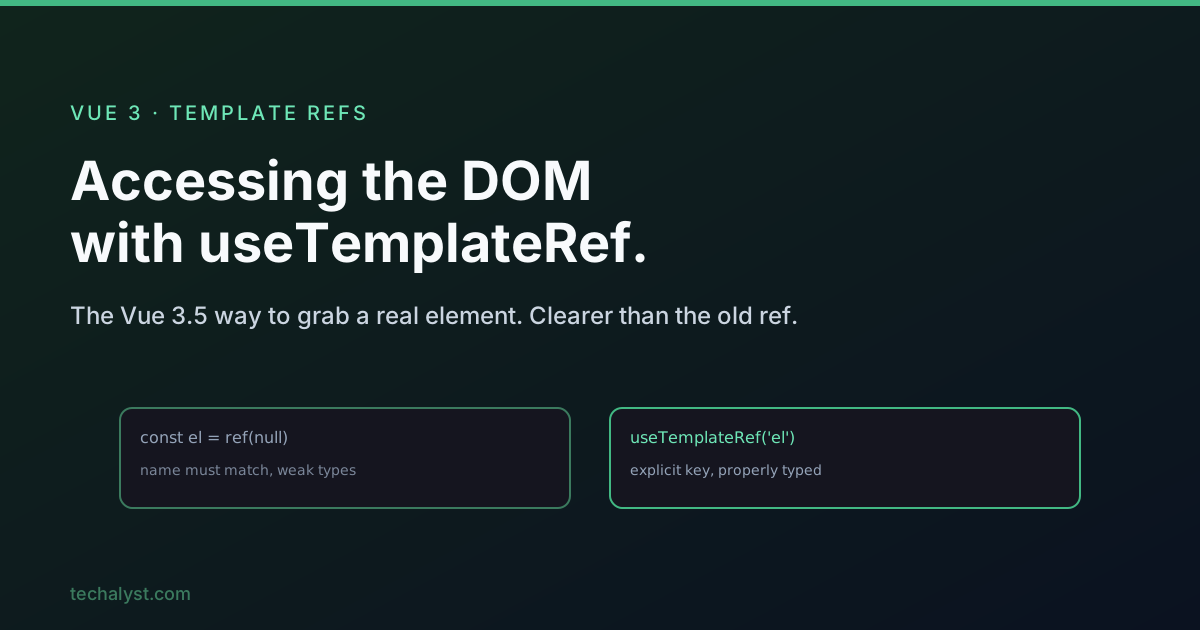
This works, but two things about it are awkward. First, the connection between the script and the template is the variable name matching the string "input", and you cannot see that link by reading the script alone. A line like const input = ref(null) looks exactly like any other ref. Nothing tells you it is wired to an element in the template. Second, the type was weak. You got a ref to null, so editors could not tell you it would eventually hold an HTMLInputElement, and you ended up casting or just losing autocomplete.
The new way: useTemplateRef
useTemplateRef takes the ref key as an explicit string argument, and you still set ref="..." in the template with that same key:
import { useTemplateRef, onMounted } from 'vue'

const input = useTemplateRef('search')

onMounted(() => {
  input.value.focus()
})
<input ref="search">
Now the script says out loud what is happening. useTemplateRef('search') reads as "give me the element marked search in the template". The variable name no longer has to match anything, so you can call it whatever makes sense. And because Vue knows it is a template ref, the typing is much better. The editor infers the element type from where the key is used, so you get HTMLInputElement and proper autocomplete instead of a vague ref to null.
Read it after the element exists
A template ref is empty until the component has actually rendered. Read it inside onMounted, not in the body of setup, where the element does not exist yet:
const dialog = useTemplateRef('dialog')

onMounted(() => {
  dialog.value.showModal()
})
There is a second case to guard. If the element sits behind a v-if, it can be null even after mount, because it might not be in the DOM at all. Use optional chaining so you do not blow up:
onMounted(() => {
  input.value?.focus()
})
If you change some state and then need the element to reflect that change before you touch it, wait a tick first. That is the job of nextTick, which we cover in post-flush watchers vs nextTick.
Refs inside a v-for
Put a ref on an element inside a v-for and you do not get one element back, you get an array of them:
const items = useTemplateRef('items')

onMounted(() => {
  // items.value is an array of the <li> elements
  console.log(items.value.length)
})
<li v-for="item in list" ref="items">{{ item.name }}</li>
One thing to keep in mind: the array is not guaranteed to be in the same order as your list. If order matters, sort the elements yourself rather than trusting the index to line up.
When to still use the old style
useTemplateRef only exists from Vue 3.5 onward. If you are on an older 3.x release, the ref(null) approach is still your tool and works fine. But on 3.5 or newer there is no reason to reach for it. The new helper says what it does, types itself properly, and keeps composables tidy because you can create the ref by key without passing a ref object around.
Wrapping up
When you genuinely need a real DOM element, useTemplateRef('key') plus a matching ref="key" in the template is the way to do it in Vue 3.5. It reads clearly, it carries the right type, and it behaves predictably as long as you remember two things: read it after the component mounts, and treat it as an array when the ref lives inside a v-for.


All comments ()
No comments yet
Be the first to leave a comment on this post.