

 Vue.js

Updated June 2026. Tested on Vue 3.x. Part of the Techalyst Vue series.
You change some reactive state, then you want to do something with the DOM right after. Scroll a chat window to the newest message. Focus an input that just appeared. Measure an element that just grew. The catch is that Vue does not touch the DOM the moment you change state, so if you act too early you are reading the old DOM.
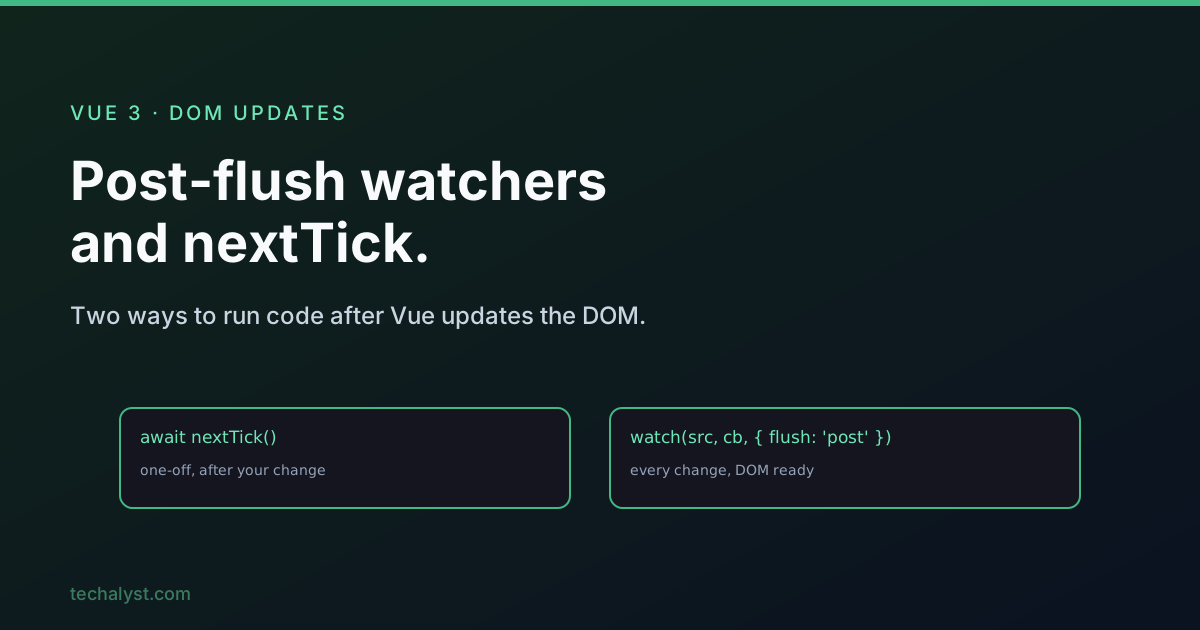
There are two tools for this, and people often ask which one to use: nextTick() and a watcher set to flush: 'post'. The honest answer is that they fire at almost the same moment. The real difference is the shape of the problem they fit.
Why "after the DOM updates" is even a thing
When you change a ref or reactive value, Vue does not re-render on the spot. It queues the update and applies it a moment later, batching everything together so the DOM is only touched once. That moment is the next tick.
So this does the wrong thing:
function addMessage(text) {
  messages.value.push({ text })
  scrollToBottom() // runs against the DOM from before the push
}
The new message is in your state, but the list element has not grown yet, so you scroll to where the bottom used to be. You need to wait until Vue has flushed the update to the DOM.
nextTick: the one-off
nextTick() returns a promise that resolves once Vue has applied pending updates to the DOM. Await it right after your change, then do the DOM work:
import { nextTick } from 'vue'

async function addMessage(text) {
  messages.value.push({ text })
  await nextTick()
  scrollToBottom() // now the new message is really on screen
}
This reads top to bottom: change the data, wait for the DOM, act. It lives right next to the thing that triggered it. That is what nextTick is good at, a one-off reaction tied to a specific action you just took.
The default watcher trap
You might think a watcher solves this for free. It does not, because watchers default to flush: 'pre', which means the callback runs before Vue updates the component's DOM, not after.
// Runs before the DOM re-renders. The list is still the old size here.
watch(messages, () => {
  scrollToBottom()
}, { deep: true })
This is a quiet source of "why is my watcher seeing stale layout" bugs. The data is new, but the DOM the callback looks at is the previous render.
Post-flush watcher: the standing reaction
Pass flush: 'post' and the callback runs after the DOM update instead:
watch(messages, () => {
  scrollToBottom() // DOM is up to date here
}, { deep: true, flush: 'post' })
Now every time messages changes, from anywhere in your app, the scroll happens with the fresh DOM in place. You did not have to remember to call anything at each spot that adds a message. That is the strength of a watcher: it is declarative and reacts to the data, not to a single call site.
So which one
On timing they are nearly the same. A post-flush watcher runs at the tail end of Vue's update flush, and nextTick resolves a single microtask later. In a real app that gap never matters. So pick on intent, not on timing:
- Use
nextTickwhen it is a one-off tied to a specific action. A method adds an item and then scrolls. The wait belongs right there in the function. - Use a post-flush watcher when the reaction should happen every time some data changes, no matter what caused the change. The data might be updated from a button, a websocket, or a store, and you want the same DOM follow-up each time.
If you ever do need something to run dead last, after even the post-flush watchers, nextTick gives you that, since it resolves just after the flush completes. That is a rare need.
The three flush modes
While you are here, it helps to know all three options the watcher takes:
preis the default. The callback runs before the component re-renders.postruns the callback after the DOM has been updated. This is the one you want for DOM work.syncruns the callback synchronously, the instant the source changes, before any batching. Use it sparingly, because it can fire many times in a row and hurt performance.
Wrapping up
Both nextTick and a flush: 'post' watcher exist to run your code once the DOM reflects your latest state. They fire at practically the same time, so the choice is about the shape of the work. Reach for nextTick when it is a single action and you want the wait sitting next to the change. Reach for a post-flush watcher when you want a standing reaction to a piece of data, however it changes. And remember the default watcher runs before the DOM updates, which is the trap that sends most people looking for these two in the first place.


All comments ()
No comments yet
Be the first to leave a comment on this post.