

 React
React

Updated June 2026. Tested on React 19 and modern JavaScript. Part of the Techalyst React series.
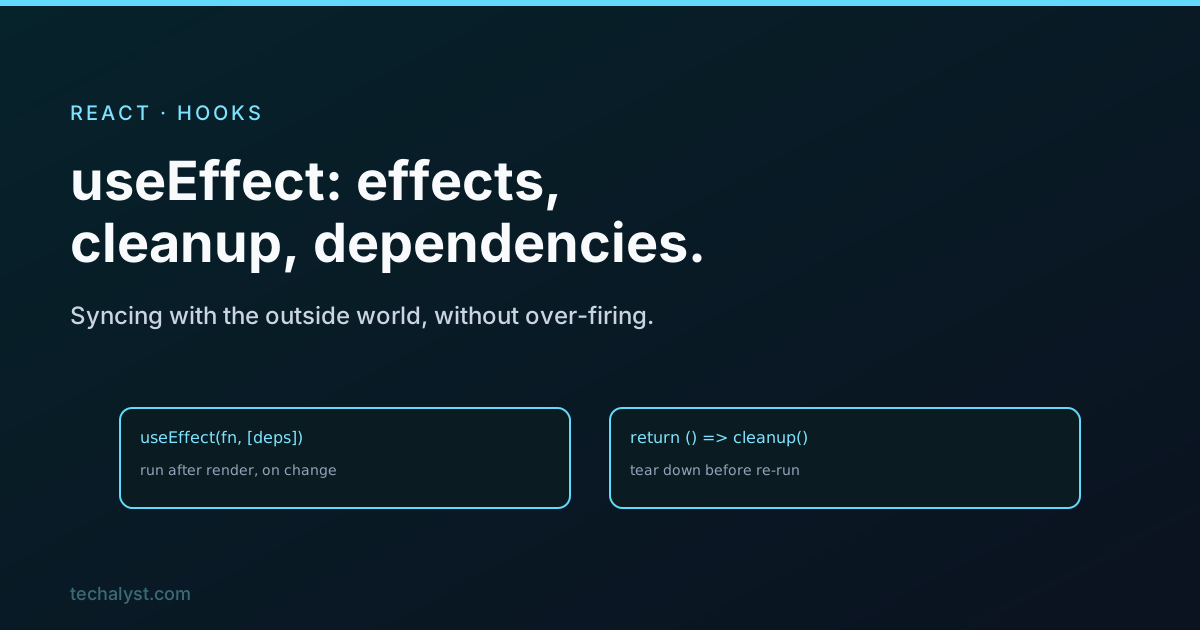
useEffect is the hook people reach for too often and understand too little. Its job is narrow: synchronise your component with something outside React, a subscription, a timer, a network request, the document title. When you use it for that, it is clean. When you use it as a catch-all for logic that belongs elsewhere, it becomes the source of half your bugs. Let us get the mechanics right first.
The shape of an effect
An effect is a function plus a list of dependencies. React runs the function after the render is painted, and re-runs it whenever a dependency changes:
useEffect(() => {
  document.title = `${count} unread`;
}, [count]); // re-run only when count changes
The dependency array is the control. Three cases cover almost everything:
[]runs the effect once, after the first render. Good for one-time setup.[a, b]runs it after the first render and any timeaorbchange.- No array at all runs it after every render, which you rarely want.
Cleanup
An effect can return a cleanup function. React calls it before running the effect again, and once more when the component unmounts. This is how you undo whatever the effect set up, so nothing leaks:
useEffect(() => {
  const id = setInterval(() => setTime(Date.now()), 1000);
  return () => clearInterval(id); // stop the timer
}, []);
The same applies to event listeners and subscriptions: subscribe in the effect, unsubscribe in the cleanup. If you ever add a listener and never remove it, that is the bug the cleanup function exists to prevent.
The stale closure trap
The single most common useEffect bug is leaving a value out of the dependency array. The effect closes over the values from the render it was created in, so if you read count but do not list it, the effect keeps seeing an old count forever:
// Bug: count is stale, the effect captured it once
useEffect(() => {
  const id = setInterval(() => console.log(count), 1000);
  return () => clearInterval(id);
}, []); // count is missing
List every value from your component that the effect uses. The React lint rule for exhaustive dependencies catches this, and it is worth keeping on. When listing a dependency causes a loop, that is usually a sign the value should be computed differently, not that you should silence the warning.
Fetching data safely
A classic effect is loading data on mount. The catch is that the component can unmount, or the input can change, before the request finishes, so you guard against setting state on a gone component:
useEffect(() => {
  let active = true;
  fetchUser(id).then(data => {
    if (active) setUser(data);
  });
  return () => { active = false; };
}, [id]);
The active flag stops a late response from a previous id overwriting the current one. For real apps this is exactly the problem a data library like TanStack Query solves for you, but the pattern is worth understanding first.
You might not need an effect
The most freeing thing to learn is when not to use one. If you are computing a value from existing state, that is not an effect, it is a calculation during render, often wrapped in useMemo. If you are responding to a user action, that logic belongs in the event handler, not an effect that watches state change. Effects are for syncing with the outside world. Anything you can do during render or in a handler should not be an effect.
Wrapping up
useEffect runs a function after render to sync your component with something external, controlled by its dependency array: [] for once, [deps] for on-change. Return a cleanup function to tear down timers and subscriptions, and list every value the effect uses so you never read a stale one. Most importantly, reach for it only for genuine side effects, not for derived values or event logic. Used for what it is meant for, it is simple. Used as a dumping ground, it bites.


All comments ()
No comments yet
Be the first to leave a comment on this post.