

 Flutter

Updated June 2026. Tested on Flutter 3.x and Dart 3. Part of the Techalyst Flutter series.
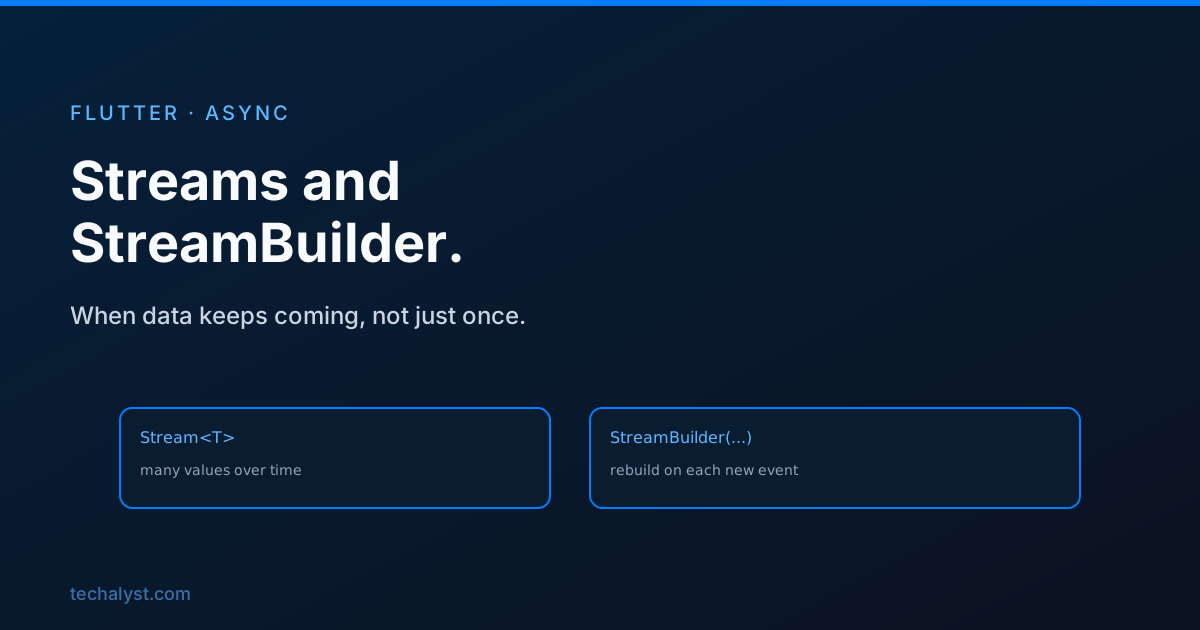
A Future gives you one value, once. Plenty of data does not work like that. A chat feed keeps delivering messages, a location sensor keeps reporting, a database keeps pushing updates. For data that arrives again and again over time, Dart has the Stream, and Flutter has StreamBuilder to turn it into a live UI. If you have read the async and FutureBuilder post, this is the same idea stretched from one value to many.
What a stream is
A stream is a sequence of asynchronous events. Where you await a future for its single result, you listen to a stream and get called every time it emits.
final subscription = counterStream.listen((value) {
  print('got $value');
});

// later, when you no longer care
subscription.cancel();
listen hands back a StreamSubscription. That is your handle to stop listening, and cancelling it matters, because a stream you never cancel keeps running and holding memory.
Creating a stream
You will often consume streams that a package gives you, but making one is easy with an async* function and yield, which emits a value and keeps going:
Stream<int> countTo(int max) async* {
  for (var i = 1; i <= max; i++) {
    await Future.delayed(const Duration(seconds: 1));
    yield i; // emit, then carry on
  }
}
yield is to streams what return is to a normal function, except it can fire many times. This one emits 1, 2, 3 and so on, one per second.
Building UI with StreamBuilder
StreamBuilder is the streaming twin of FutureBuilder. You give it a stream, and it rebuilds every time a new event arrives, handing you a snapshot of the latest value.
StreamBuilder<int>(
  stream: countTo(5),
  initialData: 0,
  builder: (context, snapshot) {
    if (snapshot.hasError) return Text('Error: ${snapshot.error}');
    return Text('Count: ${snapshot.data}');
  },
)
snapshot.data is always the most recent value the stream emitted. initialData gives you something to show before the first event lands, so you can skip a loading state when it makes sense. Errors arrive through snapshot.hasError, the same as with futures.
Single-subscription versus broadcast
There is one sharp edge worth knowing. A normal stream is single-subscription: only one listener is allowed, and once it is done you cannot listen again. If two widgets need the same stream, or you want to listen more than once, convert it to a broadcast stream:
final broadcast = someStream.asBroadcastStream();
A StreamBuilder listens for you, so if you also listen to the same single-subscription stream elsewhere, you will hit an error. Broadcast solves that.
Clean up after yourself
Streams are the most common source of memory leaks in Flutter, because a forgotten subscription keeps the listener and everything it holds alive. If you call listen yourself, cancel the subscription in dispose:
@override
void dispose() {
  _subscription.cancel();
  super.dispose();
}
StreamBuilder handles its own cleanup, so you only need to do this for subscriptions you create by hand. We cover dispose and the rest of the lifecycle in the Flutter widget lifecycle.
Wrapping up
A stream is the answer whenever data arrives more than once: events, sensors, sockets, live queries. You listen to it and get called per event, you can build one with async* and yield, and StreamBuilder turns it into UI that updates on every emission through snapshot.data. Watch out for the single-subscription rule when more than one thing needs the stream, and always cancel subscriptions you create so they do not leak.


All comments ()
No comments yet
Be the first to leave a comment on this post.