

 Flutter

Updated June 2026. Tested on Flutter 3.x and Dart 3. Part of the Techalyst Flutter series.
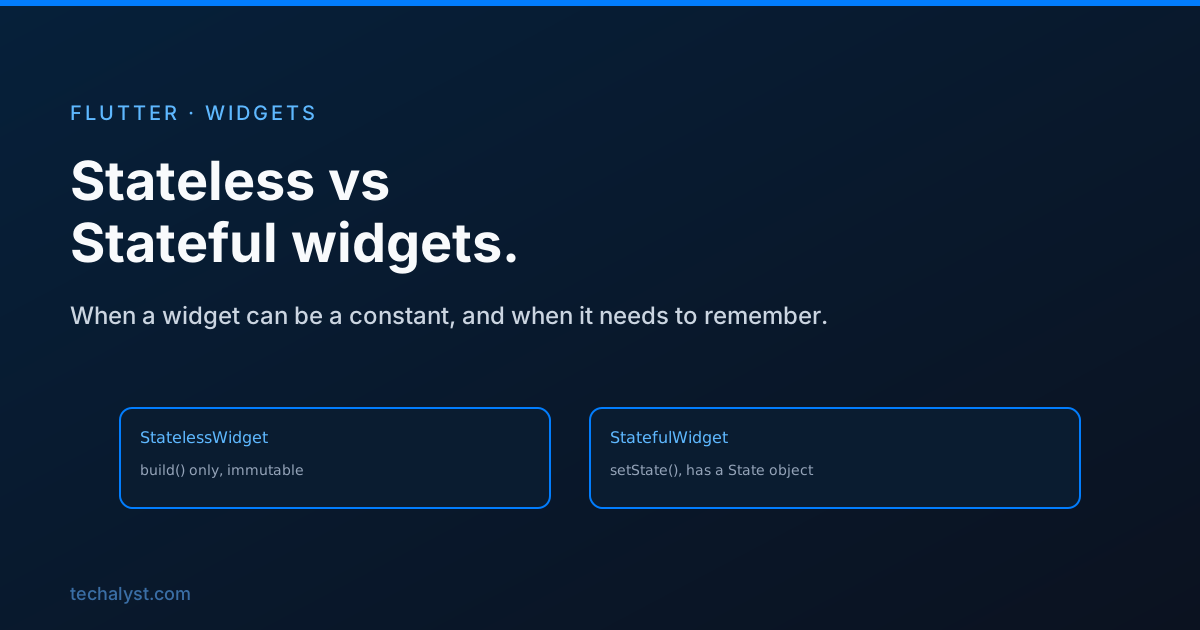
In Flutter everything on screen is a widget, and every widget you write is one of two kinds: stateless or stateful. Picking the right one is the first decision you make for any piece of UI, and getting it clear early saves a lot of confusion later.
The difference comes down to one question. Does this widget need to remember anything that changes while it is on screen? If no, it is stateless. If yes, it is stateful.
Stateless widgets
A stateless widget describes a piece of UI purely from the values it is given. It has no internal data that changes. You hand it some inputs through its constructor, it builds, and it stays exactly as built until the parent rebuilds it with different inputs.
class Greeting extends StatelessWidget {
  const Greeting({super.key, required this.name});

  final String name;

  @override
  Widget build(BuildContext context) {
    return Text('Hello, $name');
  }
}
Notice the fields are final. That is the whole idea. A stateless widget is immutable. The only way the text changes is if a parent rebuilds Greeting with a different name. The widget itself never changes its own data.
Reach for stateless whenever a widget's look depends only on what is passed into it. Most of the small widgets you build are like this, and you should prefer it where you can, because immutable widgets are easier to reason about.
Stateful widgets
A stateful widget is for UI that has to change on its own over time: a counter that goes up when tapped, a form field that tracks what you typed, a toggle that flips. This kind of widget holds mutable data, and when that data changes you tell Flutter to rebuild.
class Counter extends StatefulWidget {
  const Counter({super.key});

  @override
  State<Counter> createState() => _CounterState();
}

class _CounterState extends State<Counter> {
  int count = 0;

  void increment() {
    setState(() {
      count++;
    });
  }

  @override
  Widget build(BuildContext context) {
    return TextButton(
      onPressed: increment,
      child: Text('Count: $count'),
    );
  }
}
Why a stateful widget is two classes
This trips people up at first. A stateful widget is split into the widget itself and a separate State object, and there is a good reason for it.
The widget is immutable and gets thrown away and recreated constantly as the tree rebuilds. The State object is not. Flutter keeps it alive across those rebuilds, which is exactly why your count survives. If the mutable data lived on the widget, it would reset every time the widget was recreated. By putting it on the State, it persists.
So the widget holds the configuration that was passed in, and the State holds the data that changes.
How setState actually works
setState does two things. It runs the function you give it, where you change your data, and then it tells Flutter that this State is dirty and needs to rebuild. Flutter schedules a rebuild and calls build again with the new values.
Two rules keep you out of trouble. Only call setState for data that the build method actually reads, otherwise you are rebuilding for nothing. And keep the work inside setState to just the state change, not slow operations, since it runs synchronously before the rebuild.
Choosing between them
Walk through it like this. If the widget's appearance is fully decided by its constructor inputs, make it stateless. If it has data that changes in response to taps, typing, timers, or loaded results, make it stateful.
One more thing worth saying. Stateful is for state that belongs to one widget. The moment several widgets need to share the same state, a local State object stops being the right tool, and you move that state up the tree or into a proper state management solution. Knowing when to stop reaching for setState is as important as knowing how to use it.
Wrapping up
Stateless and stateful is the most basic split in Flutter and the one worth being crisp about. Stateless widgets are immutable and rebuilt by their parents. Stateful widgets keep a separate State object so their data survives rebuilds, and setState is how you ask for a rebuild when that data changes. Default to stateless, reach for stateful when a widget truly needs to remember something, and lift state out of the widget once more than one part of the screen depends on it.


All comments ()
No comments yet
Be the first to leave a comment on this post.