

 Flutter

Updated June 2026. Tested on Flutter 3.x and Dart 3. Part of the Techalyst Flutter series.
A share button is a small feature that does a lot for reach: a user taps it and your content goes out to WhatsApp, email, notes, anywhere they like. Flutter gets to the native share sheet through share_plus, the maintained successor to the old share plugin. It is a couple of lines, with one platform gotcha worth knowing before it bites you on an iPad.
Setup
Add share_plus to pubspec.yaml. There is no manual native configuration to do, it works out of the box on both platforms.
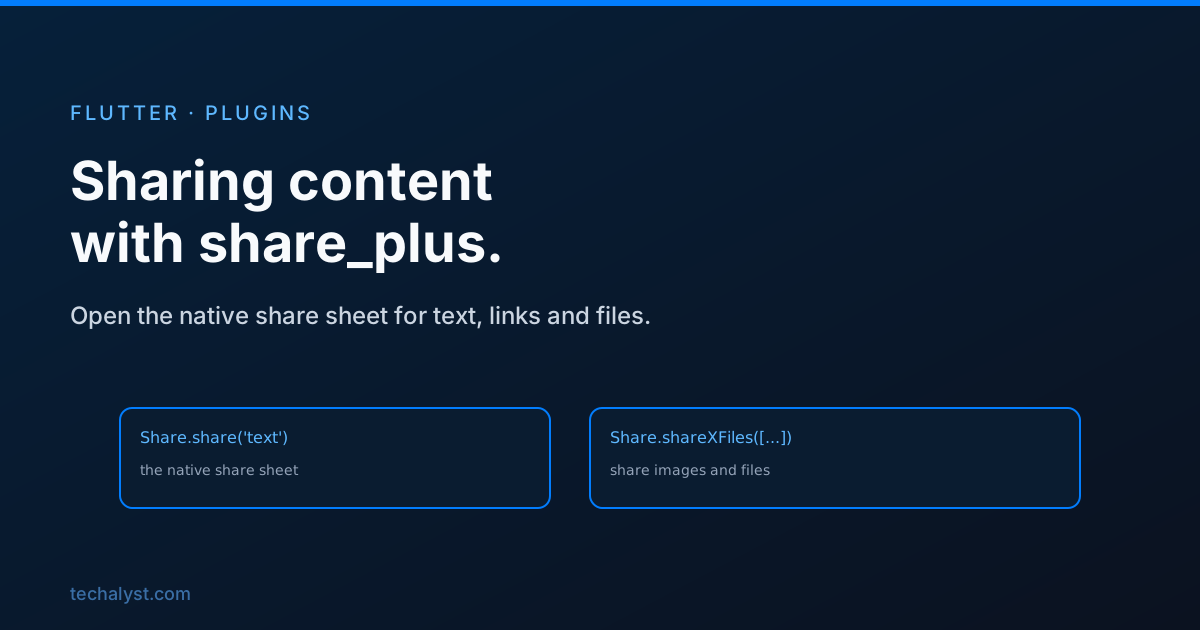
Sharing text and links
The basic call opens the system share sheet with whatever text you give it. A link in that text becomes tappable in the target app:
import 'package:share_plus/share_plus.dart';

await Share.share(
  'Check out this article: https://techalyst.com',
  subject: 'A good read', // used by apps that support a subject, like email
);
That is the whole thing for the common case. The subject is optional and only matters for targets like email that have a subject line.
Sharing files and images
To share an actual file, a screenshot, a generated PDF, an exported image, use shareXFiles with one or more XFile paths. You can include text alongside the files:
await Share.shareXFiles(
  [XFile('/path/to/screenshot.png')],
  text: 'Here is my result',
);
The files have to exist on disk, so a common pattern is to write something to a temporary directory first, then share that path.
Knowing what the user did
Share.share returns a ShareResult so you can tell whether the user actually sent it or just dismissed the sheet, which is handy for analytics or a thank-you message:
final result = await Share.share('...');
if (result.status == ShareResultStatus.success) {
  // it was shared
}
The iPad gotcha
This one catches people. On an iPad, the share sheet is a popover that has to point at something, so it needs to know where on screen it came from. Leave that out and it crashes on iPad while working fine on the phone. You pass the origin rectangle, usually the button that was tapped:
final box = context.findRenderObject() as RenderBox?;

await Share.share(
  'Check this out',
  sharePositionOrigin: box!.localToGlobal(Offset.zero) & box.size,
);
It is ignored on iPhone and Android, so there is no harm in always passing it, and doing so saves you a crash report from your first iPad user.
Wrapping up
share_plus makes the native share sheet a one-liner. Use Share.share for text and links with an optional subject, and shareXFiles with XFile paths to send images or documents, writing them to a temp file first if you generated them. Check the ShareResult when you care whether it actually went out, and always pass sharePositionOrigin so the popover behaves on iPad. With that, adding a real share feature to your app takes a few minutes.


All comments ()
No comments yet
Be the first to leave a comment on this post.