

 Laravel

Updated June 2026. Tested on Laravel 13 and PHP 8.4. Part of the Techalyst queue series.
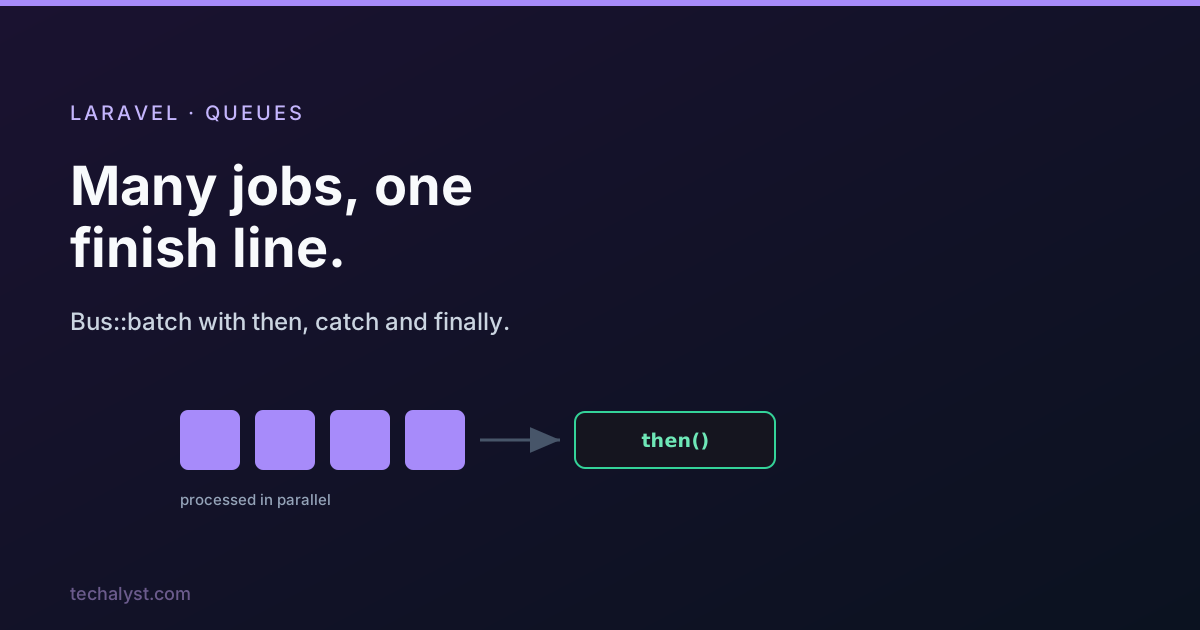
Job batching lets you dispatch a group of jobs to run in parallel across your workers, then run code when the whole group finishes or when one of them fails. It is perfect for "process all of these, then tell me when it is done" work. Here is how to use it, and what Laravel is doing behind the scenes.
Sending a batch to the queue
You build a batch with the Bus facade and attach callbacks for the outcomes you care about.
use Illuminate\Bus\Batch;
use Illuminate\Support\Facades\Bus;
use Throwable;

$batch = Bus::batch([
    new ProcessPodcast(Podcast::find(1)),
    new ProcessPodcast(Podcast::find(2)),
    new ProcessPodcast(Podcast::find(3)),
])->then(function (Batch $batch) {
    // all jobs completed successfully
})->catch(function (Batch $batch, Throwable $e) {
    // first job failure detected
})->finally(function (Batch $batch) {
    // the batch has finished executing, success or not
})->name('Process Podcasts')
  ->allowFailures()
  ->onConnection('redis')
  ->onQueue('podcasts')
  ->dispatch();
You get back a Batch object with an id you can store to check progress later.
What gets stored
When you dispatch, Laravel writes a row to the job_batches table: a UUID, the name, counts for total, pending and failed jobs, the serialized options, and timestamps. The then, catch and finally closures live in that options blob, serialized so they can be stored and run later, along with your allowFailures, onConnection and onQueue choices. That database row is the batch's memory: it is how Laravel knows, across many workers, how many jobs are left.
How the jobs are dispatched
Each job is stamped with the batch id, the total job count on the batch row is incremented, and then all the jobs are pushed in one bulk operation rather than dispatched one by one. Bulk dispatch matters at scale: pushing a thousand jobs in a single call to the queue store is far cheaper than a thousand separate pushes.
How a batch tracks completion
Every time a batched job succeeds, Laravel decrements the pending count on the batch row. When pending hits zero, it marks the batch finished and runs your then callbacks. When every job has been attempted at least once, it runs finally.
On failure (a job exhausting all its attempts), Laravel increments the failed count. If the batch does not allow failures, the first failure cancels the whole batch, no further jobs run, and your catch callback fires. If it does allow failures, the rest keep going and you handle the failures however you like. Either way finally runs once everything has been attempted.
This is why allowFailures() is such an important choice: without it, one bad job stops the entire batch; with it, the batch pushes through and you inspect the failures at the end.
Progress and control from inside a job
Because the batch state lives in the database, a job can look at its own batch while running. Jobs that use the Batchable trait get a batch() accessor.
public function handle(): void
{
    if ($this->batch()->cancelled()) {
        return; // batch was cancelled, stop early
    }

    // ... do the work
}
You can read progress anywhere by loading the batch by id.
$batch = Bus::findBatch($id);

$batch->totalJobs;
$batch->processedJobs();
$batch->progress();   // percentage 0-100
$batch->finished();
$batch->cancel();
You can even add more jobs to a running batch from within a batched job, which is how you build things like a batch that fans out into more work as it discovers it.
$this->batch()->add([
    new ProcessPodcast(Podcast::find(6)),
]);
Wrapping up
Bus::batch dispatches a group of jobs in parallel, tracks them through a row in job_batches, and runs your then, catch and finally callbacks as the group succeeds, fails, or finishes. The jobs are pushed in bulk for efficiency, progress is queryable by id, and allowFailures() decides whether one failure cancels the lot. It is the right tool whenever you need to run many jobs and then do something once they are all done.
More in the series: avoiding lock timeouts when dispatching large batches and modern Laravel queue features. Questions welcome below.


All comments ()
No comments yet
Be the first to leave a comment on this post.