

 Laravel

Updated June 2026. Tested on Laravel 13 and PHP 8.4. Part of the Techalyst queue series.
You notice the same job ran twice. The email went out twice, the charge happened twice, and you are sure you dispatched it once. Before suspecting your code, check one thing, because nine times out of ten it is a single misconfigured number.
The cause: retry_after is shorter than your timeout
When a worker picks up a job, the queue reserves it for a window of time defined by the connection's retry_after value. If the job is not finished and deleted within that window, the queue assumes the worker died and hands the same job to another worker. If your job legitimately takes longer than retry_after, a second worker grabs it while the first is still happily running it, and now it runs twice.
// config/queue.php
'redis' => [
    'driver'      => 'redis',
    'retry_after' => 90,
    // ...
],
The fix: timeout must be shorter than retry_after
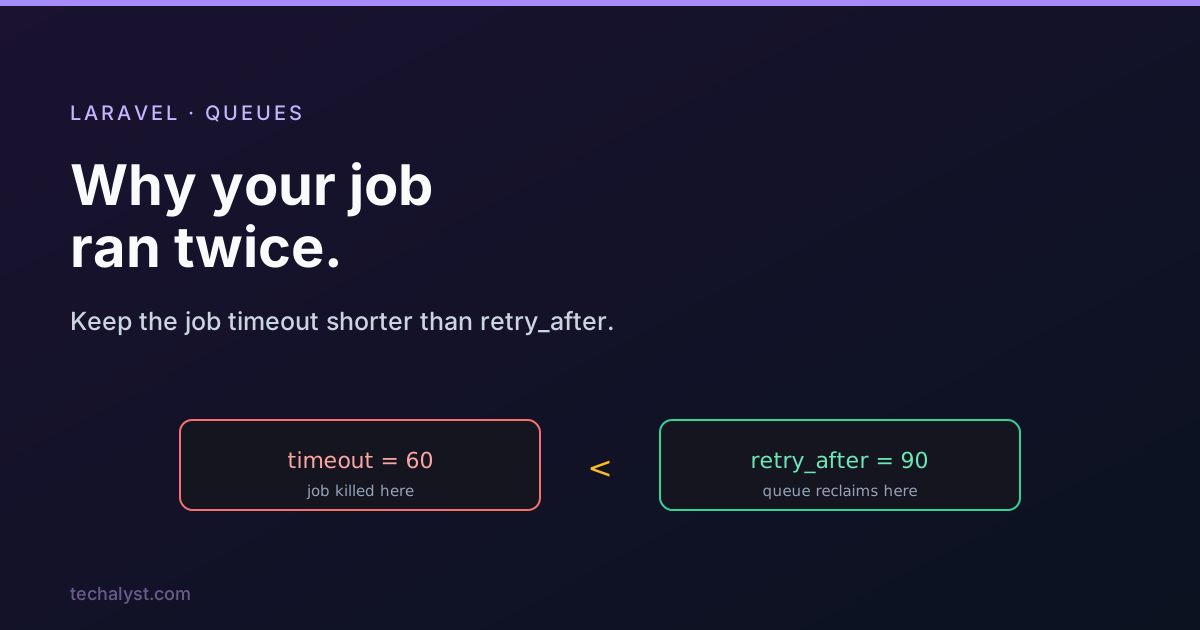
The worker timeout is the hard ceiling on how long a job may run before the worker kills it. The rule is simple: make timeout shorter than retry_after. That way a stuck job is always killed by its timeout before the queue ever considers it lost, so it can never be handed to a second worker mid run.
php artisan queue:work --timeout=60 # job killed at 60s, well under retry_after 90
You can set the limit per job instead, which is handy when one job is legitimately slower than the rest.
class GenerateReport implements ShouldQueue
{
    public $timeout = 70; // still under the connection's retry_after of 90
}
So the safe ordering is always job timeout < retry_after. Pick a retry_after comfortably above your slowest job, and a timeout below it.
If you use SQS
Amazon SQS does not have a retry_after setting in config/queue.php. The equivalent is the queue's Visibility Timeout, configured on the SQS queue itself. The same logic applies: set the visibility timeout higher than your job timeout, so a running job is never made visible to another worker before it finishes.
A different kind of duplicate
Worth being clear: this post is about the same job being re-reserved and re-run because of the timeout mismatch. That is different from dispatching the same logical job twice (for example, two requests both queueing "send the welcome email"). For that second problem you want a uniqueness guard, which is covered in Dispatching Unique Jobs to Laravel Queues. Fix the timing here first, because it is by far the most common cause of accidental double runs.
Wrapping up
If a queued job runs more than once, check retry_after against your timeout before anything else. Keep the job or worker timeout shorter than the connection's retry_after (or the SQS visibility timeout), and the queue will never reclaim a job that is still running. One number, one rule, and the mystery double runs stop.
More in the series: the queue configuration keys explained and job has been attempted too many times. Questions welcome below.


All comments ()
No comments yet
Be the first to leave a comment on this post.