

 React
React

Updated June 2026. Tested on React 19 and modern JavaScript. Part of the Techalyst React series.
Modals, tooltips, and dropdown menus all share a problem: they need to break out of wherever they are declared in the DOM. A modal nested deep inside a card gets clipped by the card's overflow: hidden, or buried under a sibling because of z-index. React portals solve this by letting a component render into a different part of the DOM while staying exactly where it is in your React tree.
What createPortal does
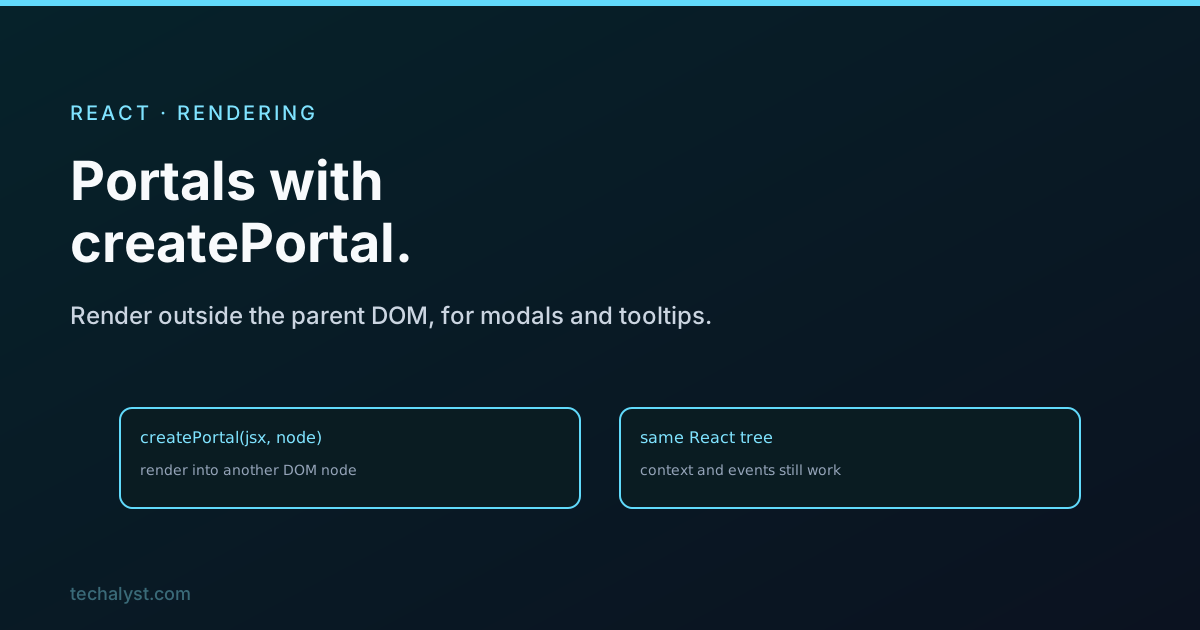
createPortal takes some JSX and a target DOM node, and renders the JSX into that node instead of where the component sits:
import { createPortal } from 'react-dom';

function Modal({ children, onClose }) {
  return createPortal(
    <div className="overlay" onClick={onClose}>
      <div className="modal" onClick={e => e.stopPropagation()}>
        {children}
      </div>
    </div>,
    document.body
  );
}
You use the component normally, anywhere in your tree:
{isOpen && <Modal onClose={close}>Are you sure?</Modal>}
But the actual DOM lands at the end of document.body, not inside whatever component rendered <Modal>. That is what frees it from the layout of its ancestors.
Why this matters
The whole reason to portal is CSS ancestry. A modal rendered inside a deeply nested component inherits that chain's stacking context and clipping. An ancestor with overflow: hidden will cut off your modal, and an ancestor's z-index can pin it beneath other content, no matter how high you set the modal's own z-index. Rendering into document.body lifts it out of all that, so it can cover the whole screen the way an overlay should.
The part that surprises people
Here is the key idea: a portal changes where the DOM goes, but not where the component lives in the React tree. The portalled component is still a child of whatever rendered it, as far as React is concerned. So everything that flows through the React tree keeps working: it can read context from its React parents, and its events bubble up through the React tree, not the DOM tree.
That last point catches people out in a useful way. A click inside a portalled modal bubbles up to the React parent that rendered the modal, even though in the real DOM the modal is somewhere else entirely. Your event handlers work exactly as if there were no portal.
A dedicated mount node
Rendering into document.body is fine, but many apps add a dedicated node in their HTML, like <div id="modal-root"></div>, and portal into that:
createPortal(content, document.getElementById('modal-root'));
It keeps modal and tooltip DOM in one predictable place rather than scattered at the end of the body, which is tidier and easier to style and debug.
Wrapping up
A React portal renders a component's DOM into a different node, usually document.body or a dedicated modal-root, while keeping the component in its normal place in the React tree. That escape hatch is what lets modals, tooltips, and dropdowns break free of an ancestor's overflow and z-index. And because the component stays in the React tree, context and event bubbling work as if nothing moved. Reach for createPortal any time a piece of UI needs to sit above everything else, regardless of where it was declared.


All comments ()
No comments yet
Be the first to leave a comment on this post.