

 Flutter

Updated June 2026. Tested on Flutter 3.x and Dart 3. Part of the Techalyst Flutter series.
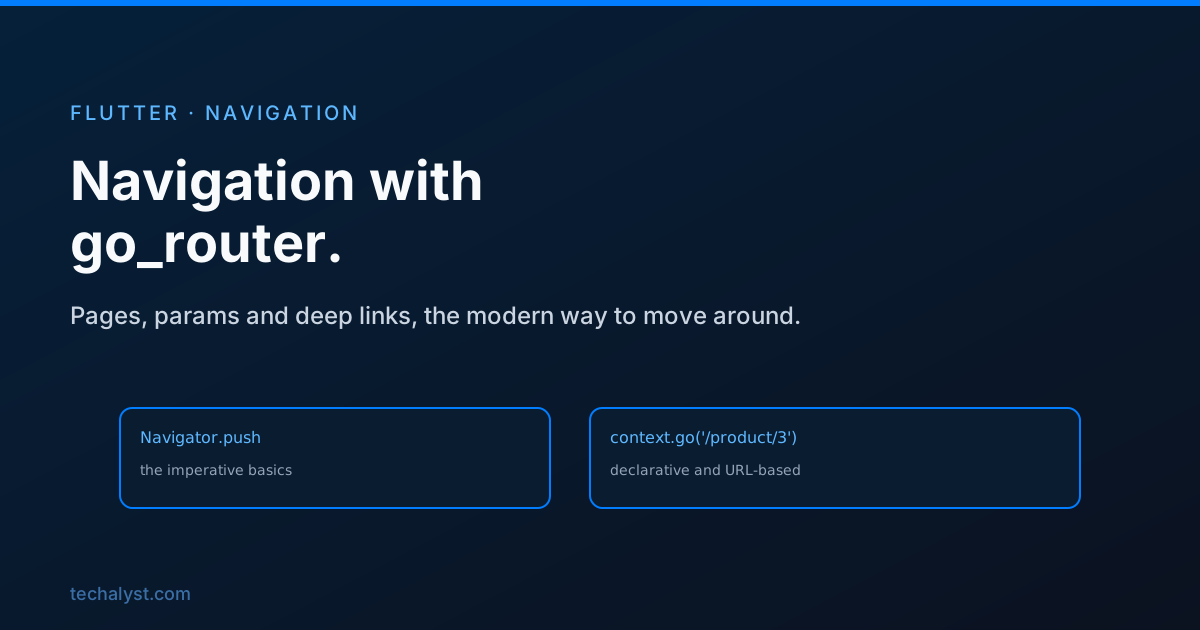
Sooner or later your app has more than one screen, and you need a way to move between them. Flutter ships with the Navigator, which is fine for small apps, and the community has settled on go_router for everything bigger. Knowing both, and when to switch, saves you from rewriting your navigation halfway through a project.
The Navigator basics
The built-in Navigator works like a stack of screens. You push a route to go forward, you pop to go back.
// go to a detail screen
Navigator.push(
  context,
  MaterialPageRoute(builder: (_) => ProductScreen(id: 3)),
);

// come back
Navigator.pop(context);
You pass data forward through the screen's constructor, like the id above. To get a result back, push returns a Future that completes when the screen pops:
final picked = await Navigator.push<String>(
  context,
  MaterialPageRoute(builder: (_) => PickerScreen()),
);
// picked holds whatever PickerScreen passed to Navigator.pop(context, value)
For an app with a handful of screens, this is all you need. It starts to creak when the app grows.
Why reach for go_router
The imperative Navigator has real limits once an app gets serious. There is no central list of your routes, so navigation logic ends up scattered. It does not understand URLs, which matters for Flutter web and for deep links that open the app on a specific screen. And nested navigation, like a bottom bar where each tab keeps its own history, is awkward to build by hand.
go_router solves all of that with a declarative route table. You describe your routes once, and navigation becomes a matter of asking for a path.
Setting up go_router
You define your routes in one place and hand them to MaterialApp.router:
final router = GoRouter(
  routes: [
    GoRoute(path: '/', builder: (context, state) => const HomeScreen()),
    GoRoute(
      path: '/product/:id',
      builder: (context, state) {
        final id = state.pathParameters['id']!;
        return ProductScreen(id: id);
      },
    ),
  ],
);

class MyApp extends StatelessWidget {
  const MyApp({super.key});

  @override
  Widget build(BuildContext context) {
    return MaterialApp.router(routerConfig: router);
  }
}
The :id in the path is a parameter. Whatever sits in that segment of the URL is available through state.pathParameters. Query strings come through state.uri.queryParameters.
Moving around
Two methods cover most navigation. go replaces the current location, which suits top-level navigation like switching tabs. push stacks a new screen on top, which suits drilling into detail and coming back.
context.go('/product/3');    // replace, like setting the URL
context.push('/product/3');  // push onto the stack
context.pop();               // back
Because routes are paths, deep links and web URLs work for free. Open yourapp.com/product/3 on the web, or follow a link into the app on mobile, and go_router lands on the right screen.
Guarding routes
Real apps need to redirect, usually to keep signed-out users away from private screens. go_router has a redirect callback for exactly this:
GoRouter(
  redirect: (context, state) {
    final loggedIn = authService.isLoggedIn;
    final goingToLogin = state.matchedLocation == '/login';

    if (!loggedIn && !goingToLogin) return '/login';
    if (loggedIn && goingToLogin) return '/';
    return null; // no redirect
  },
  routes: [...],
);
Return a path to redirect, or null to allow the navigation. This keeps your auth gate in one place instead of sprinkling checks across every screen.
Wrapping up
For a couple of screens, the built-in Navigator and its push and pop stack is perfectly fine. Once you have real routes, deep links, web URLs, or nested navigation, move to go_router: define your routes in one table, read path and query parameters from state, use go and push to move, and put auth logic in a single redirect. Making the switch early, before navigation logic spreads across the app, is much easier than untangling it later.


All comments ()
No comments yet
Be the first to leave a comment on this post.