

 Flutter

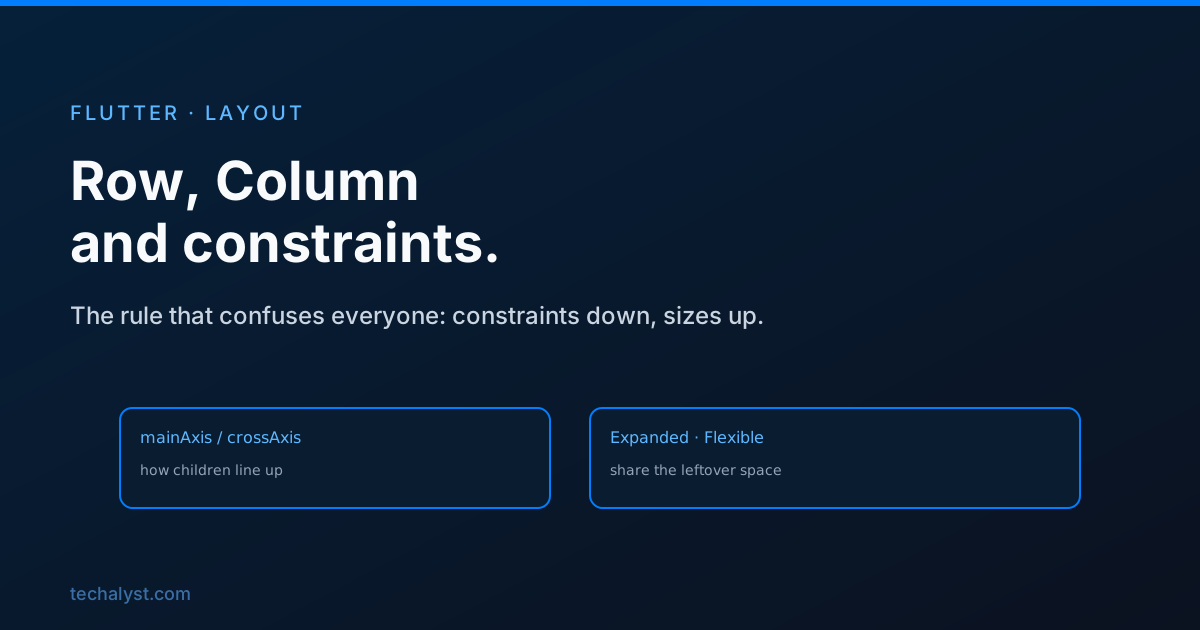
Updated June 2026. Tested on Flutter 3.x and Dart 3. Part of the Techalyst Flutter series.
Layout is where Flutter feels strange if you are coming from CSS. There is no display: flex to reach for and no width that just works everywhere. Instead there is one model that runs the whole thing, and once it clicks, the confusing errors stop being confusing. Let us start with the two widgets you will use most, then the rule underneath them.
Row and Column
Row lays its children out horizontally, Column lays them out vertically. That is the only real difference. Each has a main axis (the direction it lays children along) and a cross axis (the perpendicular one). For a Column, the main axis is vertical and the cross axis is horizontal.
You control positioning with two properties:
Column(
  mainAxisAlignment: MainAxisAlignment.center,     // along the column (vertical)
  crossAxisAlignment: CrossAxisAlignment.start,    // across it (horizontal)
  children: [
    Text('Title'),
    Text('Subtitle'),
  ],
)
mainAxisAlignment spreads children along the main axis, with options like start, center, spaceBetween and spaceEvenly. crossAxisAlignment lines them up across it. Mixing up which axis is which is the most common early stumble, so keep saying it to yourself: main is the direction the widget flows, cross is the other one.
The rule that explains everything
Flutter layout is one sentence: constraints go down, sizes go up, and the parent sets the position.
When Flutter lays out your UI, each parent passes constraints down to its child, a minimum and maximum width and height. The child looks at those constraints, decides its own size within them, and reports that size back up. The parent then places the child. Layout is a single walk down the tree and back up.
This is why you cannot just set a width on anything and expect it to stick. A child can only be as big as its parent's constraints allow. If a parent says "you can be at most 200 wide", asking for 300 does nothing.
Why you get unbounded constraint errors
The flip side of that rule causes the error beginners hit most. Some widgets give their children unbounded constraints, meaning "be as big as you want on this axis". A Column gives its children unbounded height. A ListView wants to take infinite height too.
Put a ListView directly inside a Column and both want unbounded height, so Flutter cannot decide a size and throws. The fix is to give one of them a bound, usually by wrapping the list in Expanded so it takes the space that is actually available:
Column(
  children: [
    Text('Header'),
    Expanded(child: ListView(children: items)), // now bounded
  ],
)
Expanded and Flexible
Inside a Row or Column, these two decide how leftover space gets shared.
Expanded forces a child to fill the remaining main-axis space. Give two children Expanded and they split it evenly. Adjust the split with flex:
Row(
  children: [
    Expanded(flex: 2, child: Container(color: Colors.blue)),  // two thirds
    Expanded(flex: 1, child: Container(color: Colors.green)), // one third
  ],
)
Flexible is the gentler version. It lets a child take up to the available space but not more than it needs, while Expanded makes it take all of its share. Use Flexible when a child should shrink to fit if space is tight but not stretch to fill.
Fixing overflow
When children do not fit, you get the yellow and black striped bar and a RenderFlex overflowed message in the console. It is not a crash, it is Flutter telling you the children asked for more room than the axis has. Three usual fixes: wrap a child in Expanded or Flexible so it shares the space instead of demanding a fixed size, wrap long text in Flexible so it can wrap or ellipsis, or make the content scrollable with a ListView or SingleChildScrollView when it genuinely needs more room than the screen.
Wrapping up
Row and Column cover most of your layouts once you are clear on main versus cross axis. The model underneath is always the same: parents pass constraints down, children choose a size within them, parents place them. Unbounded-height errors and overflow stripes are just that rule pushing back, and Expanded and Flexible are how you tell children to share the space that actually exists rather than fight over space that does not.


All comments ()
No comments yet
Be the first to leave a comment on this post.