

 React
React

Updated June 2026. Tested on React 19 and modern JavaScript. Part of the Techalyst React series.
By default, an uncaught error during rendering takes down your entire React app. One broken component throws, React unmounts the whole tree, and the user is left staring at a blank white screen. Error boundaries are the fix: a component that catches errors in the tree below it and shows a fallback instead, so one broken widget does not destroy the rest of the app.
Error boundaries are class components
This is the one place modern React still needs a class. There is no hook for this yet, so an error boundary is a class component with two specific methods:
import React from 'react';

class ErrorBoundary extends React.Component {
  state = { hasError: false };

  static getDerivedStateFromError(error) {
    return { hasError: true }; // switch to the fallback
  }

  componentDidCatch(error, info) {
    logToService(error, info); // report it
  }

  render() {
    if (this.state.hasError) return this.props.fallback;
    return this.props.children;
  }
}
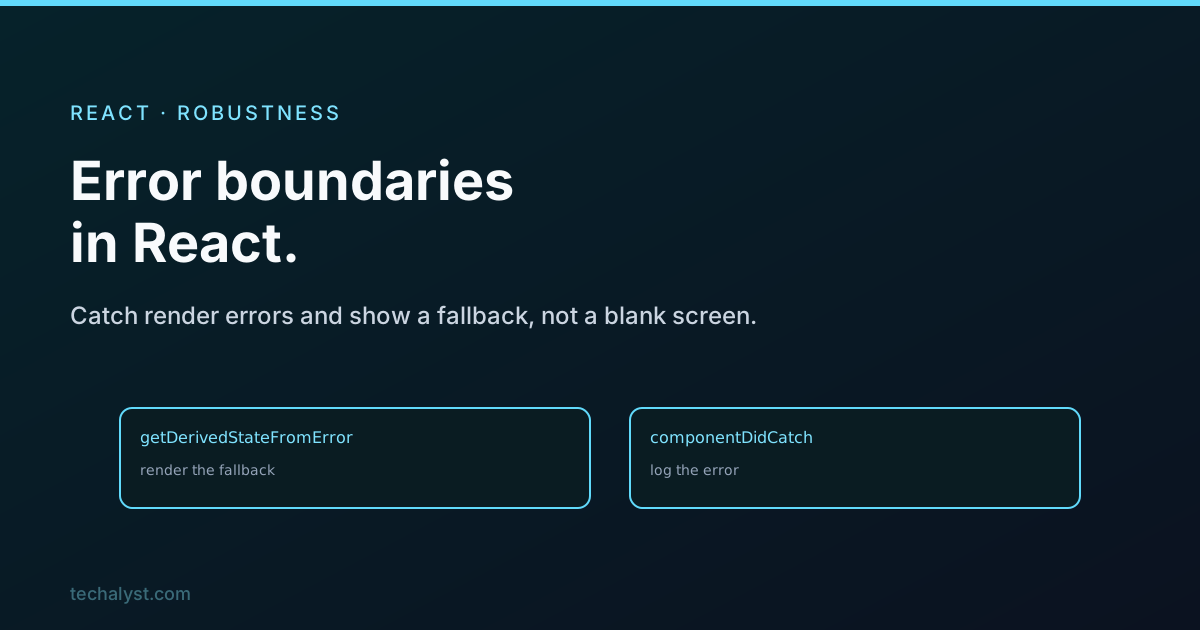
getDerivedStateFromError runs when a child throws and lets you flip into a fallback state. componentDidCatch is where you log the error to your monitoring service. Then render shows the fallback instead of the broken children.
Using one
Wrap whatever you want to protect:
<ErrorBoundary fallback={<ErrorScreen />}>
  <Dashboard />
</ErrorBoundary>
Now if anything inside Dashboard throws during render, the user sees ErrorScreen instead of a blank page, and the rest of the app outside the boundary keeps running.
What they do and do not catch
This is the part to get straight. Error boundaries catch errors thrown during rendering, in lifecycle methods, and in constructors of the components below them. They do not catch:
- Errors in event handlers. Those are regular JavaScript, so wrap them in
try/catch. - Errors in asynchronous code, like a
setTimeoutor a promise rejection. - Errors during server-side rendering.
- Errors thrown in the boundary itself, only in its children.
So an error boundary is specifically a safety net for the render path. Event-handler and async failures you still handle the normal way.
Granularity matters
Do not settle for one boundary at the very top. A single root boundary turns any error into a full-page fallback, which is barely better than the crash. Place boundaries around independent sections, a dashboard widget, a comments panel, a sidebar, so that when one breaks, only that piece shows its fallback and everything else stays usable. Wrap the risky, self-contained parts.
The package most people use
Because the class boilerplate is the same every time, most projects use the react-error-boundary package. It gives you a ready-made ErrorBoundary with a nicer API, a fallbackRender prop that receives the error, and a reset function so the user can try again without reloading. It is worth reaching for instead of rewriting the class in every project.
Wrapping up
An error boundary catches render-path errors in its child tree and shows a fallback, so a single broken component cannot blank your whole app. Build one as a class with getDerivedStateFromError for the fallback and componentDidCatch for logging, or use the react-error-boundary package. Remember it only covers rendering, lifecycle, and constructors, not event handlers or async code, and place several boundaries around independent sections rather than one at the root. That is how a React app degrades gracefully instead of disappearing.


All comments ()
No comments yet
Be the first to leave a comment on this post.