

 Flutter

Updated June 2026. Tested on Flutter 3.x and Dart 3. Part of the Techalyst Flutter series.
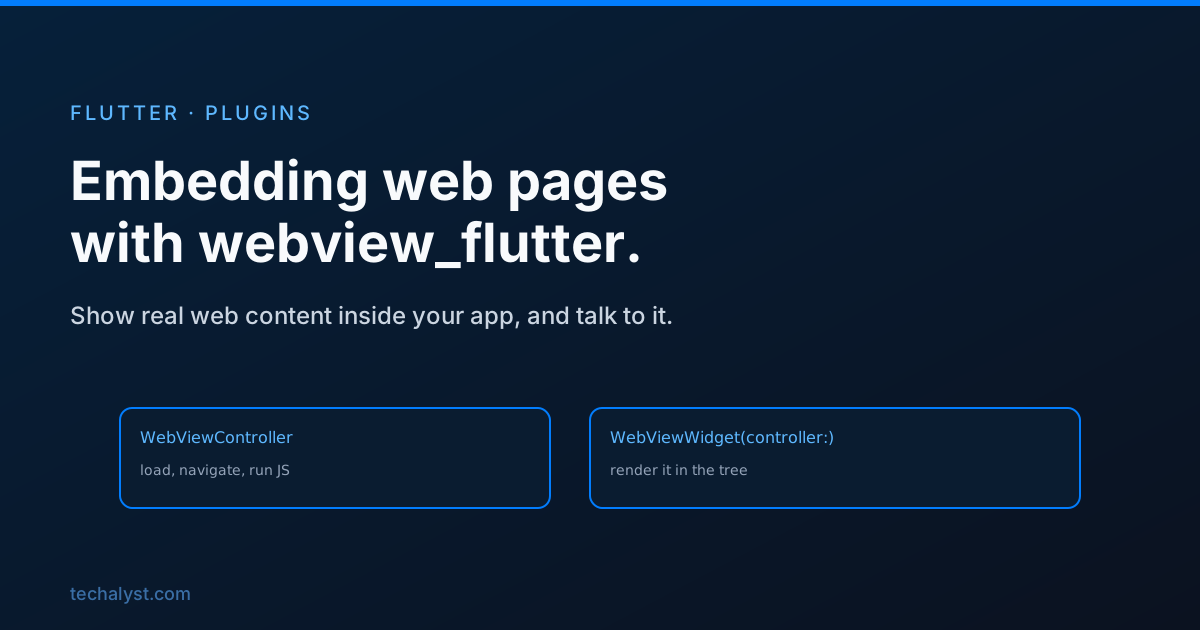
Sometimes the cleanest answer is to show a real web page inside your app rather than rebuild it natively: a help centre, terms of service, an OAuth login flow, a payment page, or a slice of an existing web app. The official webview_flutter package embeds a full browser engine right in your widget tree. The current API splits cleanly into a controller that does the work and a widget that displays it.
Setup
Add webview_flutter to pubspec.yaml. It needs a recent minimum iOS version and an Android minSdk that the package documents, but no manual native code. It is mobile only, so there is no web or desktop target here.
A controller and a widget
You configure a WebViewController, then hand it to a WebViewWidget to render. Set this up once in initState so the page is not reloaded on every rebuild:
class _DocsState extends State<Docs> {
  late final WebViewController _controller;

  @override
  void initState() {
    super.initState();
    _controller = WebViewController()
      ..setJavaScriptMode(JavaScriptMode.unrestricted)
      ..loadRequest(Uri.parse('https://flutter.dev'));
  }

  @override
  Widget build(BuildContext context) {
    return Scaffold(
      appBar: AppBar(title: const Text('Docs')),
      body: WebViewWidget(controller: _controller),
    );
  }
}
setJavaScriptMode(JavaScriptMode.unrestricted) lets the page run its scripts, which most real sites need. loadRequest points it at a URL. The WebViewWidget simply shows whatever the controller is doing.
Watching and controlling navigation
A navigation delegate lets you react to page events and decide which links are allowed. This is how you show a loading bar, or keep the web view from wandering off to URLs you do not want:
_controller.setNavigationDelegate(
  NavigationDelegate(
    onProgress: (progress) {
      // update a progress indicator
    },
    onPageFinished: (url) {
      // page is loaded
    },
    onNavigationRequest: (request) {
      if (request.url.startsWith('https://external.example.com')) {
        return NavigationDecision.prevent; // block this navigation
      }
      return NavigationDecision.navigate; // allow it
    },
  ),
);
onNavigationRequest is the important one for flows like OAuth or payments: you watch for the redirect that signals success, grab the result, and prevent the web view from actually following it.
Talking between the page and Dart
You can run JavaScript in the page and let the page call back into Dart. To push code in, use runJavaScript. To receive messages from the page, register a channel:
_controller.addJavaScriptChannel(
  'Flutter',
  onMessageReceived: (message) {
    print('Page said: ${message.message}');
  },
);
// in the page's JS: Flutter.postMessage('hello from the web');
This two-way bridge is what makes a web view more than a static frame: the embedded page and your native app can actually coordinate.
Wrapping up
webview_flutter is the right tool when rebuilding a page natively is not worth it. Configure a WebViewController with loadRequest and the JavaScript mode you need, display it through WebViewWidget, and use a NavigationDelegate to track loading and gate which URLs are allowed, which is exactly what OAuth and payment flows need. When the page and your app have to talk, runJavaScript and a JavaScript channel give you both directions. Set the controller up once in initState and the embedded web behaves like any other part of your UI.


All comments ()
No comments yet
Be the first to leave a comment on this post.