

 Symfony

Updated June 2026. Tested on Symfony 7.x and Doctrine Migrations 3. Part of the Techalyst Symfony series.
Your entities describe what the database should look like, but the database does not change itself when you edit a mapping. Migrations are how you keep the two in sync: each schema change becomes a versioned PHP class that can be reviewed, committed, and applied in order on every environment. It is the difference between a schema you can trust and one that drifts.
The workflow
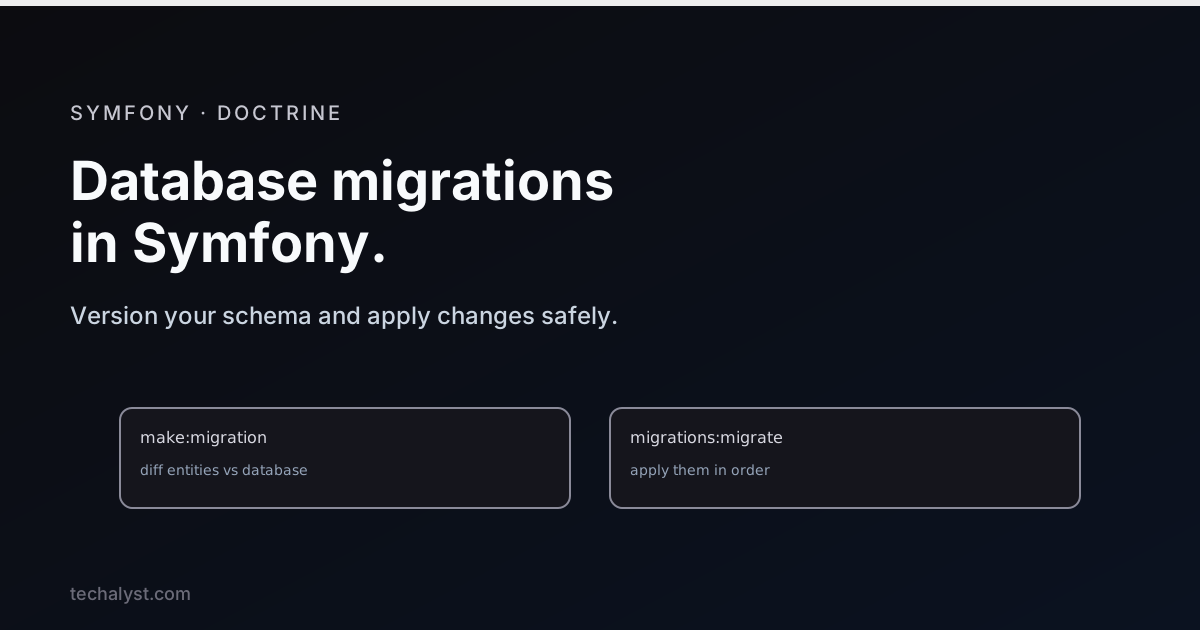
The cycle has three steps, and it is the same every time. You change an entity, generate a migration, and apply it:
# 1. You edit an entity, say add a column
# 2. Generate a migration by diffing your mapping against the live database
php bin/console make:migration

# 3. Apply pending migrations
php bin/console doctrine:migrations:migrate
make:migration is the clever part. It compares the schema Doctrine expects from your entities against the actual database, and writes a migration containing exactly the SQL needed to close the gap. You did not write that SQL, Doctrine derived it from your entity changes.
What a migration looks like
A migration is a class with up and down methods. up applies the change, down reverses it:
final class Version20260610120000 extends AbstractMigration
{
    public function up(Schema $schema): void
    {
        $this->addSql('ALTER TABLE product ADD sku VARCHAR(64) NOT NULL');
    }

    public function down(Schema $schema): void
    {
        $this->addSql('ALTER TABLE product DROP sku');
    }
}
Always read the generated SQL before applying it. The diff is usually right, but it is your schema, and a quick review catches the occasional surprise, like a column rename being seen as a drop plus an add.
Why not just schema:update
Doctrine has a doctrine:schema:update --force command that pushes your mapping straight to the database. It is handy for a quick experiment in development, but do not use it on a real project. It is not versioned, not reviewable, and not safe, it can drop data without warning. Migrations exist precisely so schema changes are deliberate, tracked, and repeatable. Use migrations for anything beyond throwaway local tinkering.
Tracking and status
Doctrine records which migrations have run in a doctrine_migration_versions table, so each one applies exactly once. You can check where things stand:
php bin/console doctrine:migrations:status
php bin/console doctrine:migrations:list
Because migrations are committed to your repository and applied in order, a teammate or a fresh environment runs the same sequence and ends up with the same schema.
On deploy
Migrations are part of your deploy. After pulling new code, you apply any new ones non-interactively:
php bin/console doctrine:migrations:migrate --no-interaction
That single command brings the production database up to match the code that was just deployed.
Wrapping up
Migrations keep your database schema versioned and in step with your entities. Change an entity, run make:migration to diff and generate the SQL, review it, and apply it with doctrine:migrations:migrate. Avoid schema:update on real projects because it is unversioned and can lose data, lean on migrations because they are tracked, ordered, and reviewable, and run them as a step in every deploy. Treat your schema as code and it stops being a source of surprises.


All comments ()
No comments yet
Be the first to leave a comment on this post.