

 Flutter

Updated June 2026. Tested on Flutter 3.x and Dart 3. Part of the Techalyst Flutter series.
Good animation is the difference between an app that feels mechanical and one that feels alive. A panel that slides instead of snapping, a colour that eases instead of flicking. Flutter gives you two levels of animation, an easy one and a powerful one, and most of the time the easy one is all you need. Knowing when to reach past it is the trick.
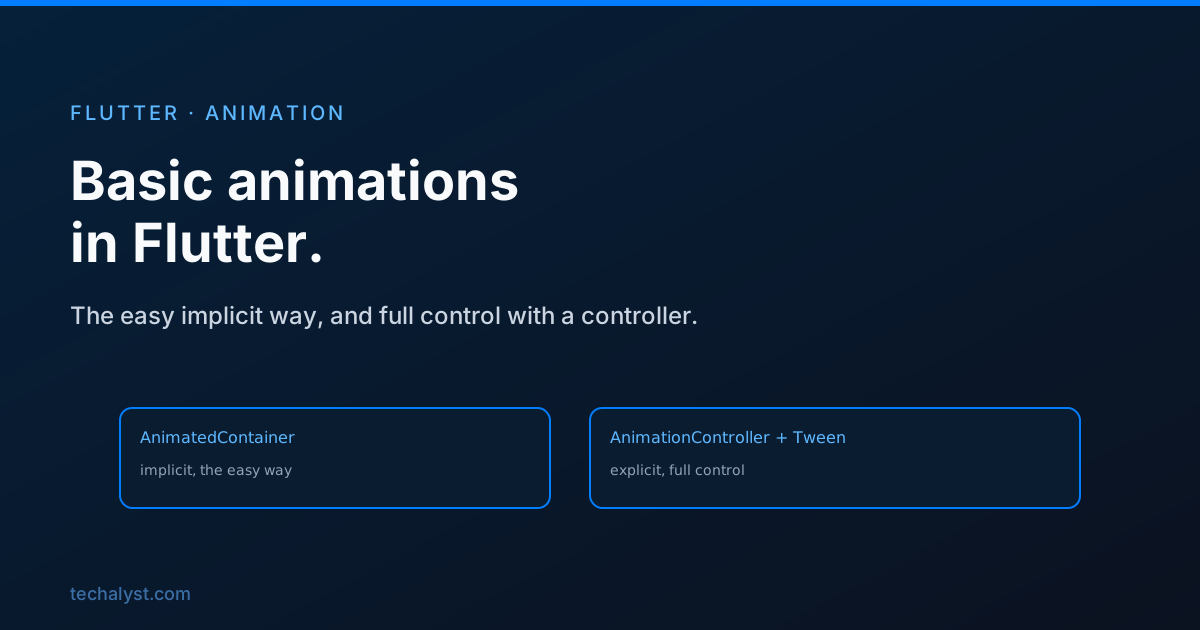
Implicit animations: the easy way
The Animated family of widgets animates for you. You just change a property, tell them how long to take, and they smoothly tween from the old value to the new one. No controllers, no setup.
AnimatedContainer(
  duration: const Duration(milliseconds: 300),
  curve: Curves.easeInOut,
  width: _expanded ? 200 : 100,
  height: _expanded ? 200 : 100,
  color: _expanded ? Colors.blue : Colors.grey,
)
Flip _expanded with setState and the box grows and changes colour over 300 milliseconds. That is the entire animation. There is a whole set of these: AnimatedOpacity for fades, AnimatedPadding, AnimatedAlign, AnimatedPositioned inside a Stack, and more. If your animation is just "this property changed, ease to the new value", an implicit widget is the right tool and you should not reach for anything heavier.
Curves shape the motion
That curve is what makes movement feel natural. Linear motion looks robotic. Curves.easeInOut starts slow, speeds up, and slows down, the way real things move. There are many, like Curves.easeOut, Curves.bounceOut, and Curves.elasticOut, and swapping the curve changes the entire personality of an animation without touching anything else.
Explicit animations: full control
When you need to drive an animation yourself, loop it, reverse it, or coordinate several at once, you step up to an AnimationController. It needs a vsync, which ties the animation to the screen's refresh so it does not run when the widget is off screen. You get that by mixing in SingleTickerProviderStateMixin.
class _PulseState extends State<Pulse> with SingleTickerProviderStateMixin {
  late final AnimationController _controller;
  late final Animation<double> _size;

  @override
  void initState() {
    super.initState();
    _controller = AnimationController(
      duration: const Duration(seconds: 1),
      vsync: this,
    );
    _size = Tween<double>(begin: 50, end: 200).animate(
      CurvedAnimation(parent: _controller, curve: Curves.easeOut),
    );
    _controller.forward(); // start it
  }

  @override
  void dispose() {
    _controller.dispose(); // always
    super.dispose();
  }

  @override
  Widget build(BuildContext context) {
    return AnimatedBuilder(
      animation: _size,
      builder: (context, child) {
        return Container(width: _size.value, height: _size.value, color: Colors.blue);
      },
    );
  }
}
The controller runs from 0 to 1 over its duration. A Tween maps that 0-to-1 into the range you actually want, here 50 to 200, and a CurvedAnimation shapes it. AnimatedBuilder rebuilds just the animated part on every frame using _size.value.
A controller is a resource, so it has to be disposed in dispose, exactly like the timers and subscriptions in the widget lifecycle. Forget it and you leak.
forward, reverse, repeat
The controller is yours to drive. forward() plays it, reverse() plays it backward, repeat() loops it, and repeat(reverse: true) ping-pongs it, which is how you build a pulsing or breathing effect.
Which one to use
Default to implicit animations. If the effect is "a property changed, ease to it", an AnimatedContainer or AnimatedOpacity is less code and less to get wrong. Move to an AnimationController only when you need to control playback, loop, or run several animations off one timeline. Picking the lighter tool first keeps your widgets simple.
Wrapping up
Flutter animation has two gears. Implicit widgets like AnimatedContainer handle simple state-driven changes with nothing but a duration and a curve. An AnimationController with a Tween and AnimatedBuilder gives you frame-level control for looping and coordinated motion, at the cost of setup and a controller you must dispose. Reach for curves to make motion feel real, start with the implicit widgets, and only step up when you genuinely need the reins.


All comments ()
No comments yet
Be the first to leave a comment on this post.