

 Laravel

Updated June 2026. Tested on Laravel 13, PHP 8.4 and MySQL 8.
A reader asked me to help build a retention curve from their database. Their site had a multi step signup, and they wanted to see how far each weekly group of new members got through it, so they could find where people drop off. That is a cohort analysis, and it is a genuinely useful chart to have. Here is how to build it.
The shape of the data
A cohort is a group of users who started in the same period, here a week. The retention curve plots, for each cohort, the percentage still active at each onboarding step. Every cohort starts at 100% on the first step and falls as people drop out.
The onboarding has eight steps, each with a completion percentage stored on the member row.
member_onboarding: id, created_at, onboarding_percentage
The steps map to these percentage thresholds: 0, 20, 40, 50, 70, 90, 99, 100.
The model
namespace App\Models;

use Illuminate\Database\Eloquent\Model;

class MemberOnboarding extends Model
{
    protected $table = 'member_onboarding';
    public $timestamps = false;
}
The query
The trick is to count, per weekly cohort, how many members reached at least each step. That is a funnel, and we build it with one SUM(CASE ...) per step. Grouping by the signup week gives us one row per cohort.
use App\Models\MemberOnboarding;
use Illuminate\Support\Facades\DB;

$cohorts = MemberOnboarding::query()
    ->selectRaw("YEARWEEK(created_at, 3) AS week")
    ->selectRaw("DATE(DATE_SUB(created_at, INTERVAL WEEKDAY(created_at) DAY)) AS week_start")
    ->selectRaw("SUM(onboarding_percentage >= 0)   AS step1")
    ->selectRaw("SUM(onboarding_percentage > 0)     AS step2")
    ->selectRaw("SUM(onboarding_percentage >= 40)  AS step3")
    ->selectRaw("SUM(onboarding_percentage >= 50)  AS step4")
    ->selectRaw("SUM(onboarding_percentage >= 70)  AS step5")
    ->selectRaw("SUM(onboarding_percentage >= 90)  AS step6")
    ->selectRaw("SUM(onboarding_percentage >= 99)  AS step7")
    ->selectRaw("SUM(onboarding_percentage = 100)  AS step8")
    ->groupBy('week', 'week_start')
    ->orderBy('week')
    ->get();
SUM(condition) works because in MySQL a true condition is 1 and false is 0, so each SUM counts the members who reached that step. step1 is everyone in the cohort, which is our baseline of 100%.
Turn counts into percentages and chart JSON
Each cohort becomes one line on the chart. For each step we divide its count by the cohort's step1 count to get the retention percentage. The first step is always 100%.
$series = $cohorts->map(function ($cohort) {
    $base = max($cohort->step1, 1); // avoid divide by zero

    $points = collect(range(1, 8))->map(fn ($i) =>
        round($cohort->{"step{$i}"} / $base * 100)
    );

    return [
        'name' => $cohort->week_start,
        'data' => $points->all(),
    ];
});

return response()->json([
    'steps'  => [0, 20, 40, 50, 70, 90, 99, 100], // x axis labels
    'series' => $series,
]);
The payload is deliberately chart library agnostic: an array of step labels for the x axis, and one series per weekly cohort. That feeds straight into Chart.js, ApexCharts, or any line chart, each cohort drawn as its own falling line.
Reading the result
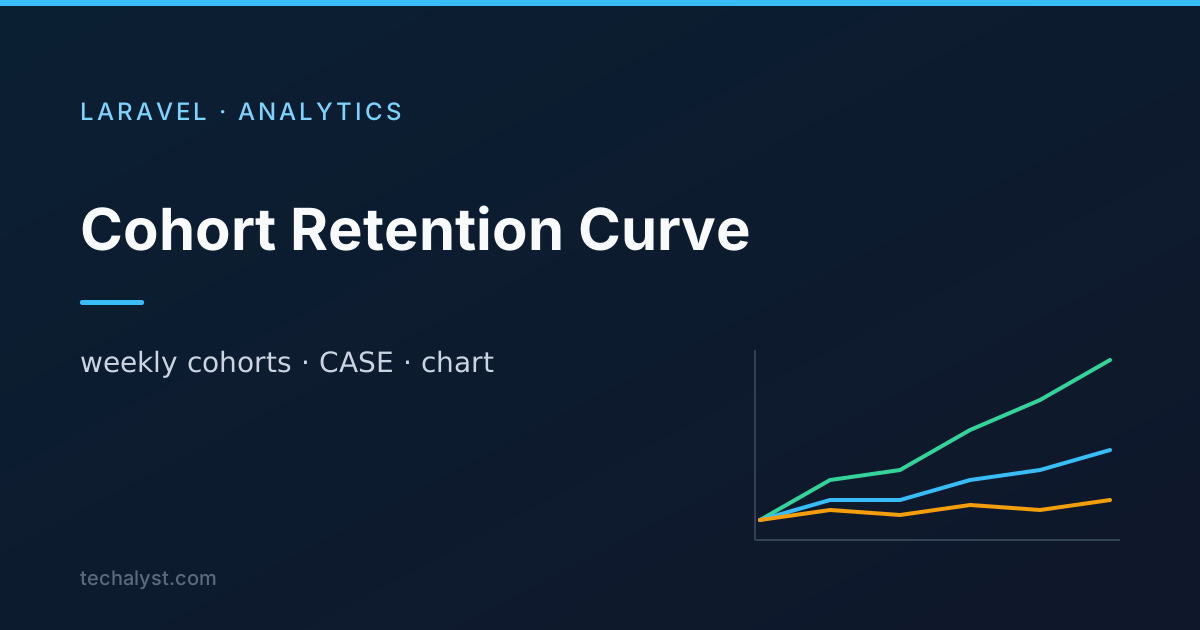
On the chart, every line starts at 100% on the left and drops as members fail to finish each step. Where the lines fall steeply is where people get stuck, which is exactly the question the reader wanted answered. Comparing newer cohorts to older ones also shows whether changes to the signup flow are actually improving retention.
The whole thing is one grouped query plus a small mapping step. No pivoting gymnastics, just a SUM per step and a division. Questions about cohort analysis in Laravel are welcome in the comments.


All comments ()
No comments yet
Be the first to leave a comment on this post.